
Use family tree Word templates to present family relationships in a readable Word diagram with respectful labels and traceable information.
Editable downloads and previews
Use the file links where provided. Links labeled “View original source” open another website; check its current format, availability and terms. A preview image alone is not an editable document.
Template previews and source links
Family Tree Word Sample
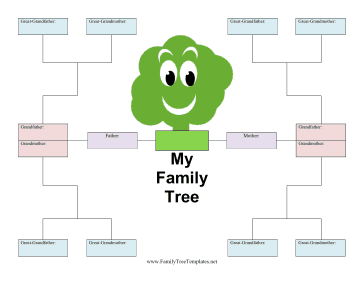 View original source for Family Tree Word Sample
Beautiful Family Tree Editable
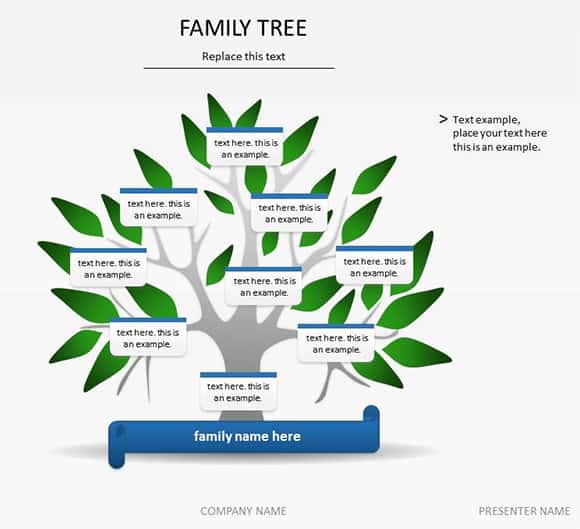 View original source for Beautiful Family Tree Editable
Family Tree With Pictures
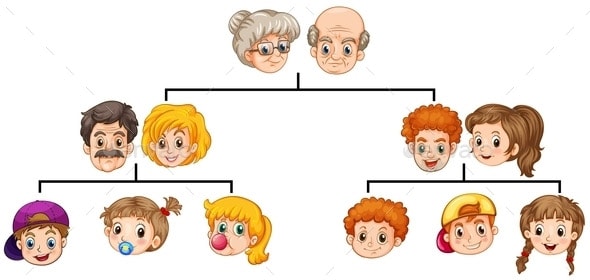 View original source for Family Tree With Pictures
Family Tree PDF Example
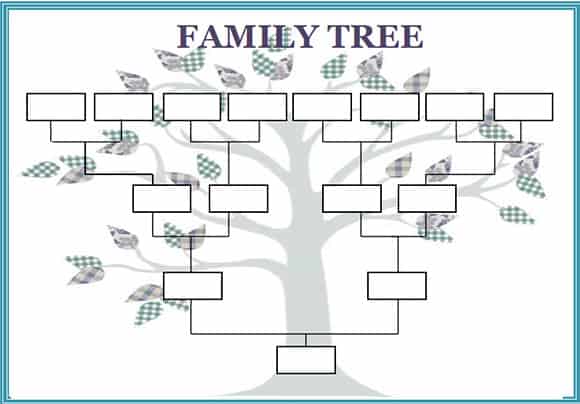 Download Family Tree PDF Example (PDF)
MS Word Family Tree
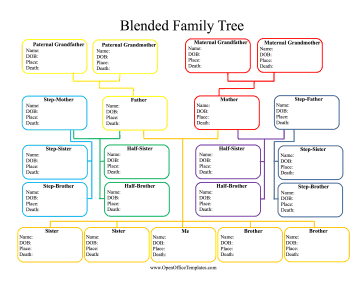 View original source for MS Word Family Tree
A family tree can be a keepsake, a research aid, or an educational diagram. Decide its purpose before adding detail. Biological, adoptive, step, and other relationships can all be represented clearly without forcing the family into a misleading layout.
Choose a suitable template
Choose a family diagram by its purpose and intended audience. A keepsake, relationship map, and health-history discussion need different levels of detail. Define the generations and relationship conventions before editing the layout. A respectful, readable chart with acknowledged gaps is more useful than a crowded design that presents uncertain information as established fact.
Important details to prepare
Scope
Choose the focal person and generations shown. A limited, readable tree can be expanded later without crowding every relationship onto one page. State the purpose before deciding how much information to collect. A clear boundary helps protect privacy and prevents the diagram from becoming an unfocused archive of sensitive details.
Names
Use consistent name conventions and explain alternate or former names where relevant. Check with living relatives before publishing personal details. Confirm how the person wishes to be identified where appropriate. Consistency helps readers follow the chart, but it should not erase important context or respectful naming preferences.
Relationships
Label connectors clearly and represent family structures respectfully. A line should have an explained meaning rather than relying on assumptions. Explain the connector or category in the legend. A reader should not have to infer a biological, adoptive, step, or other relationship from position alone.
Dates and places
Add only relevant details with an appropriate level of precision. Mark approximate or unknown dates instead of inventing exact information. Record the source and level of certainty. A remembered year or reported detail can be useful when honestly labeled, without being presented as a verified record.
Sources
Keep a research note identifying where each uncertain fact came from. Distinguish family recollection from a supporting record. Keep explanatory notes proportionate and understandable. If a symbol system is too complex for the intended audience, simplify it or add a separate explanation.
Layout and sharing
Use readable type and adequate spacing, and review who should receive the tree. Keep sensitive information out of public copies. Review access whenever the chart is shared or updated. Sensitive information that is appropriate for one private conversation may not belong in a family newsletter or public keepsake.
How to complete the template
Collect information with permission where appropriate and record its source. Let relatives decline questions, especially where information is sensitive or disputed. Use labels and connectors that accurately reflect the family’s structure without forcing every relationship into one assumed pattern. Mark approximate dates and unknown details honestly. Keep a legend with the diagram so a later reader can understand its conventions.
Worked example
A student creates a three-generation tree for a family project. The Word layout includes adoptive relationships with clear labels and omits private contact information. One birth year is marked approximate because it comes from recollection. A separate source note preserves that uncertainty so a later reader does not mistake it for a verified record.
Check accuracy before use
Review the chart for missing labels, duplicate people, unexplained connectors, and dates that conflict. Ask an appropriate family member to check the relevant details without circulating every sensitive note to the entire family. A relationship diagram does not establish legal status or diagnose inherited conditions. Any health interpretation should be discussed with a qualified professional using appropriate context.
Related resources for the next step
Use contact information templates to maintain agreed family contacts separately.
Use phone tree templates to organize family communication.
Use directory templates to compare a structured contact-list layout.
