
An inventory form template helps you collect information about items in a consistent way. It can be used during a stock count, equipment review, office handover, or storage check. The forms below provide different starting layouts for capturing item descriptions, quantities, locations, and other useful details.
A form is most valuable when the person completing it understands what to record and the person receiving it can use the result without guessing. This guide explains how to choose fields, write instructions, organize a count, and transfer the collected information into a reliable inventory record.
Define the job of the form
Decide whether the form records a physical count, an equipment assignment, a location inventory, or a receipt of goods. These activities need different details. A count form needs quantities and units, while an equipment record may need serial numbers and condition.
State the purpose at the top of the page. Include the site or area covered and the date of collection. If the form is part of a larger process, identify where it should be submitted. A clear purpose prevents people from treating one form as a substitute for every inventory-related record.
Choose fields that support the purpose
Start with item code or identifier, description, location, quantity, unit, date, and the name of the person completing the form. Add condition, serial number, reference, or notes when those details will be used. Keep unrelated fields off the page.
For a count-focused layout, an inventory count sheet may help compare the information required. Think about the person filling in the form and the person reviewing it. A field should have a clear use; otherwise it adds effort and increases the chance that important details will be overlooked.
Write instructions people can follow
Use short instructions explaining what belongs in each ambiguous field. For example, specify whether “location” means a building, room, shelf, or bin. Explain whether the quantity should be counted in individual pieces or unopened packs.
Include a completed example if the form will be used by people unfamiliar with the process. Avoid lengthy instructions that compete with the entry area. Put detailed procedures in a supporting note and keep the form’s guidance focused on the decisions someone must make while recording an item.
Keep item identification consistent
Use stable item codes where they exist and copy them accurately. Descriptions should include the distinguishing details needed to avoid confusion, such as size, model, material, or pack specification. Two similar-looking items should not be combined merely because their names are close.
A product list can serve as a reference for approved codes and descriptions. If an item has no code, record enough information for a reviewer to identify it and mark the entry for follow-up. Do not invent a new permanent code unless the process gives you responsibility for doing so.
Record quantities and units separately
Keep the quantity numeric and place the unit in a separate field. “12” is incomplete without knowing whether it represents pieces, cases, or metres. For opened packs, explain how the remaining quantity should be measured or estimated.
If an estimate is permitted for the purpose, mark it clearly rather than presenting it as a counted result. Record any conversion used between purchase and storage units. Consistent units make later comparison possible and prevent a form from producing a spreadsheet that appears complete but cannot be reconciled.
Adapt the form for equipment
An equipment inventory form may need asset identifier, manufacturer, model, serial number, location, assigned person, and condition. A serial number can distinguish two otherwise identical items. Keep the identifying fields readable and allow enough writing space for long references.
Separate observed condition from assumptions about value or future usability. “Screen cracked” is a useful observation; “worthless” may be an unsupported conclusion. If the item needs inspection or repair, record the follow-up and responsible person. A service log can support the maintenance history without crowding the inventory form.
Organize collection by location
Plan the route through rooms, shelves, or storage areas so items are not skipped or counted twice. Label pages with the area covered and number them when the collection uses several sheets. Identify who is responsible for each area.
If items move during collection, agree how those movements will be recorded. A count taken over several hours can be affected by receipts and issues. The form should include enough timing information to explain the observation, especially when the results will be compared with a live stock record.
Make space for condition and exceptions
Include an exception or notes field when people may find damaged goods, unidentified items, or stock in the wrong place. These observations should not be forced into a quantity cell. A short note can explain why the entry needs review.
Use consistent condition labels if the form will be summarized later. Keep the labels meaningful for the operation and explain who can change a status after inspection. A stock inventory form should preserve what the counter observed while leaving formal decisions to the person responsible for the next step.
Work through an equipment-review example
Imagine a team reviewing the contents of a training room. The form lists a projector, two speakers, chairs, and small accessories. The projector has an asset code and serial number, while the chairs are recorded as a counted group in the same condition.
During the review, a speaker is found in a nearby office. The counter records its actual location and notes the difference instead of quietly copying the old room list. The reviewer can then decide whether the master record needs updating or the item should be returned. The form preserves useful evidence.
Review completed forms before entry
Check that required identifiers, units, dates, and locations are present. Look for unreadable handwriting, repeated entries, and quantities that need clarification. Ask questions while the person who collected the information still remembers the work.
Do not guess missing details simply to complete a spreadsheet. Mark unresolved entries and assign follow-up. A second-person review may be useful for important counts or equipment transfers. Keep corrections traceable so a reviewer can understand what was changed and why, particularly when the form supports an adjustment to an existing record.
Transfer information into a master record
Use a consistent column structure when entering completed forms into a workbook. Keep one item observation or record per row and preserve the original form reference. This makes it easier to trace a later question back to the source.
An inventory tracking spreadsheet can hold ongoing movements, while the form records the initial observation or collection event. Do not overwrite movement history with a count without following the adjustment process. Keep the distinction between what was observed, what was recorded previously, and what change was approved.
Choose paper or digital collection deliberately
Paper may be practical when people move through storage areas without convenient devices. Digital collection can reduce re-entry but depends on a usable layout and a reliable method for saving information. Consider the actual setting rather than choosing a format only because it looks modern.
For paper, provide enough writing room and clear page labels. For digital use, test the form on the device people will carry and check how entries are saved. Avoid allowing several competing copies to become separate masters. Agree where the completed information will be collected.
Customize the template and test it
Review the previews for the number of columns, space for descriptions, and suitability for stock or equipment. Check the actual resource format after opening the link. An image preview may demonstrate a layout without providing every feature of an editable form.
Save an unchanged original and test the adapted form on a small area before using it widely. Ask the collector and reviewer what was unclear or missing. Adjust the instructions, field widths, and submission details, then date the form so people can recognize the current version.
Inventory Form Templates Are Given Below
Sample Inventory Form Template
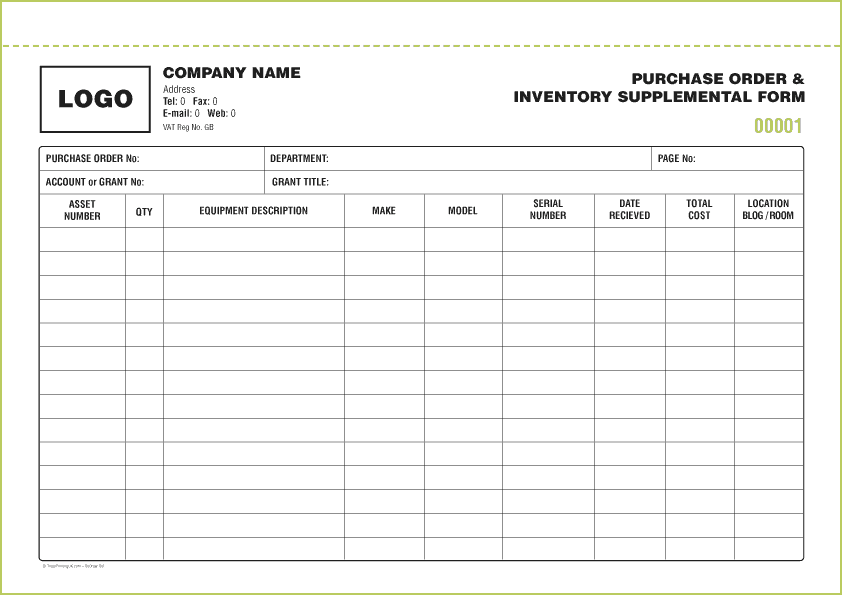

Inventory Form Template Example
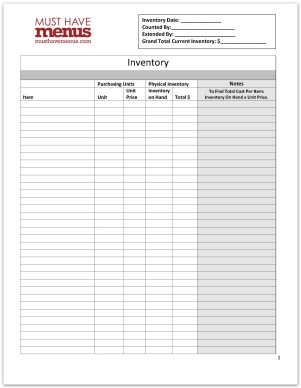
Equipment Inventory Form Template
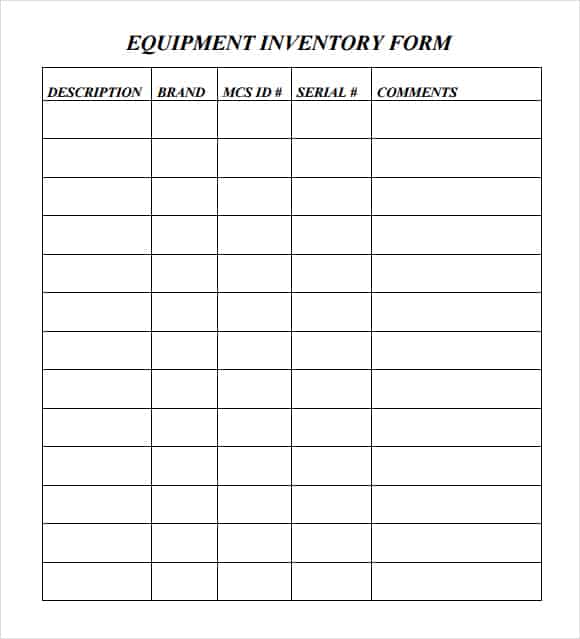
Inventory Form Template Word
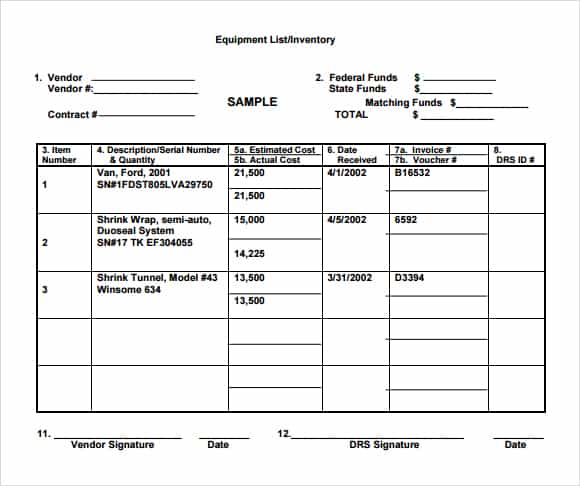
Frequently Asked Questions
What is an inventory form used for?
It collects consistent information about items during a count, review, handover, or other inventory activity. Its fields should match the purpose of the collection.
How is an inventory form different from an inventory spreadsheet?
The form captures information at the point of observation. A spreadsheet can organize and maintain the resulting records, calculations, or movement history.
Which fields are essential?
Usually the item identifier, description, location, quantity, unit, collection date, and collector are useful. Equipment forms may also need serial number, assigned person, and condition.
Should I combine similar items in one row?
Combine them only when they are genuinely the same item for the purpose of the record. Different specifications, units, locations, or conditions may require separate rows.
What should I do with an unidentified item?
Record its observable details and location, mark the entry for review, and assign follow-up. Avoid guessing a permanent code or description.
Can the same form work for stock and equipment?
It can be adapted, but the fields often differ. Stock counts emphasize quantities and units; equipment records may need individual identifiers and responsibility details.

You must be logged in to post a comment.