
Use order form templates to collect complete customer order details and support a clear confirmation before fulfillment. This page contains layout examples and links to original sources, rather than a hosted editable Word or Excel file.
Layout examples and source links
These are layout previews and links to original sources, rather than hosted editable downloads. Check each source’s current availability, format and terms.
Template previews and source links
Sample Order Form Template
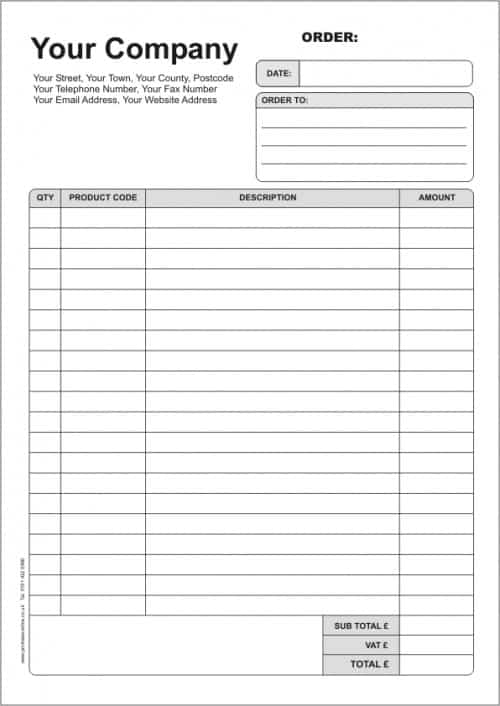 View original source for Sample Order Form Template
Purchase Order Form Template
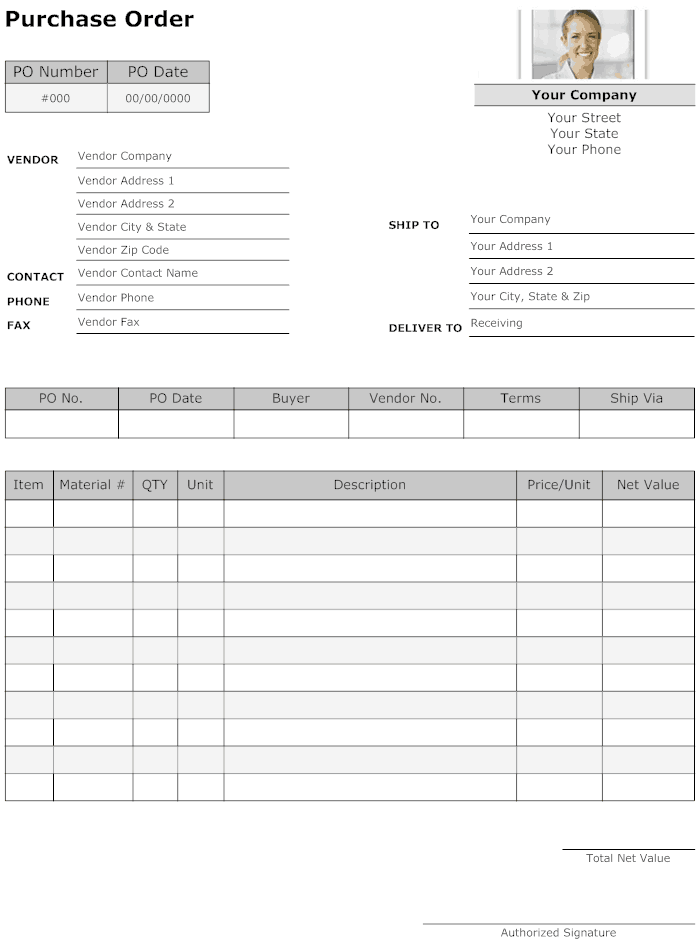 View original source for Purchase Order Form Template
Online Order Form Template
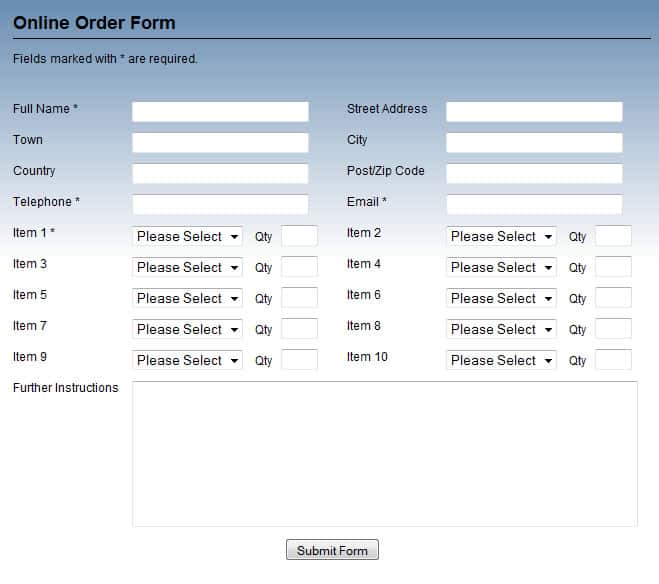 View original source for Online Order Form Template
Work Order Form Template Example
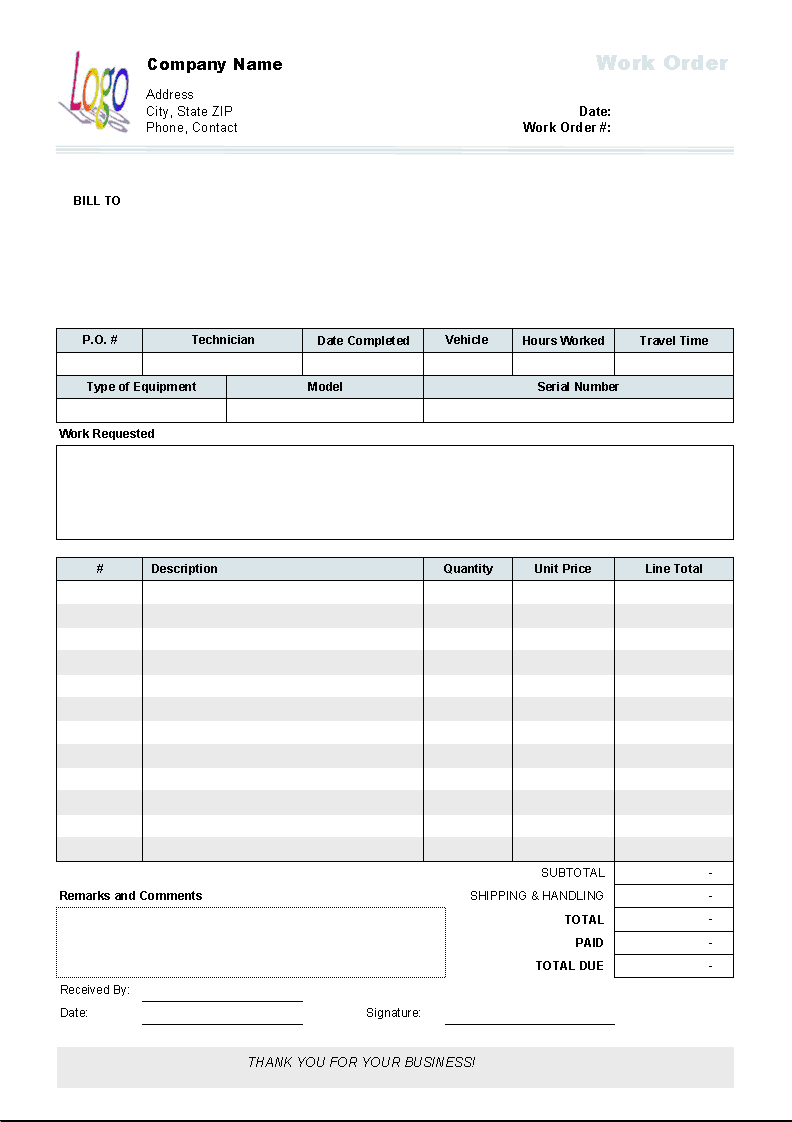
An order form collects a request for goods or services. Define when the order becomes accepted and how availability, pricing, and delivery are confirmed. A submitted form should not automatically promise stock or delivery dates that the business has not verified.
Choose a suitable template
Choose an order layout that matches what the business sells and how acceptance occurs. Standard products, configurable items, and custom services need different detail. The form should capture the request without promising availability, pricing, or delivery that has not been confirmed. Use the preview to compare space and structure, then check the actual resource format before editing.
Important details to prepare
Customer
Record the buyer’s name and appropriate contact. Keep billing and delivery details distinct where they differ. Use the actual customer and seller details needed for clarification and fulfillment. Avoid collecting unrelated personal information just because the sample contains extra boxes.
Items
Use product or service codes, descriptions, quantities, and units. Options such as size or color need explicit selections. Keep item descriptions and options consistent with the product or service list. Ambiguous shorthand can lead to the wrong goods being prepared.
Pricing
State unit prices, currency, discounts, and separately treated charges. Explain whether displayed amounts are estimates or confirmed prices. Show units, currency, and the pricing basis. A correct multiplication does not help if the quantity means packs in one place and individual units in another.
Delivery
Collect the agreed delivery method, address, and requested date. Distinguish a customer preference from a confirmed commitment. Distinguish a preference from a commitment and verify arrangements through the business’s actual process. Record any conditions that affect acceptance.
Payment
State the approved payment process and status. Do not collect full card credentials through an ordinary unsecured form. Use the authorized payment route and make status explicit. A payment instruction, approved charge, and settled payment are different events.
Confirmation
Assign an order reference, confirm the accepted details, and document amendments. Keep fulfillment and cancellation status traceable. Retain the confirmed version and connect later changes to the same reference. This helps prevent duplicate fulfillment or disagreement about which specification was accepted.
How to complete the template
Arrange customer details, order lines, pricing, requested arrangements, and confirmation in a logical sequence. Use consistent product codes and units. Give each variant or service specification enough space to be understood. Keep requested terms distinct from accepted terms and make optional charges or work visibly separate. Use the approved payment process rather than collecting sensitive credentials in an ordinary document.
Worked example
A customer orders twelve shirts in two sizes. The form records each variant separately, so the total quantity is twelve rather than twelve of each. The seller checks stock and delivery before sending a confirmation with the order reference. A later size change is recorded as an amendment, not an unconnected second order.
Check accuracy before use
Complete a realistic order and verify every line. Check quantities, units, variants, currency, discounts, charges, and totals. Ask whether fulfillment staff could supply the correct item without guessing. Confirm that billing and delivery details are not inadvertently interchanged. A customer’s requested date should remain a request until the business confirms it can meet the commitment.
Related resources for the next step
Use product list templates to maintain consistent item descriptions.
Use price list templates to support current pricing.
Use merchandise return forms to document returns under the actual policy.

You must be logged in to post a comment.