
Excel vacation itinerary templates help bring travel booking details, transport, accommodation, and daily activities into one plan. The previews below show different layouts for individual and family trips. Choose a format that makes important details easy to find, then adapt it to your destination, travel group, and preferred pace.
An itinerary is a working reference rather than a promise that every day will unfold exactly as written. Build in time for journeys, rest, and changes. This guide explains how to organize the workbook, separate confirmed arrangements from ideas, and share useful information without overloading the people travelling with you.
Start with the outline of the trip
Record the travel dates, destinations, travellers, and the main purpose of the vacation. Note any fixed commitments, such as a booked flight, family occasion, or accommodation check-in. These form the framework around which optional activities can be arranged.
Decide how much structure the group wants. Some travellers prefer a few anchor activities, while others need a more detailed sequence. A short travel planner can help collect the broader goals and preparation tasks before you place them into a daily itinerary. Agree the priorities before filling every available time slot.
Separate confirmed bookings from possibilities
Use a clear status column for confirmed, requested, tentative, and cancelled arrangements. A saved idea should not look like a paid reservation. Include the booking reference and the person who made the arrangement when that helps the group find the original confirmation.
Keep the provider’s confirmation as the authority for the booking details. The itinerary is a convenient summary and may become outdated after a change. Record the last check date for important arrangements and make updates when a provider sends revised information. Avoid relying on a memory of the original booking.
Build a readable workbook structure
For a short trip, one sheet may be enough. A longer journey may benefit from separate sheets for overview, daily plans, bookings, transport, and costs. Keep the main itinerary concise so travellers can find the next action quickly.
Use one row per activity or journey leg, with columns for date, local time, place, activity, reference, and notes. Keep large amounts of background research elsewhere. An itinerary that requires scrolling through several paragraphs to find the hotel address is difficult to use while travelling.
Treat dates and local times carefully
Write dates in an unambiguous format and identify the local time zone for each location when the trip crosses zones. Keep arrival dates separate from departure dates because an overnight journey may arrive on a different calendar day.
Check the times against current provider confirmations before departure. A spreadsheet does not automatically know about a schedule change or a time-zone adjustment unless it has been specifically built to do so. If you use formulas to calculate durations, confirm that they account for the dates and zones involved rather than subtracting two clock times blindly.
Allow realistic transfer and arrival time
Include the journey between activities, not only the activities themselves. Consider the distance, luggage, group size, and the need to find the departure point. Check current transport guidance and booking conditions directly with the provider when planning a connection.
Avoid treating the published arrival time as the moment you will be ready for another activity. Collecting luggage, reaching accommodation, and checking in may take additional time. A flexible plan leaves room around important transfers so a small delay does not disrupt the rest of the day.
Organize accommodation information
Record the property name, address, contact information, booking reference, and confirmed arrival and departure dates. Add useful instructions from the provider, such as how to collect keys or where to meet a host. Identify who holds the original confirmation.
Keep sensitive access information separate when the itinerary will be widely shared. A group may need the address without needing every payment or identity detail. If there are several rooms or properties, label the allocation clearly and confirm that each traveller knows where they are staying before arrival.
Plan activities at a comfortable pace
Choose the main activities first, then group nearby visits where practical. Leave space for meals, rest, and unplanned discoveries. A vacation with several travellers may need time for different interests rather than expecting everyone to follow the same plan continuously.
A daily vacation itinerary can show one main activity, optional alternatives, and the time everyone intends to meet again. Check current opening hours, reservations, and availability with the relevant venue before treating an activity as confirmed. The workbook should show which details still need checking.
Keep costs distinct from the schedule
Record estimated, booked, and paid amounts separately. Identify the currency for each figure so totals do not mix unrelated amounts. If you convert currencies for planning, note the rate and date used and treat it as an estimate rather than the final amount charged.
An expense template can support a separate spending record during the trip. Keep the itinerary focused on movements and arrangements, with a link or reference to the cost sheet. For shared expenses, record who paid and how the group agreed to divide the cost.
Work through a three-day itinerary example
Imagine a family arriving on Friday afternoon and departing on Monday morning. The first day includes arrival, accommodation check-in, and a simple nearby meal. Saturday has one booked activity and an optional afternoon visit. Sunday leaves time for a longer outing and packing.
During review, the family notices that Saturday’s lunch location is far from the booked activity. They change the meal plan and leave a wider gap before the afternoon visit. The itinerary becomes more useful by reducing unnecessary travel rather than adding another attraction to the schedule.
Prepare a small set of backup options
List alternatives for the parts of the trip most likely to change. An outdoor activity may need an indoor option; a delayed arrival may require a simpler meal plan. Record what can be cancelled or moved and where the relevant conditions are stored.
Keep backup notes short enough to use quickly. The aim is to avoid making every decision from the beginning when circumstances change. Ask one person to coordinate major updates, but make sure the whole group can access the essential information if that person is temporarily unavailable.
Share the right information with travellers
Create a compact overview with travel dates, accommodation, important meeting times, and useful contacts. A detailed organizer’s workbook may include research and costs that everyone does not need. A general itinerary template can help create a simpler travel-facing version.
Explain which copy is current and how updates will be communicated. If people print the plan, include a revision date. Keep names and contact details limited to what the recipients need. Avoid placing identity documents, full payment details, or access credentials in a file that may be forwarded casually.
Check the itinerary before departure
Compare the workbook with the latest booking confirmations. Review dates, traveller names, addresses, transfer arrangements, and important contact information. Mark unresolved questions and assign someone to check them directly with the provider.
Save an offline copy of essential details if access may be inconvenient while travelling. Check that a printed or exported version remains readable and includes all necessary columns. A beautiful worksheet that cuts off the hotel address at the page edge is less useful than a simple page containing complete information.
Customize the selected template
Choose a preview that matches the length and complexity of the trip. A family layout may need space for several travellers, while a multi-destination trip may benefit from a strong overview. Inspect the actual resource format and any formulas after opening it.
Keep a clean original, replace sample dates, and test a complete travel day before entering the whole vacation. Remove unused sections, keep time and date formats consistent, and use a meaningful filename. After the trip, retain useful planning lessons while removing personal details that no longer need to be shared.
Excel Vacation Itinerary Templates Are Available Here
Detailed Vacation Itinerary Template
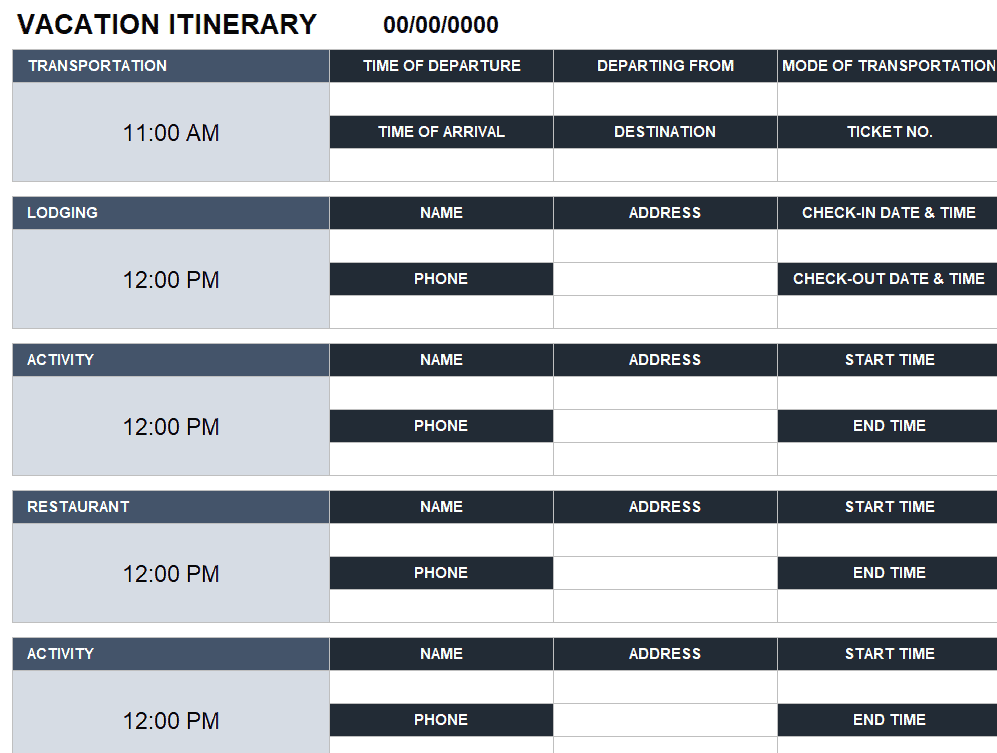
Example Vacation Itinerary Template
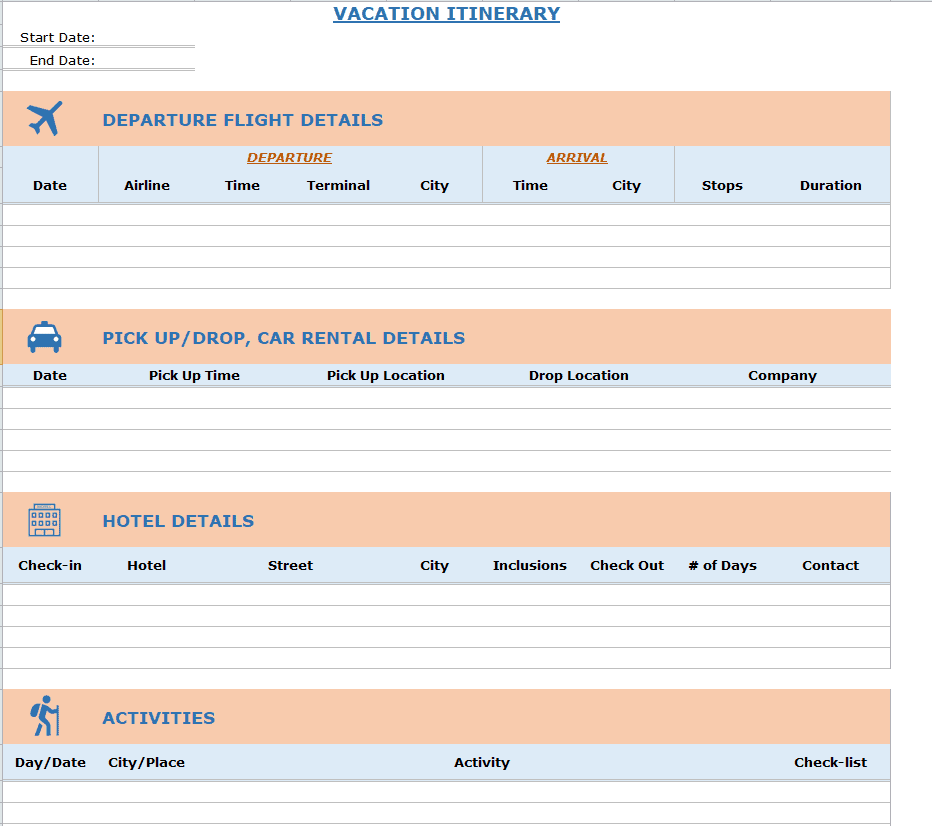
Sample Vacation Itinerary Template

Family Vacation Itinerary Template
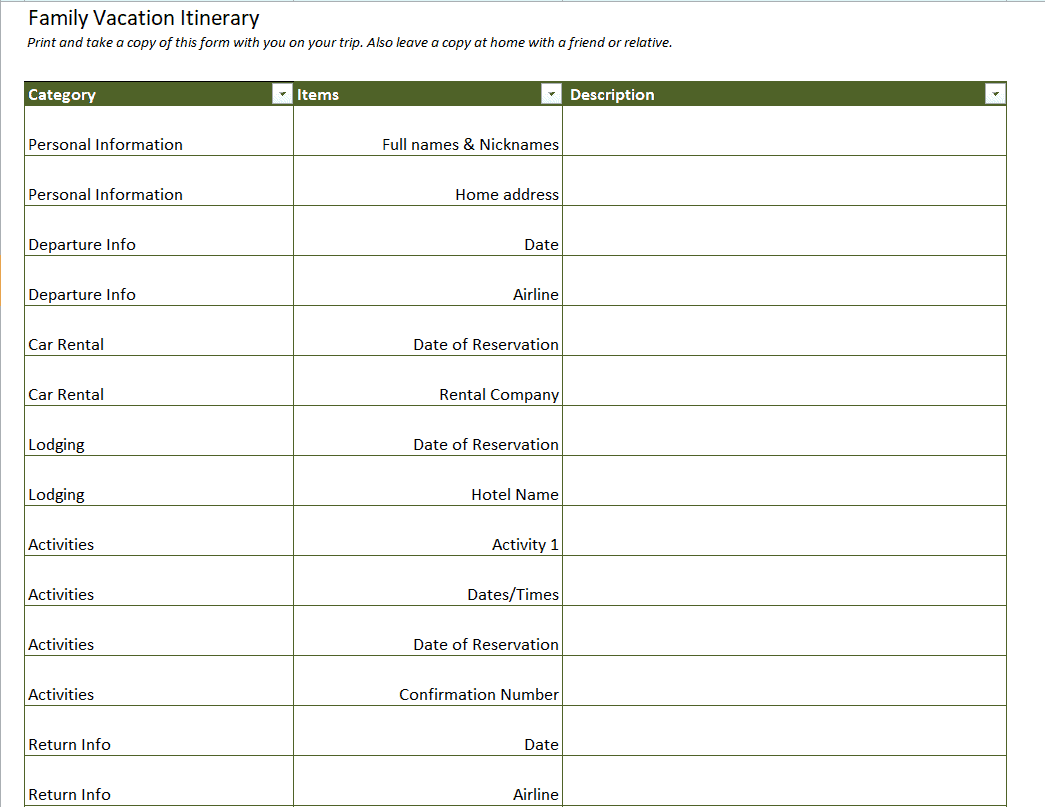
Family Vacation Itinerary Excel Template
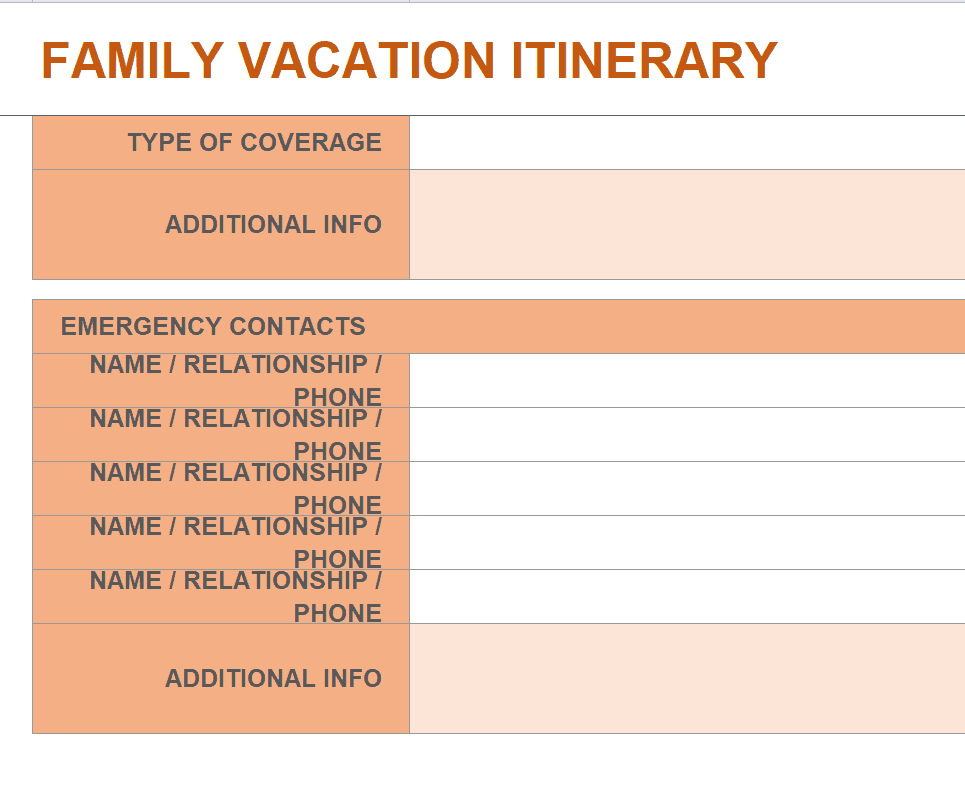
Special Vacation Itinerary Template
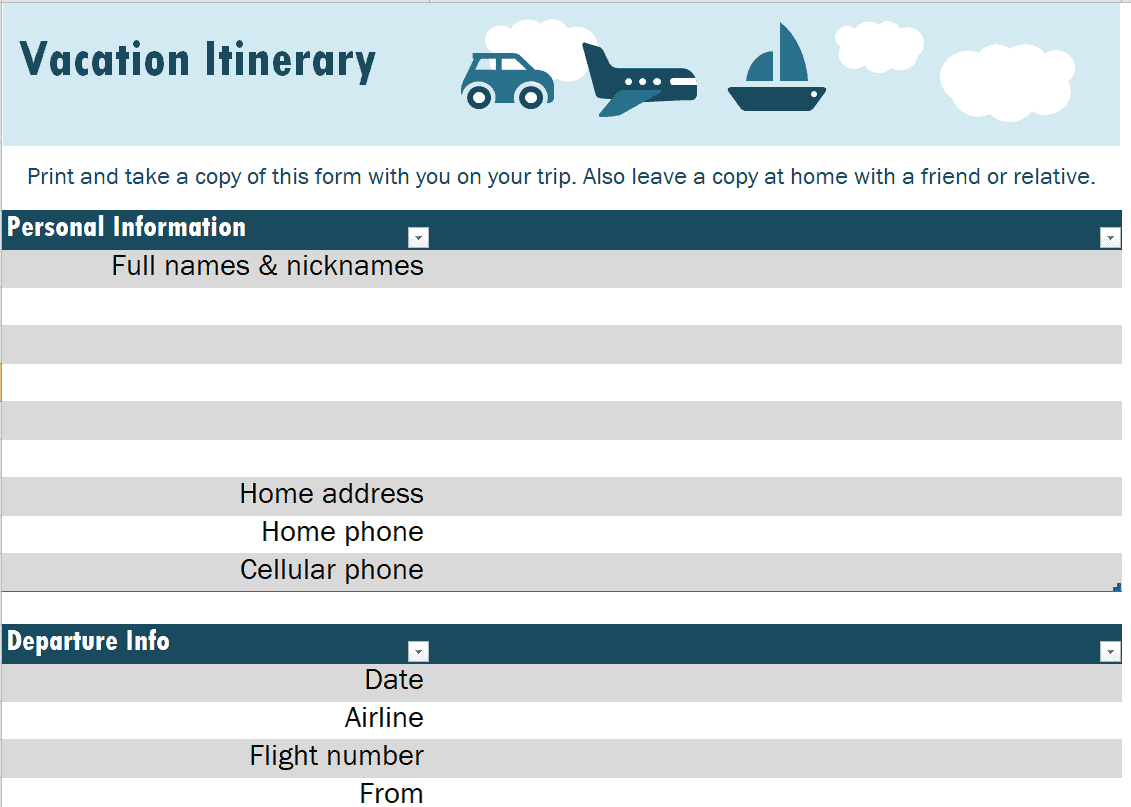
Practical Family Travel Itinerary Template
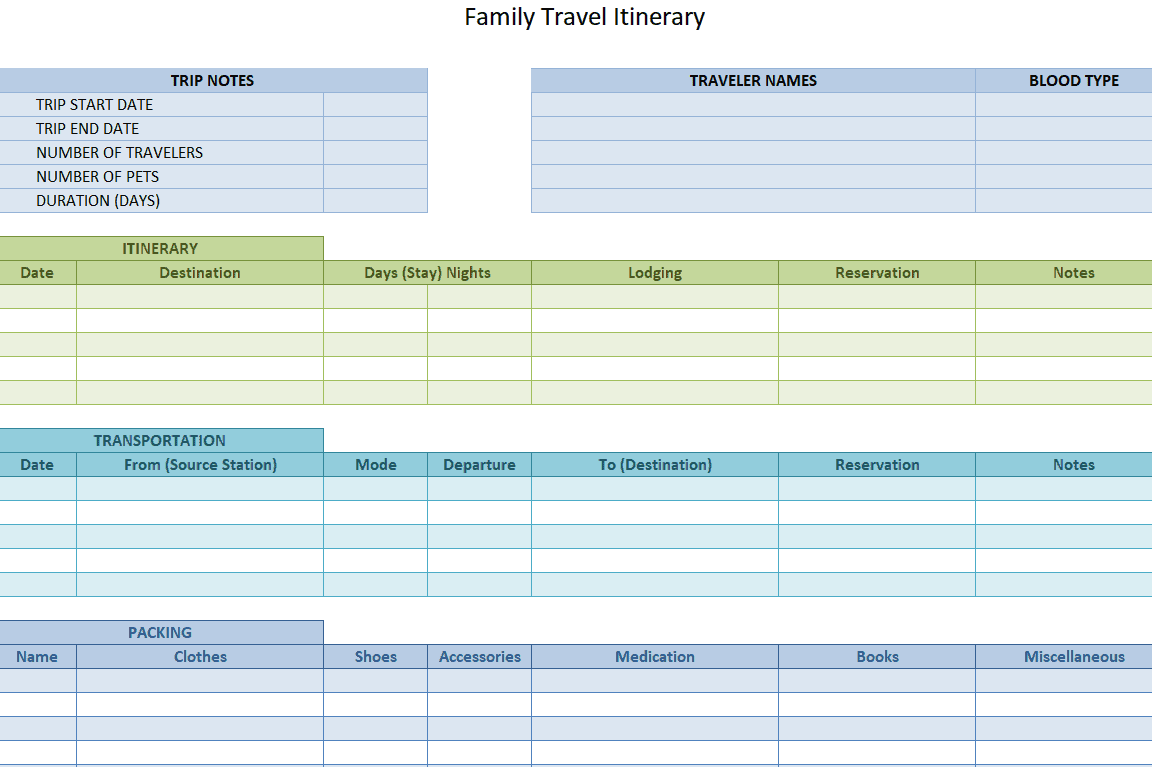
Standard Vacation Itinerary Template
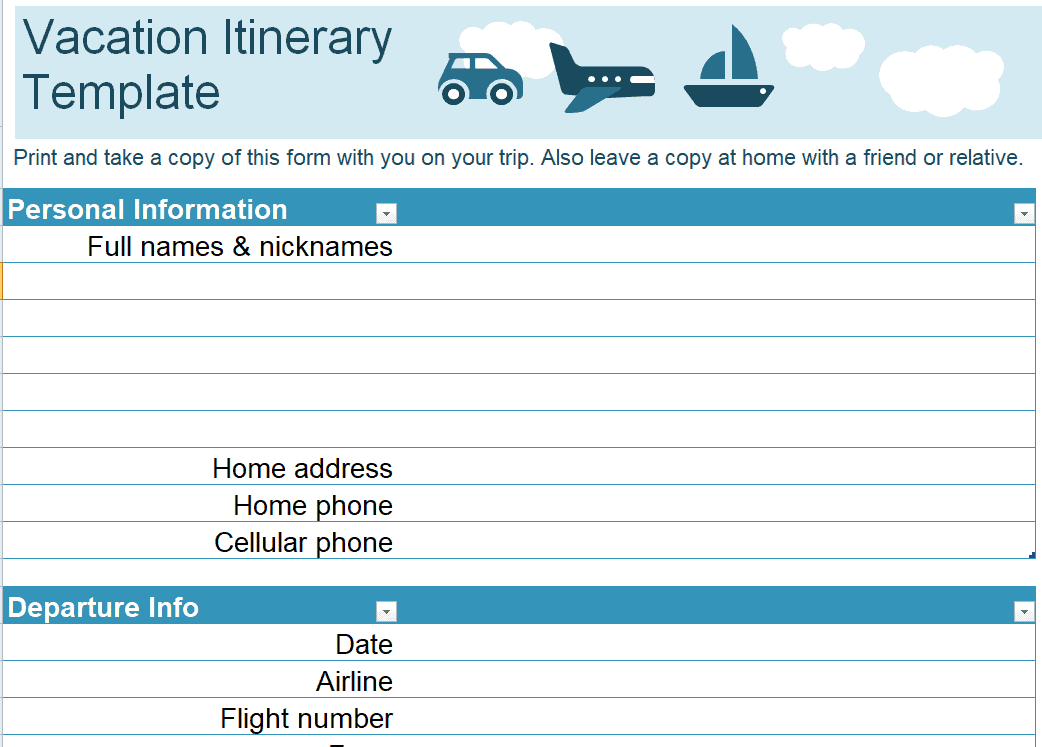
Online Travel Itinerary Template
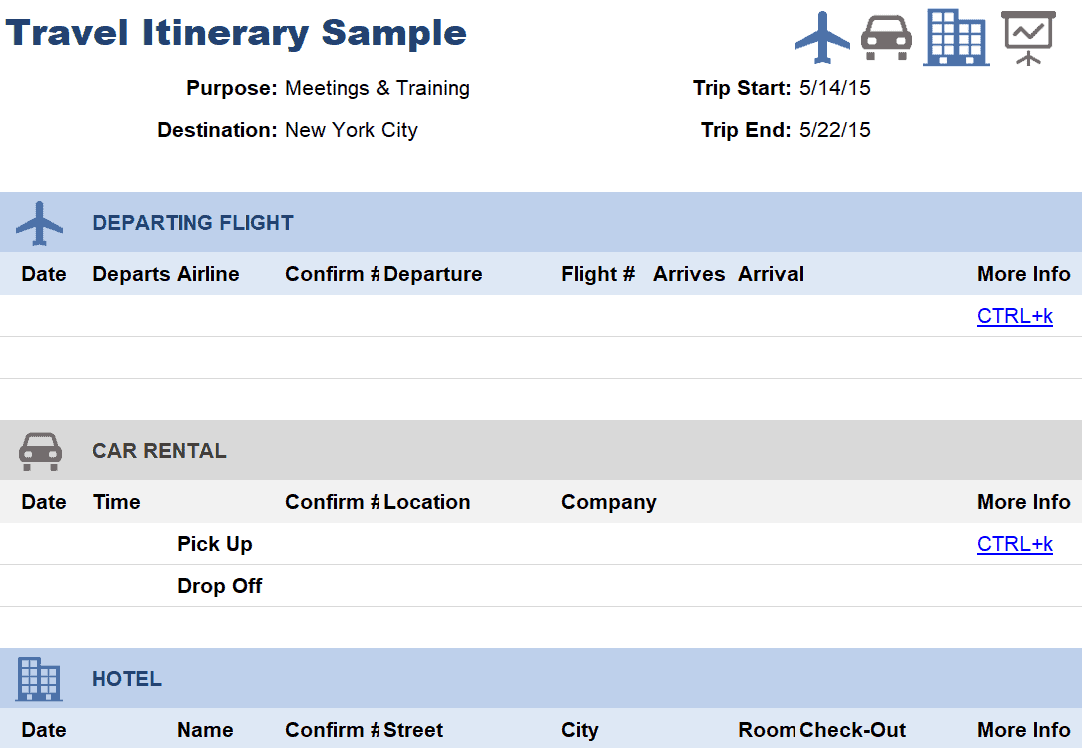
Frequently Asked Questions
What should a vacation itinerary contain?
Include travel dates, transport, accommodation, confirmed activities, locations, references, and useful contacts. Add optional plans and cost information only where they help the people using it.
Should every hour of the vacation be scheduled?
No. The level of detail depends on the group. Leave room for transfers, meals, rest, and changes so the itinerary supports the trip instead of making it unnecessarily rushed.
How should I record travel across time zones?
Identify the local date, local time, and location or time zone for each important departure and arrival. Check the details against current provider confirmations.
Can I use an Excel itinerary on a phone?
Often you can, depending on the file and available software. Check readability in advance and keep a compact offline or printed version of essential information.
How do I track shared travel costs?
Use a separate cost sheet with currency, estimated or actual amount, payer, and the agreed allocation. Avoid mixing currencies in a single total without a documented conversion.
What should I check before departure?
Reconfirm important arrangements, compare the workbook with the latest confirmations, resolve open questions, and make sure travellers can access the current essential details.

You must be logged in to post a comment.