
A daily work schedule template helps turn a collection of tasks into a realistic plan for the time available. It can show fixed commitments, focused work, routine duties, and the handoffs that other people depend on. The examples below provide different layouts for planning a working day.
A schedule works best when it reflects actual capacity. Filling every blank space with another task can create a plan that looks productive but cannot be followed. This guide explains how to identify priorities, estimate time, allow for interruptions, and review the day so the next plan becomes more accurate.
Define the working day and its limits
Record the date, working hours, location, and any constraints that affect availability. A day spent at one desk is different from a day involving travel, customer appointments, or physical setup. Include the time needed to open, prepare, or close the work area where relevant.
Decide whether the schedule is for one person, one role, or a small team. A personal plan can be flexible, while a shared schedule needs clear ownership and communication. State what the page covers so readers do not assume it represents availability outside the defined hours.
Enter fixed commitments first
Place appointments, meetings, booked services, and other fixed activities into the schedule before assigning flexible work. Include preparation and travel where they are necessary. A meeting that lasts thirty minutes may require more than thirty minutes of the working day.
Check the wider work schedule so the daily page agrees with planned hours and responsibilities. If two fixed commitments conflict, resolve the conflict before building the rest of the day around both. A schedule should expose an impossible overlap rather than hide it behind a crowded layout.
Identify the outcomes that matter today
Choose a small number of useful results for the day. “Complete the first report draft” is clearer than “Work on reporting.” Connect the planned work to deadlines, customer needs, or a larger project so you can explain why it deserves time.
Separate essential work from tasks that would merely be convenient to finish. If everything is presented as equally important, interruptions will determine the order. A clear daily priority list gives you a basis for deciding what can move when the day changes and what needs a deliberate conversation before it is delayed.
Break large tasks into schedulable parts
A task should be small enough to place into a realistic time block. A large project may need research, drafting, checking, and approval as separate activities. Record the part you intend to complete today rather than putting the entire project name into a two-hour slot.
For work with several stages, a project timeline can hold the broader sequence. The daily schedule should show the next practical actions. This keeps the page manageable and prevents a large commitment from appearing complete merely because one block of time has been used.
Estimate effort using actual experience
Use previous days to estimate how long recurring activities take. Include the work around the visible result, such as gathering information, setting up tools, saving records, and sending a handoff. Do not assume that the time spent performing the central action is the whole task.
Where uncertainty is high, use a reasonable allowance and review the estimate later. The purpose is to support a workable plan, not to predict every minute perfectly. Record why a task took longer when the reason will help improve future scheduling.
Match time blocks to the kind of work
Group work that benefits from uninterrupted attention into a block long enough to make progress. Short communications and small administrative actions may fit into a separate period. Avoid switching between demanding tasks so frequently that each block is mostly spent restarting.
A daily time-blocking schedule can make these choices visible without becoming rigid. Label blocks by intended outcome or work type. If your role is largely reactive, plan periods for responding and use smaller protected blocks for work that still requires focus. Build the schedule around the nature of the job.
Allow for breaks and transitions
Include breaks, movement between locations, equipment changes, and the time needed to hand work over. These are part of a real day. A schedule that ignores them creates pressure to rush or makes ordinary transitions appear to be failures.
Leave some unassigned capacity when interruptions are likely. The amount depends on the role and the day’s commitments. A customer-facing worker may need more flexibility than someone completing a planned drafting task. Review where interruptions usually come from and decide whether any can be reduced or grouped.
Record ownership and handoffs
For shared work, identify who is responsible for each activity and what the next person needs. “Prepare materials for afternoon session” should state when the materials must be ready and who will receive them. A task can be finished by one person but still fail if the handoff is unclear.
A production scheduling template may help when the work depends on equipment, materials, or a sequence of operations. Keep the daily page consistent with those constraints. If a dependency changes, update the affected blocks and tell the people whose work is connected to them.
Work through a realistic office-day example
Imagine an employee with a morning meeting, an afternoon customer call, and a report due the next day. The available working time includes email, preparation, and routine administration as well as drafting. The employee places the fixed commitments first and protects a substantial block for the report.
During planning, the report block proves too short once checking and submission are included. The employee moves a nonessential administrative task and asks a colleague for the missing figures earlier. The schedule supports a concrete adjustment instead of leaving the conflict to be discovered at the end of the day.
Use a simple status and notes system
Mark work as planned, started, completed, waiting, or moved only if those distinctions help you. A short note can explain an interruption or an unresolved dependency. Avoid building a reporting system so elaborate that maintaining it becomes another large task.
Keep completion separate from time spent. A block can be fully used while the intended result remains unfinished. Record the remaining action and decide where it belongs next. This gives you a more honest view of progress than marking every scheduled activity complete simply because its time slot has passed.
Adapt the layout for field or service work
A service day may need columns for customer, location, travel, materials, and appointment window. A cleaning or maintenance routine may need a sequence of areas and checks. Use a facility maintenance checklist alongside the schedule when you need to confirm that specific duties were performed.
Make room for practical notes that workers will use at the point of work. Keep the page readable on the device or paper size available. A plan that works on a large monitor may be inconvenient when someone is checking it while moving between locations.
Review the day and improve the next plan
Compare planned blocks with what happened. Look for repeated underestimates, unnecessary meetings, delayed inputs, and tasks that were too vague to begin. The goal is to improve planning rather than account for every minute with false precision.
Decide what to carry forward, cancel, delegate, or renegotiate. Update the broader task or project list so unfinished work does not disappear. A brief daily review can reveal whether the schedule needs fewer commitments, better preparation, or more realistic allowances for the role’s normal interruptions.
Choose and customize a template
Use the previews to compare time intervals, writing space, and the number of columns. Resource formats vary in the older collection, so inspect the linked file or page before assuming it is an editable Excel workbook. Select a layout that fits your real day.
Save a clean copy, replace sample details, and test one working day before creating many copies. Check printed margins and readability if the schedule will be used on paper. Keep one current version, date it clearly, and make changes visible to anyone who relies on your availability.
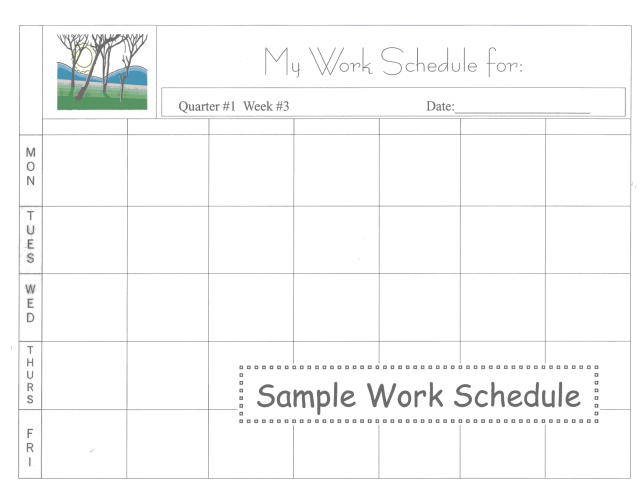
See Our Daily Work Schedule Templates Below
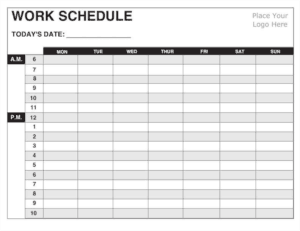

Blank Daily Work Schedule Template
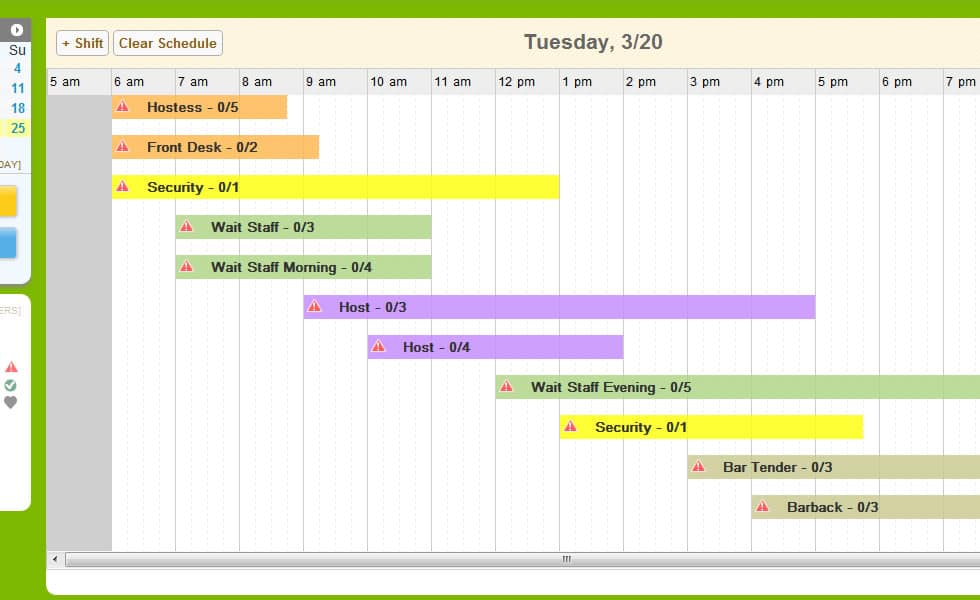

MS Excel Daily Work Schedule Template
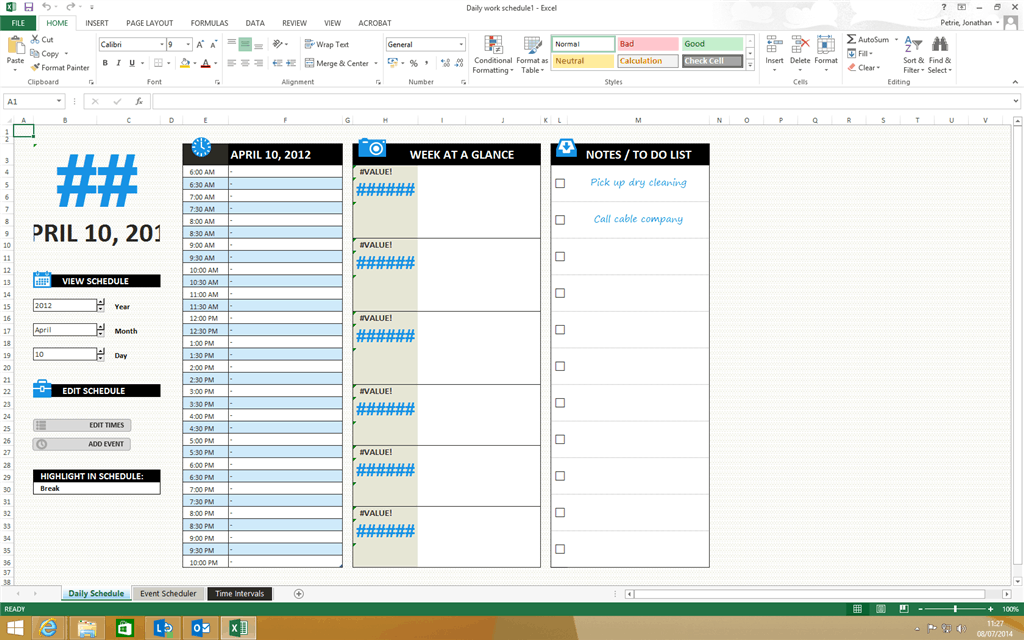
Editable Daily Work Schedule Template
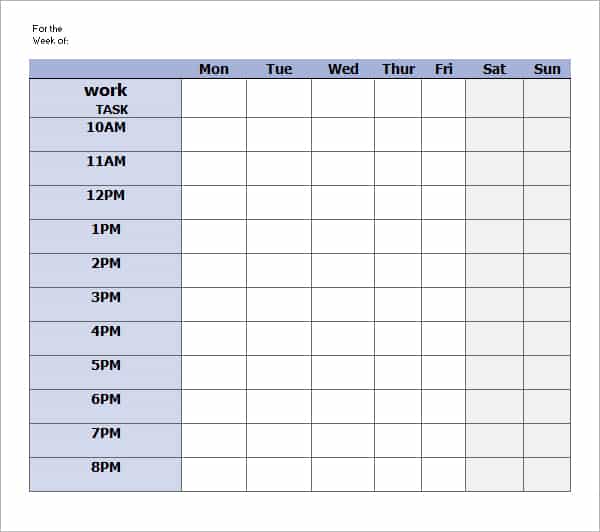
Simple Daily Work Schedule Template
Frequently Asked Questions
What should a daily work schedule include?
Include working hours, fixed commitments, priority tasks, estimated time blocks, breaks, dependencies, and useful handoff notes. Add only the detail needed to guide the day’s work.
How is a daily schedule different from a to do list?
A to do list records actions. A daily schedule places work into available time and accounts for fixed commitments. Using both can make priorities and capacity easier to understand.
Should I schedule every minute?
Usually that creates a fragile plan. Use a level of detail appropriate to the role and leave room for transitions and ordinary interruptions.
What if an urgent task changes the schedule?
Reassess priorities, move flexible work deliberately, and communicate changes that affect others. Keep the original commitments visible so a displaced task is not forgotten.
How can I estimate tasks more accurately?
Compare plans with actual experience, include preparation and checking time, and note recurring reasons for delays. Use what you learn when preparing the next schedule.
Can a daily work schedule be shared with a team?
Yes. Identify owners, handoffs, and the current version. A shared schedule needs a clear way to communicate changes so people do not act on different copies.

You must be logged in to post a comment.