
A printable to do list template gives your tasks a visible home. Instead of keeping reminders in your head or across several loose notes, you can capture the work, choose what matters today, and track what is finished. The templates below offer different layouts for daily tasks, personal projects, and general planning.
A list does not create more time, but it can help you use available time deliberately. The most useful version is easy to update and contains actions you can actually complete. This guide explains how to write clear tasks, set priorities, manage carryovers, and choose a printable layout that fits your routine.
Decide what the list needs to manage
Choose whether the page will cover one day, a week, one project, or a particular area of life. A single list containing every future idea and every immediate task can make all of them look equally urgent. Separate the working list from longer-term possibilities.
For a daily page, write the date and the main outcome you want to achieve. For a project list, write the project name and what completion means. A clear purpose helps you judge whether a task belongs on the page or should be kept somewhere else.
Capture tasks before trying to rank them
Begin by collecting the commitments you already know about. Include follow-ups, preparation, administrative work, and tasks that are easy to forget. Use rough wording at first so the capture process does not turn into a long planning session.
Review the collected items for duplicates and vague reminders. “Budget” might mean prepare figures, review a draft, or ask someone for an approval. Turn the reminder into the action you actually need. A trusted capture place reduces the chance that an important task remains hidden in a message or a separate notebook.
Write tasks with clear next actions
Use a verb and a visible result: “Email the revised quote to Sam,” “Book the meeting room,” or “Draft the first two report sections.” A task should make the next step obvious when you return to the list later.
Large activities often need several smaller actions. “Launch website” is a project rather than a single task. Break it into useful stages without fragmenting every minute of work. Each action should be small enough to start and specific enough that you can tell when it is complete.
Distinguish priorities from deadlines
A deadline tells you when something is due; a priority expresses its relative importance. Record both when the distinction matters. An easy task due today may need prompt attention, while a major task due next week may deserve focused time before it becomes urgent.
Choose a simple task priority system and use it consistently. Three levels may be enough. If every task is marked highest priority, the labels stop helping. Consider consequences, dependencies, and the value of the outcome, then identify a short set of work that should receive attention first.
Make a realistic daily commitment
Look at the time actually available after meetings, travel, breaks, and other fixed commitments. Choose a manageable number of tasks rather than filling every blank line. Leave room for interruptions and unexpected work, especially if your role involves responding to other people.
A work schedule template can help compare your task choices with available time. The to do list shows what needs doing; the schedule shows when you intend to do it. If the day cannot accommodate the planned work, reduce or renegotiate the commitments before the list becomes a record of inevitable carryovers.
Estimate effort without seeking perfect precision
Add a rough effort estimate when it helps planning. A task that takes ten minutes should not be treated like one that requires a full morning. Use broad estimates and revise them as you learn how long recurring activities usually take.
Be careful with tasks that depend on another person’s response. Your effort may be short even when the elapsed time is long. Record the action you can take and track the waiting period separately. This helps you avoid scheduling an entire result for a day when you only control the initial request.
Separate waiting items from active work
Create a small “waiting for” area for tasks that cannot proceed until someone responds, a delivery arrives, or an earlier step finishes. Record what you are waiting for and when you will follow up. This keeps blocked items visible without repeatedly treating them as work you can start now.
For a project with several dependencies, a project timeline can show the larger sequence. Keep only the next actionable steps on the daily list. When a dependency is resolved, move the relevant action back into the working section and reconsider its priority.
Use categories only when they help
You may want sections for work, home, errands, calls, or a specific project. Categories are useful when they help you find tasks in the context where you can complete them. They become less useful when maintaining the categories takes more time than reviewing the tasks.
A short printable list may need only priorities and checkboxes. A longer page may benefit from a few headings. Avoid writing the same task in several categories because it can be marked complete in one place while remaining active elsewhere. Keep one clear record of the action.
Work through a busy-day example
Imagine you have three meetings and roughly three hours of flexible work time. Your captured list contains a report draft, six emails, a booking, and a supplier follow-up. The report needs focused attention, while the booking has a same-day deadline.
You block time for the report, make the booking early, and group the short communications into one period. A low-value filing task moves to a later list. The result is not an empty page at the end of the day; it is a realistic plan that protects the most useful work.
Make checkboxes represent meaningful completion
Decide what counts as done before starting a task. “Review report” could mean skim it, add comments, approve it, or send feedback. Write the result you need so a checkbox does not hide unfinished work.
If a task has been started but not completed, use a separate status mark or a short progress note. Keep the marking system simple enough to remember. A daily task checklist should support an honest picture of progress, not reward checking off the easiest possible interpretation of each line.
Review unfinished tasks instead of copying automatically
At the end of the day, look at what remains. Ask whether the task is still necessary, whether it was too large, whether a dependency blocked it, or whether the estimate was unrealistic. Move it forward only after deciding what should change.
Repeated carryovers can reveal a task that needs clarification or a commitment that should be renegotiated. Delete work that no longer serves a purpose. If a task is important but difficult to start, identify a smaller next action and a suitable time rather than rewriting the same vague reminder indefinitely.
Adapt the list for study or shared work
Students may need separate fields for assignment deadlines, preparation, and revision. A homework planner can provide a broader view while the to do list holds the actions for today. Distinguish a submission deadline from the earlier work needed to meet it.
For shared tasks, record an owner and make clear who can change the list. A printed page can be useful for a small group, but several separate copies can quickly diverge. Agree where updates are recorded and how completed work is communicated.
Choose and print a useful layout
Use the previews to compare spacing, sections, and the amount of room for handwritten notes. A compact list may fit a busy daily routine; a larger layout may be better when tasks need deadlines or progress notes. Check the actual linked resource format before editing it.
Save a clean original and customize only the fields you need. Print one test page to check writing space, margins, and readability. Keep the list somewhere you will naturally review it, then establish a brief start-of-day and end-of-day routine. A simple page reviewed consistently is more useful than a complicated planner you avoid opening.
Download BEST Printable To Do List Templates Here
Standard To Do List Template
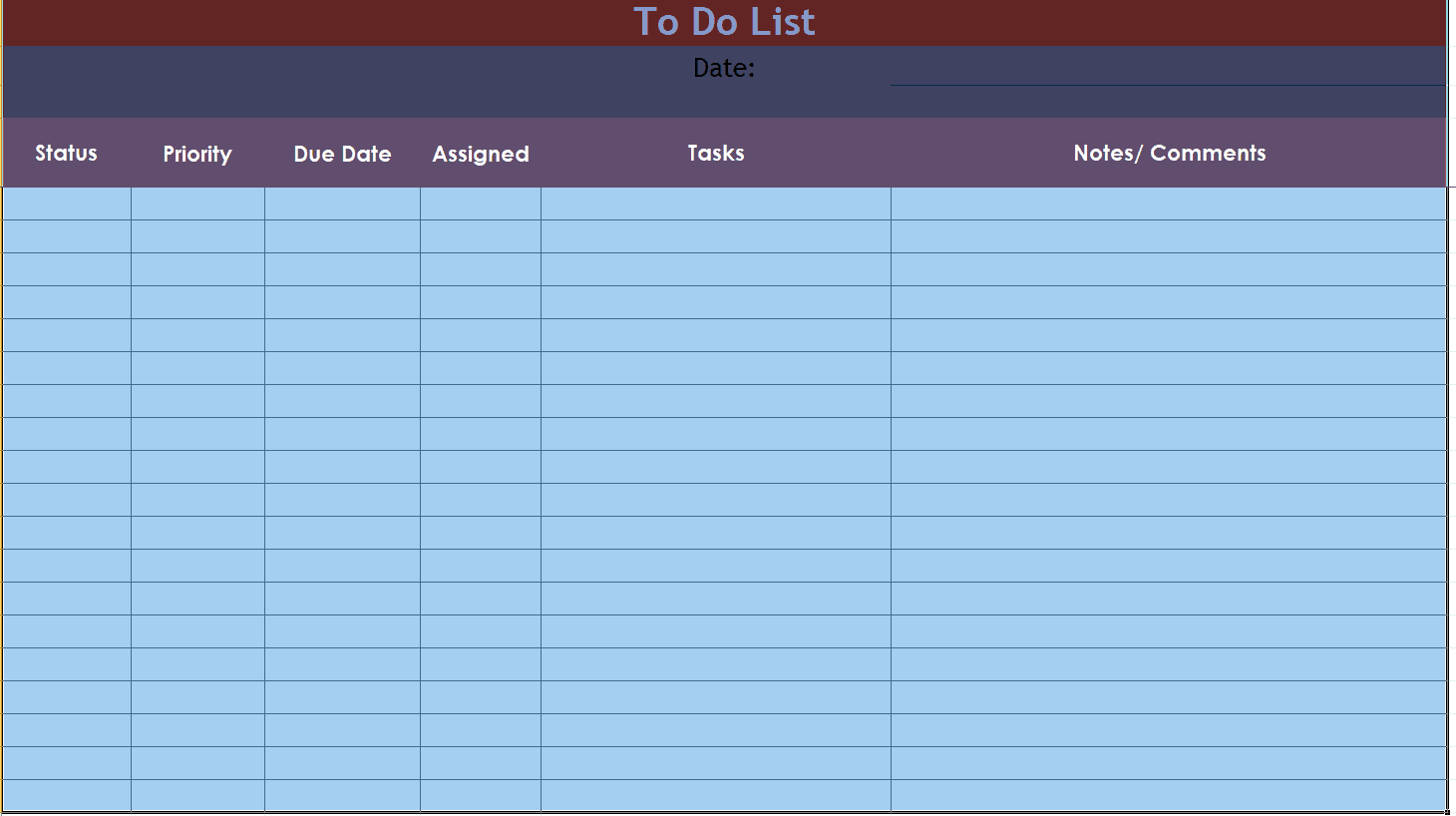
Useful To Do List Template
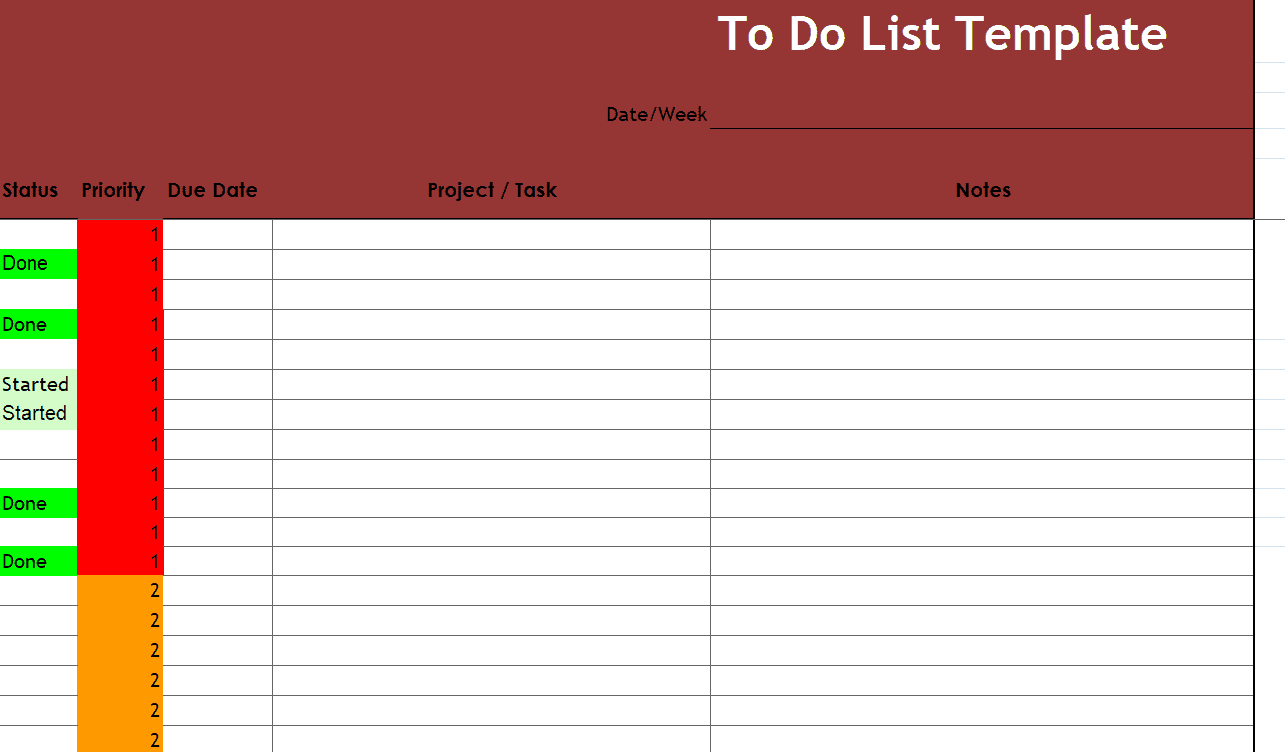
Sample To Do List Template
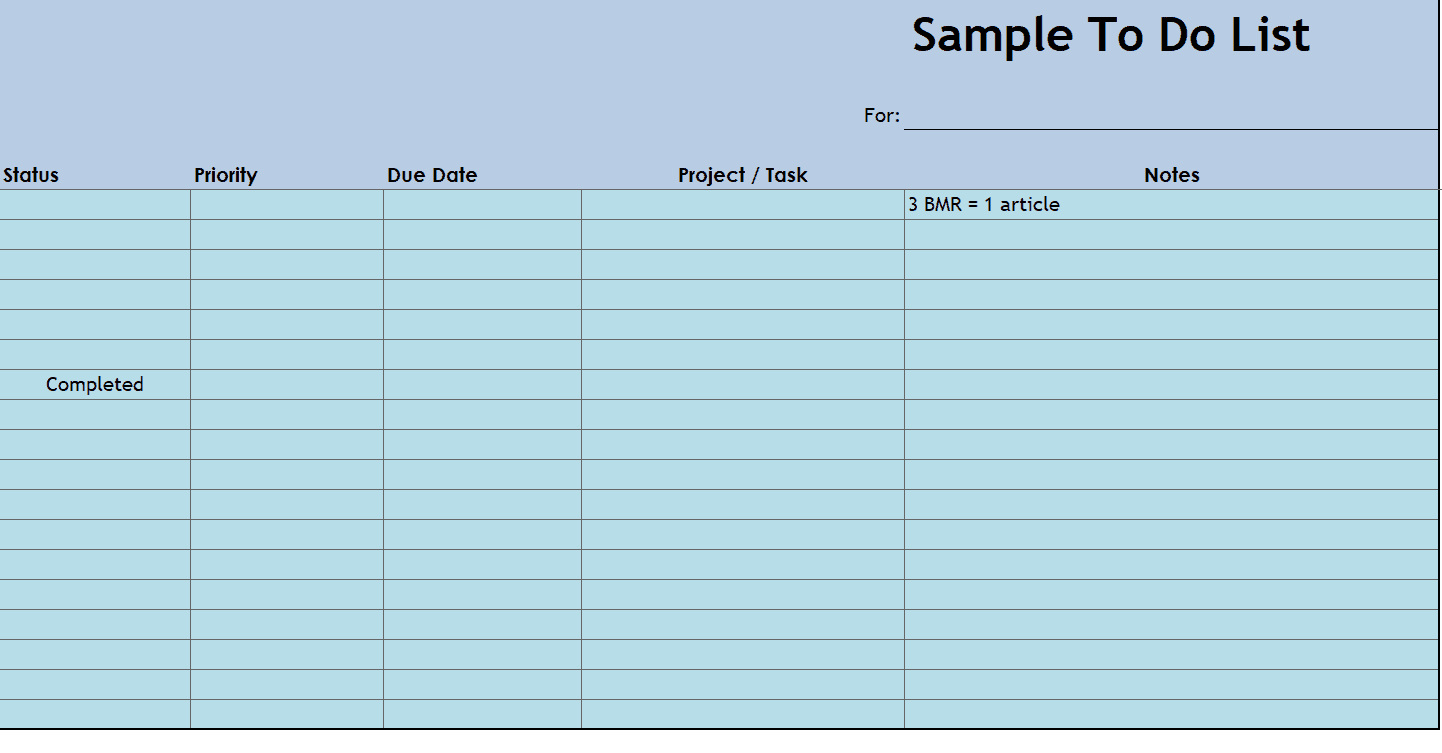
Blank To Do List Template WORD
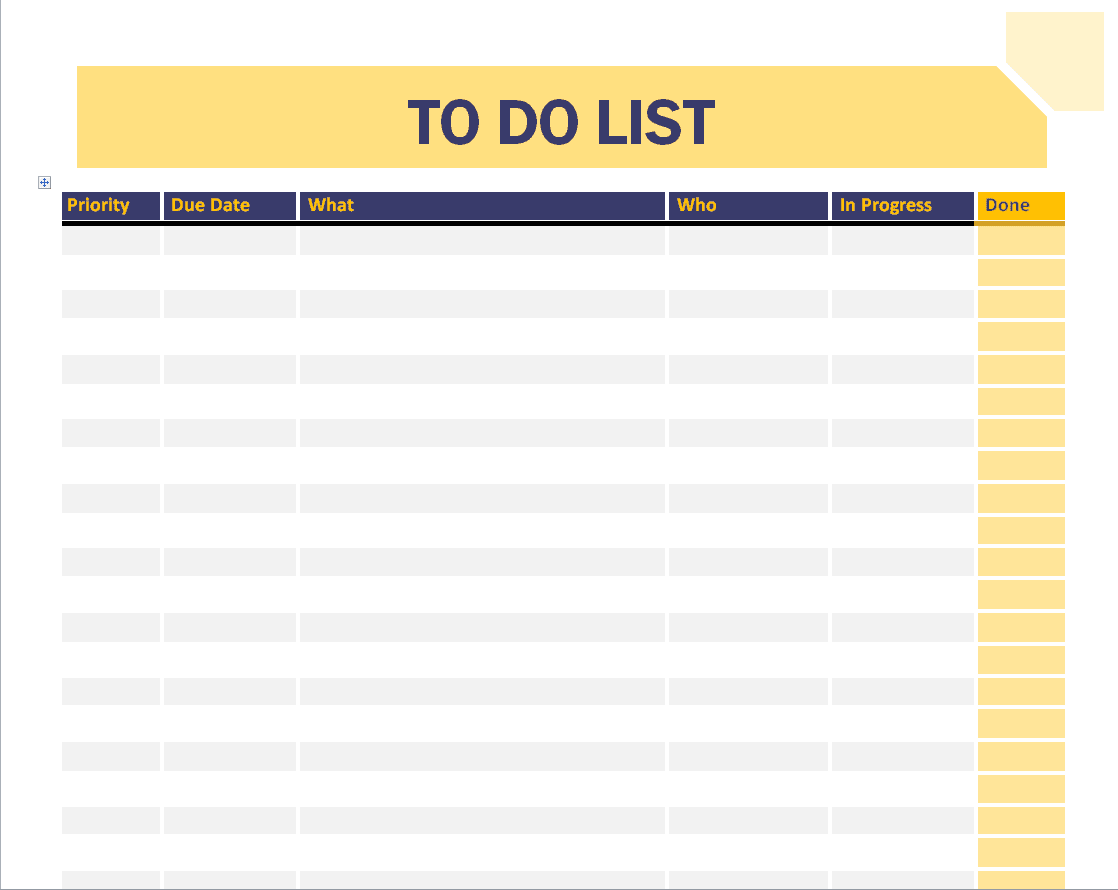
Personal To Do List Template
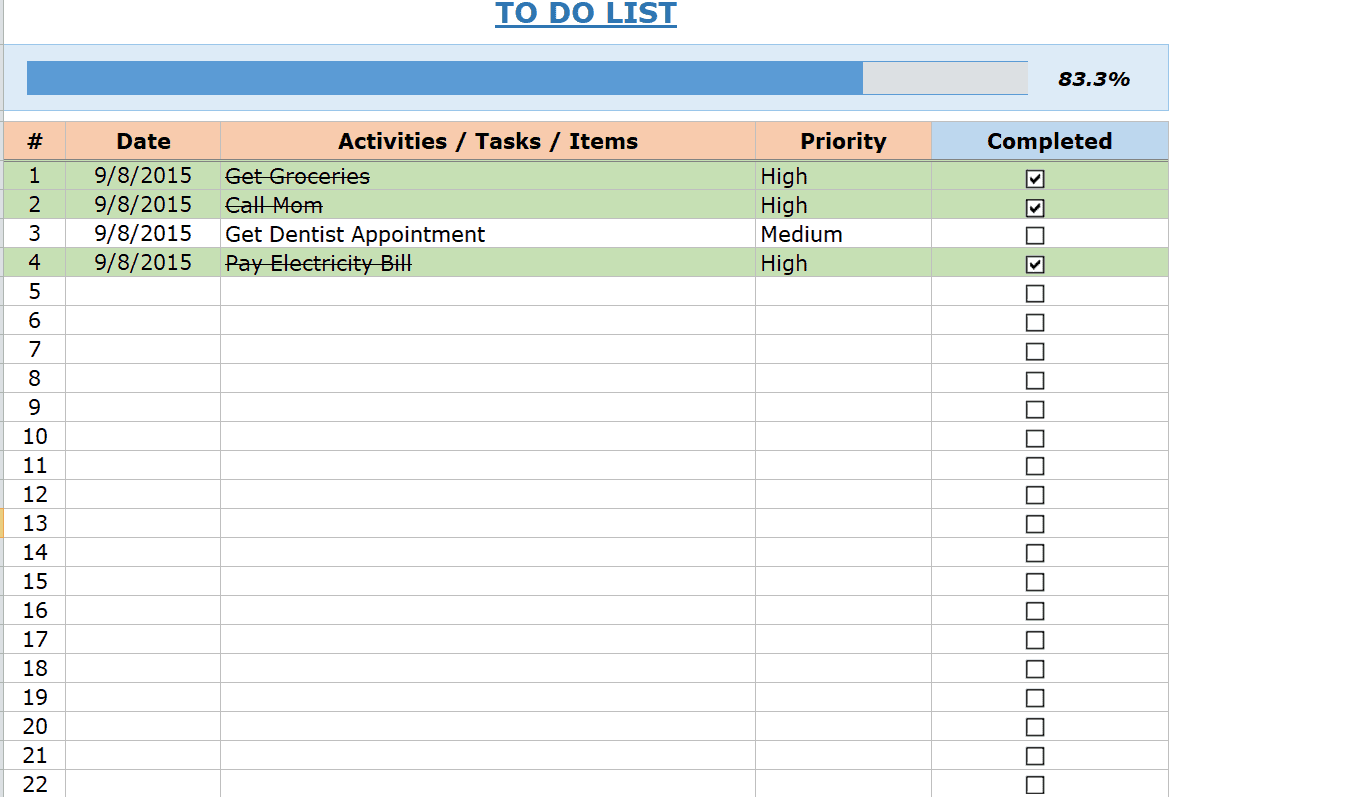
Fillable To Do List Template
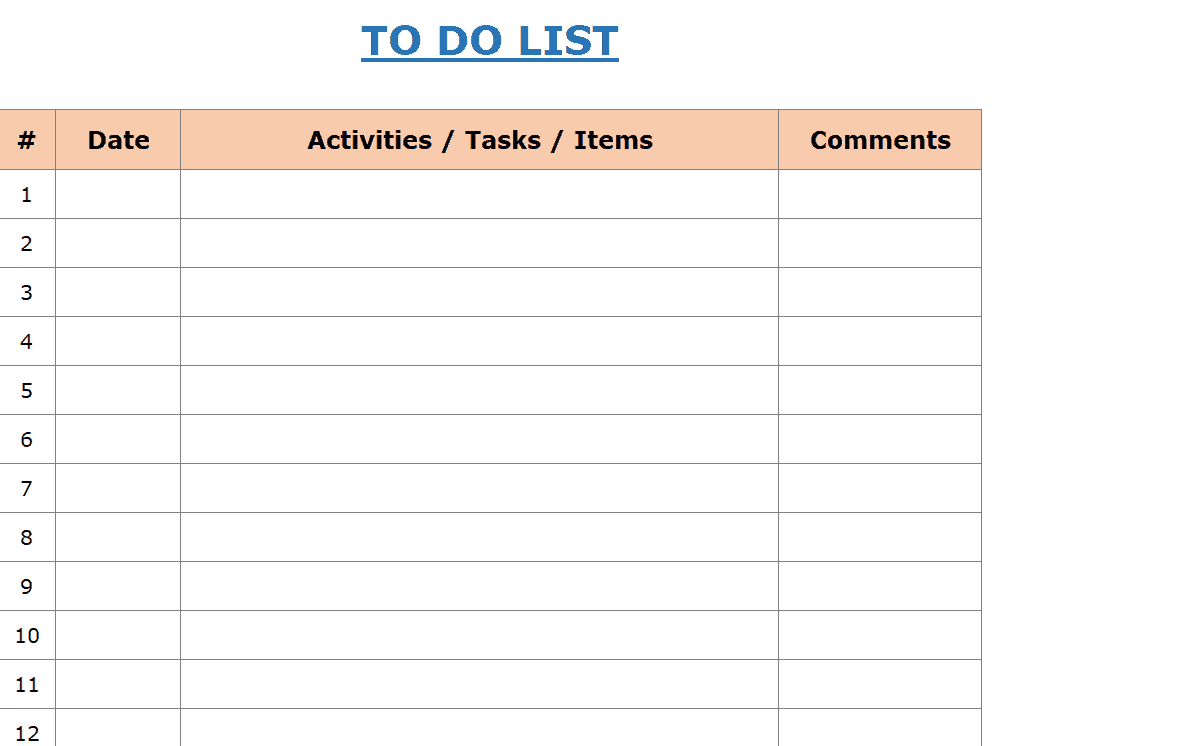
Top Tasks To Do List Template
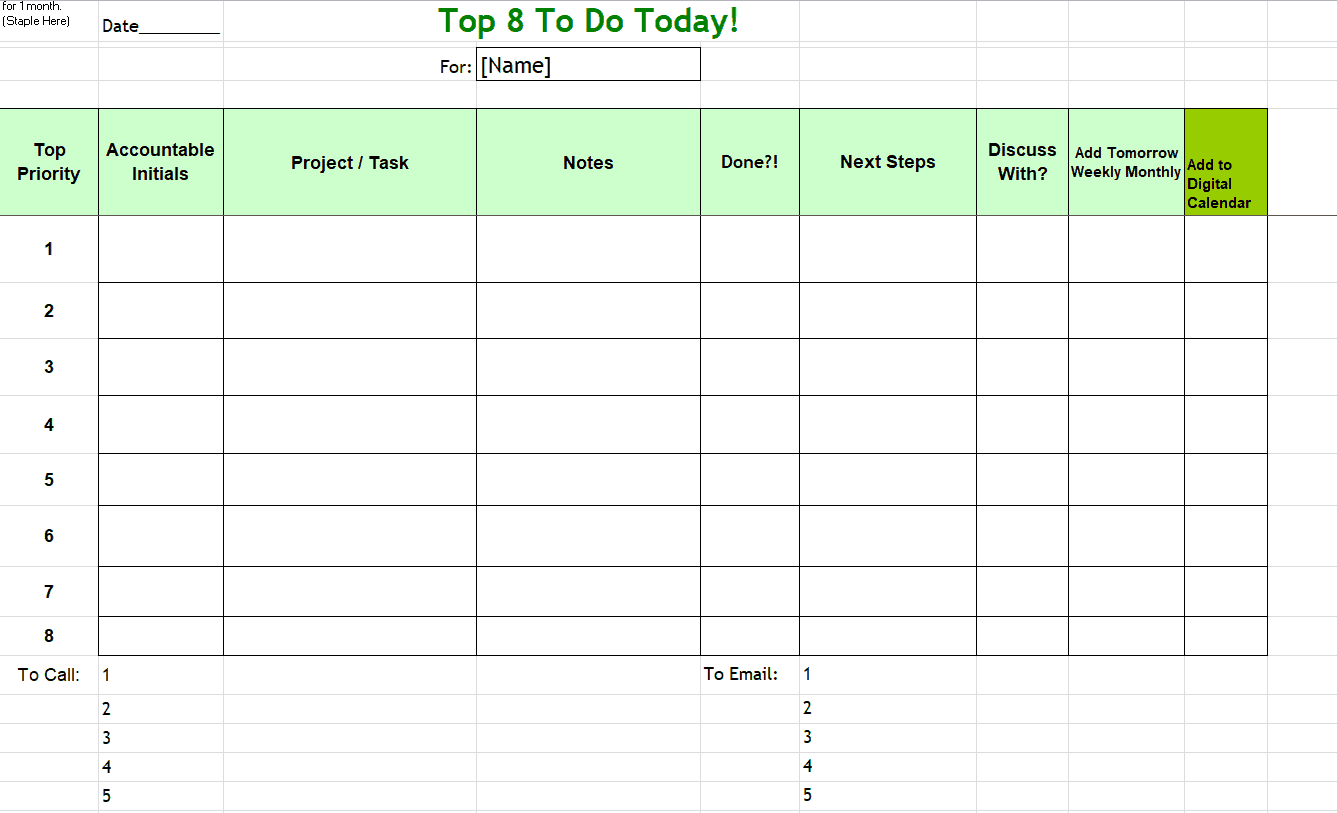
To Do List Activity Template
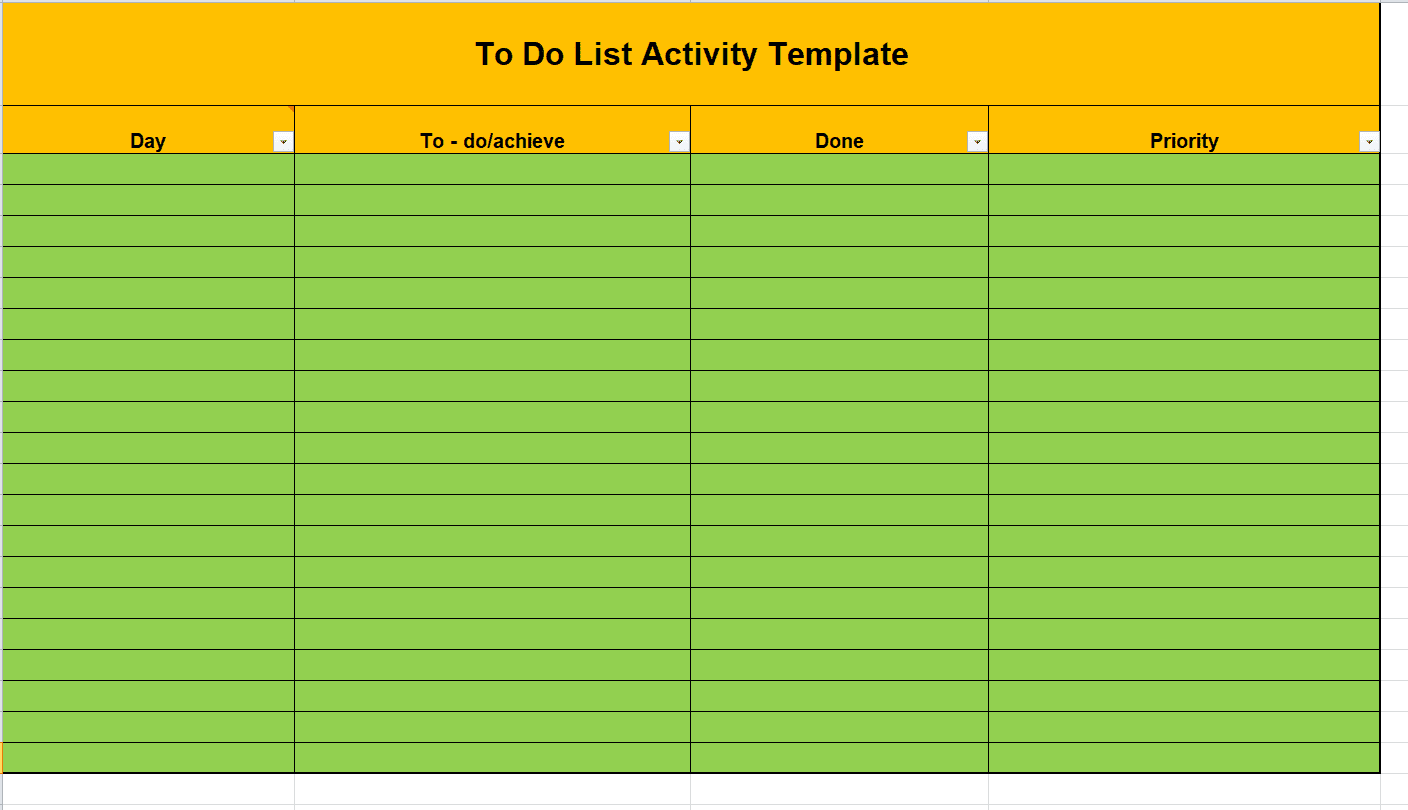
Daily To Do List Template
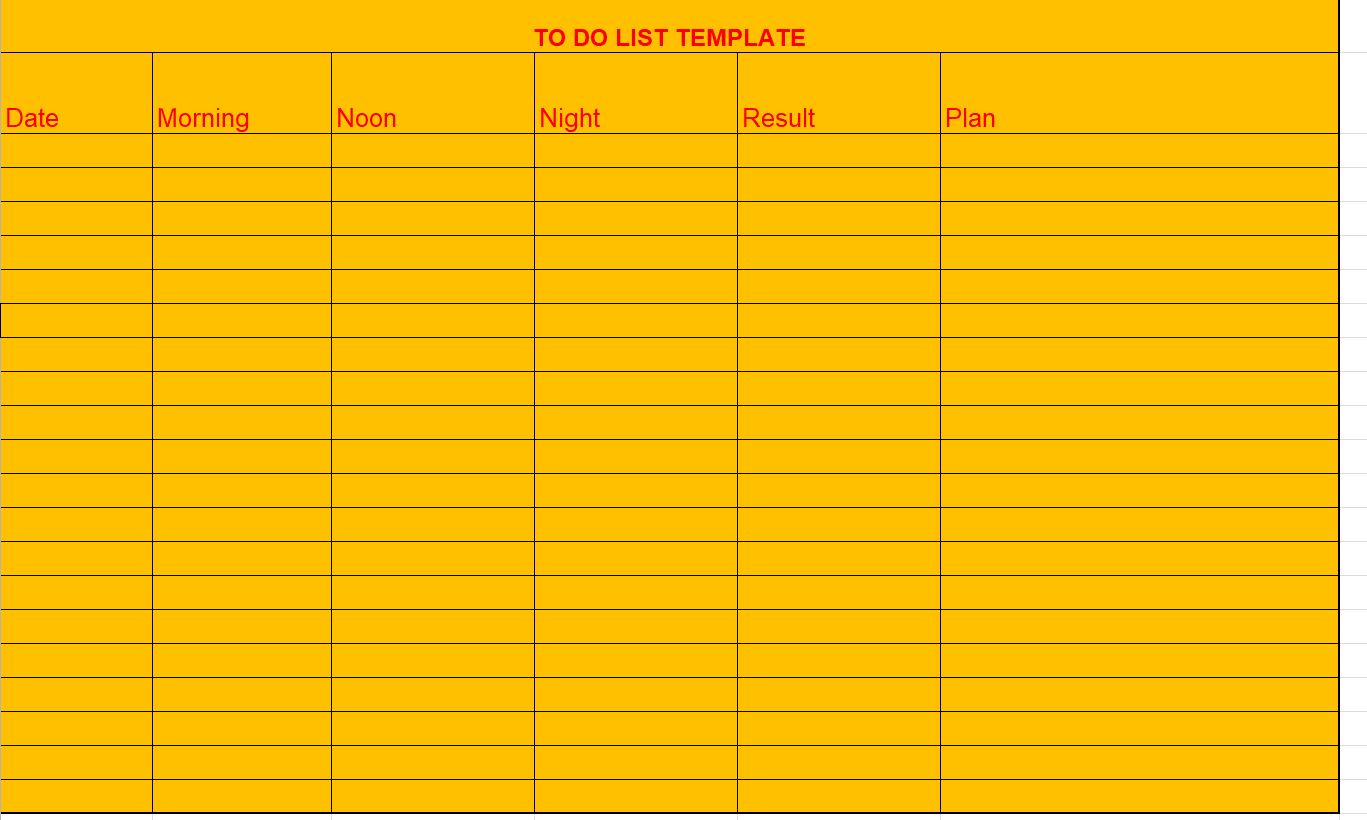
Printable To Do List Template
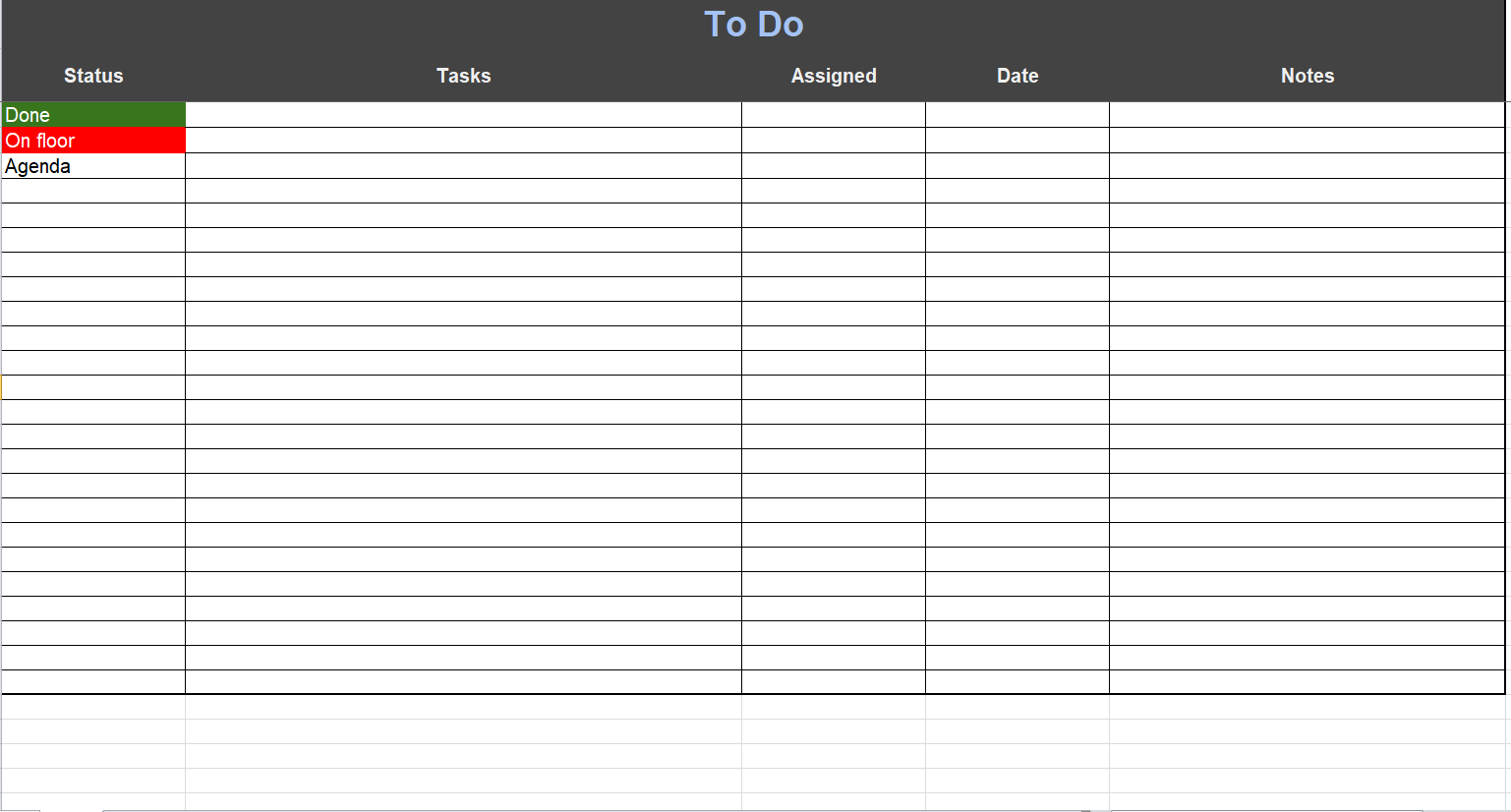
Frequently Asked Questions
What should I put on a to do list?
Write specific actions you intend to complete, along with deadlines or priorities where useful. Keep future ideas and blocked work separate from the tasks you can act on now.
How many tasks should I plan for one day?
Choose a number that fits the available time and effort. A few substantial tasks may fill a day, while many short actions may fit into one focused period.
Should I organize tasks by priority or category?
Use the arrangement that helps you decide what to do next. Priorities support decisions about importance; categories help group work by context. A simple combination can work well.
What should I do with tasks I keep postponing?
Check whether they are clear, necessary, and realistically sized. Break down large tasks, resolve dependencies, or renegotiate the commitment instead of copying it forward without review.
Is a printable list better than a digital one?
Either can work. A printable list is visible and easy to annotate, while a digital list may be easier to share or update. Choose the method you will maintain consistently.
How is a to do list different from a schedule?
A to do list records actions. A schedule assigns time to activities and fixed commitments. Using both can help make your daily plan more realistic.

You must be logged in to post a comment.