
A vacation schedule template helps a team see planned employee absences and organize coverage before people leave. It can bring names, dates, approval status, and handoff responsibilities into one view. The previews below show different calendar and tracking layouts that you can adapt to your team’s planning process.
The schedule should reflect agreed leave arrangements and the information colleagues need to coordinate work. It is not a substitute for the organization’s request or approval process. This guide explains how to keep requests distinct from approved dates, identify coverage gaps, and maintain a calendar that people can trust.
Define what the schedule covers
Choose the team, department, or location represented by the file. Record the planning period and who maintains it. A yearly overview can reveal seasonal overlap, while a monthly or weekly view may be easier for immediate coverage decisions.
Decide whether the calendar includes only vacation or other kinds of absence as well. If several categories are shown, use clear labels without including unnecessary personal details. A reader should be able to understand availability without needing private information about the reason for someone’s leave.
Keep requests separate from approved leave
Use distinct statuses for proposed, awaiting approval, approved, changed, and cancelled dates where those stages are useful. A request entered into a shared file should not automatically look like confirmed leave. Identify who is authorized to change the status.
Keep the supporting request and approval record in the appropriate location for your organization. The employee leave calendar is a planning summary. When a date changes, update the summary and ensure the person responsible for the formal record knows about the change. Consistency between the two prevents avoidable misunderstandings.
Choose a layout suited to team size
A row-per-employee calendar can make overlapping absences easy to spot. A transaction-style table with one row per leave period can be easier to filter and summarize. A small team may use a single sheet, while a larger department may need an overview linked to detailed records.
Compare the layout with the team’s broader work schedule. The leave view should complement normal working arrangements, including different workdays or locations. Avoid assuming every employee follows the same weekly pattern when calculating whether a date creates a coverage gap.
Record dates unambiguously
Use a consistent date format and include the year where the schedule spans several months or crosses a year-end. Decide whether the start and end dates are inclusive and explain the convention. A return-to-work date can reduce ambiguity for colleagues arranging handoffs.
Check the employee’s actual working pattern before calculating days away. Calendar dates and working days are different concepts. If the workbook contains formulas, verify them against known examples and the organization’s counting method rather than assuming a template’s default calculation suits every arrangement.
Make coverage needs visible
Identify the duties that must continue while someone is away. These may include customer contact, approvals, opening or closing tasks, scheduled reporting, or specialist responsibilities. Record the person providing coverage and confirm that they are available.
A vacation coverage plan should explain the responsibility, not merely name a colleague. “Cover urgent customer enquiries” is more useful than “Alex covers.” Consider whether the covering employee needs access, instructions, or a handover meeting. A calendar can reveal overlap, but the team still needs to agree how work will be handled.
Review overlapping absences
Filter or scan the schedule for periods with several approved or proposed absences. Check whether the remaining team has the skills and capacity needed for planned work. Headcount alone may not show a problem if the absent employees perform a unique role.
Discuss conflicts early using the organization’s established process. Keep the schedule focused on dates, coverage, and decisions. Record an unresolved issue with an owner and follow-up date so it does not vanish from view. A visible planning question is easier to resolve than an assumption that someone else will arrange cover.
Prepare a practical handoff
Before leave begins, list the work that must be completed, paused, reassigned, or monitored. Include deadlines, important contacts, and the location of current documents. Keep the handoff proportionate to the role and length of absence.
A contact information template can help organize essential work contacts without spreading them across several messages. Make sure the covering colleague knows where the current information is stored and what decisions they can make. The handoff should reduce the need to contact the employee during agreed time away.
Work through a small-team example
Imagine a team of six planning summer leave. Two employees request the same week, and both normally approve a particular type of customer change. The calendar shows the overlap before the dates are finalized.
The manager checks whether another colleague can be prepared to handle that approval or whether one request needs discussion through the normal process. The final schedule records the agreed dates and a named coverage arrangement. The useful outcome is a clear decision made early, rather than a colorful calendar that leaves the operational question unresolved.
Update changes promptly
Set a simple method for communicating revised dates, cancellations, and changed coverage. A schedule becomes unreliable when approved changes remain only in an email or conversation. Identify who makes the update and who needs to be told afterward.
Use a revision date or short change note when the calendar is distributed as a file. If printed copies are used, decide how people will know they are outdated. Keep the current calendar in one agreed location so colleagues do not choose between several similarly named versions.
Limit sensitive information in the shared view
The shared calendar usually needs availability and coverage information, not detailed personal explanations. Separate any more sensitive records from the view used for routine team planning. Give access according to the purpose of the document and the organization’s process.
Think about exported and printed copies as well as the live workbook. A file can be forwarded or left in a shared area. Use neutral status labels and remove fields that are not needed for coordination. Check with the appropriate internal owner when you are unsure what information belongs in the shared schedule.
Check formulas, colors, and summaries
If colors indicate status, include a legend and make sure the meaning is understandable without color alone. Use clear text labels so a grayscale printout remains useful. Keep formulas separate from the cells where users enter dates and statuses.
Check totals against several real arrangements, including a period crossing a month boundary. A summary should explain what it counts. “Days away” may mean calendar days, working days, or recorded leave units. Do not use a total for approval or reporting until the calculation has been confirmed for the intended process.
Connect leave planning with attendance records
A vacation schedule shows planned or approved absence; attendance records show what was recorded as happening. Keep the distinction clear. If a planned absence changes, update the appropriate records through the organization’s process rather than assuming one file automatically corrects the other.
An attendance spreadsheet or attendance register can support a separate record where needed. Agree who reconciles differences and how often. Matching the records improves planning, but the schedule should not become a duplicate personnel system with more personal information than the team needs.
Choose and adapt the template
Use the previews to compare yearly, calendar, and tracker-style layouts. Inspect the actual linked resource before assuming it contains the formulas or format you need. Some older resource blocks include images or external pages, so check the available editing options.
Keep an unchanged copy, enter a few real leave periods, and test overlap and date calculations before extending the file. Add a title, planning period, owner, and legend. Review the calendar regularly with the people responsible for coverage so it remains an active planning tool.
Use summaries to prepare for busy periods
A short summary can show how many people are expected to be available in each period and which key roles need attention. Keep the summary linked to the same dates and statuses as the detailed calendar so pending requests do not accidentally reduce confirmed capacity.
Review the summary alongside known deadlines, customer commitments, and planned training. A week with the same number of absences may have very different implications depending on the work scheduled. Record the specific question that needs resolution, such as who will review a report or receive a delivery. Assign that question to someone rather than leaving a red-colored cell as the only sign of a problem.
Get Vacation Schedule Templates Here
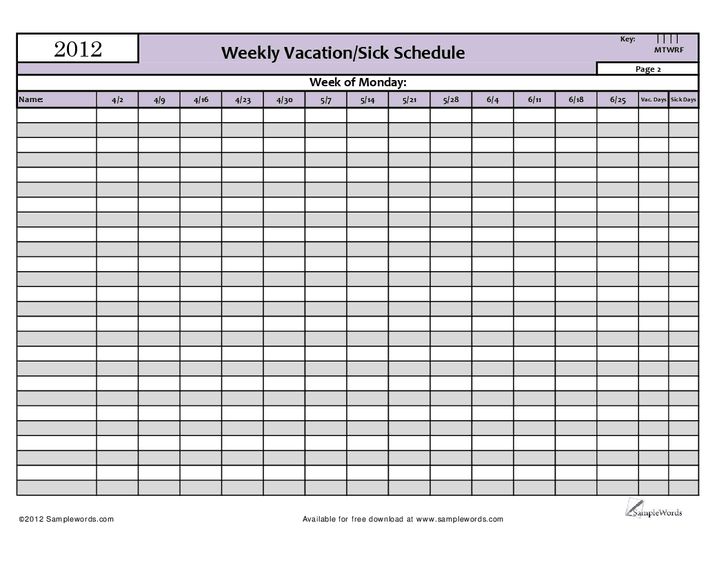
Weekly Vacation Schedule Example

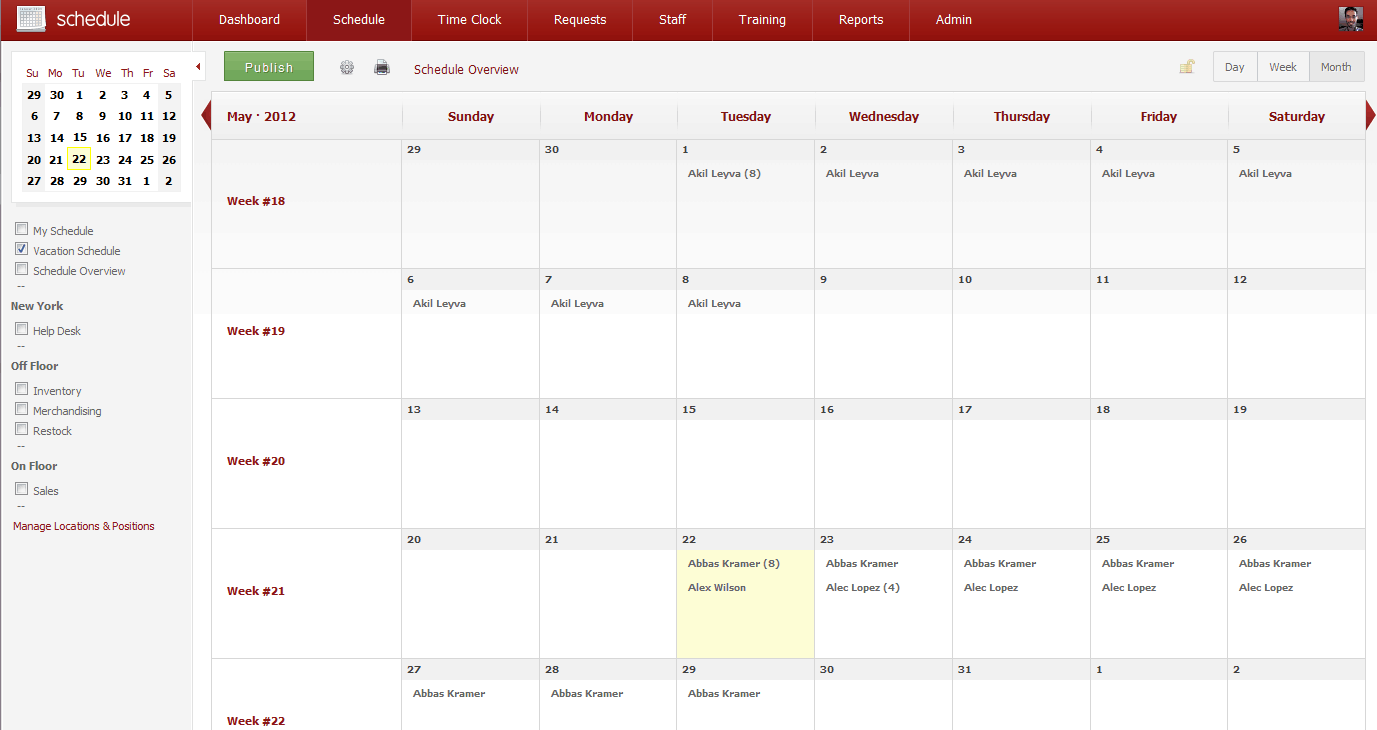
Vacation Schedule Calendar Sample
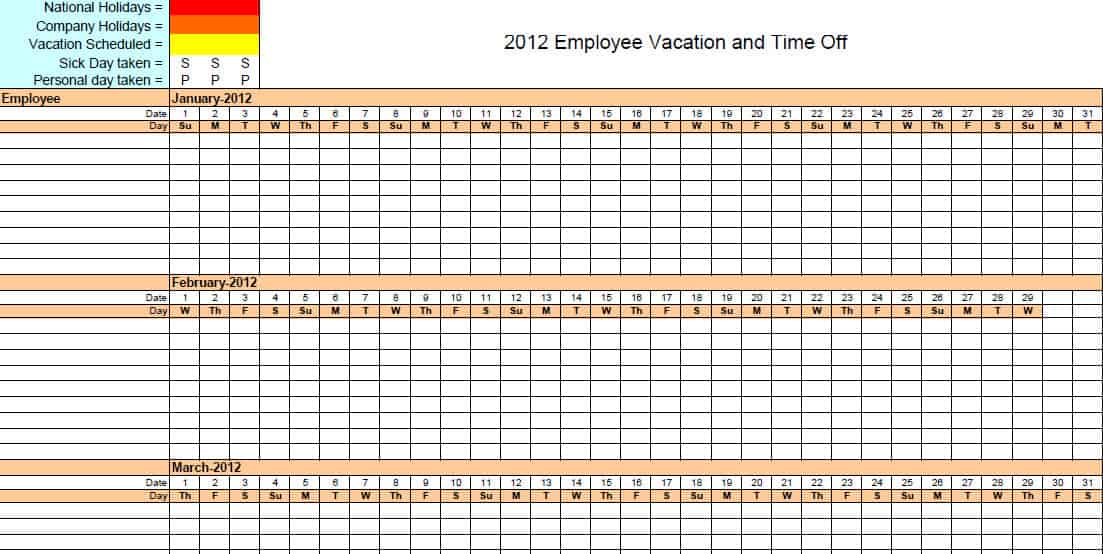
Employee Vacation Schedule And Time Off Tracker

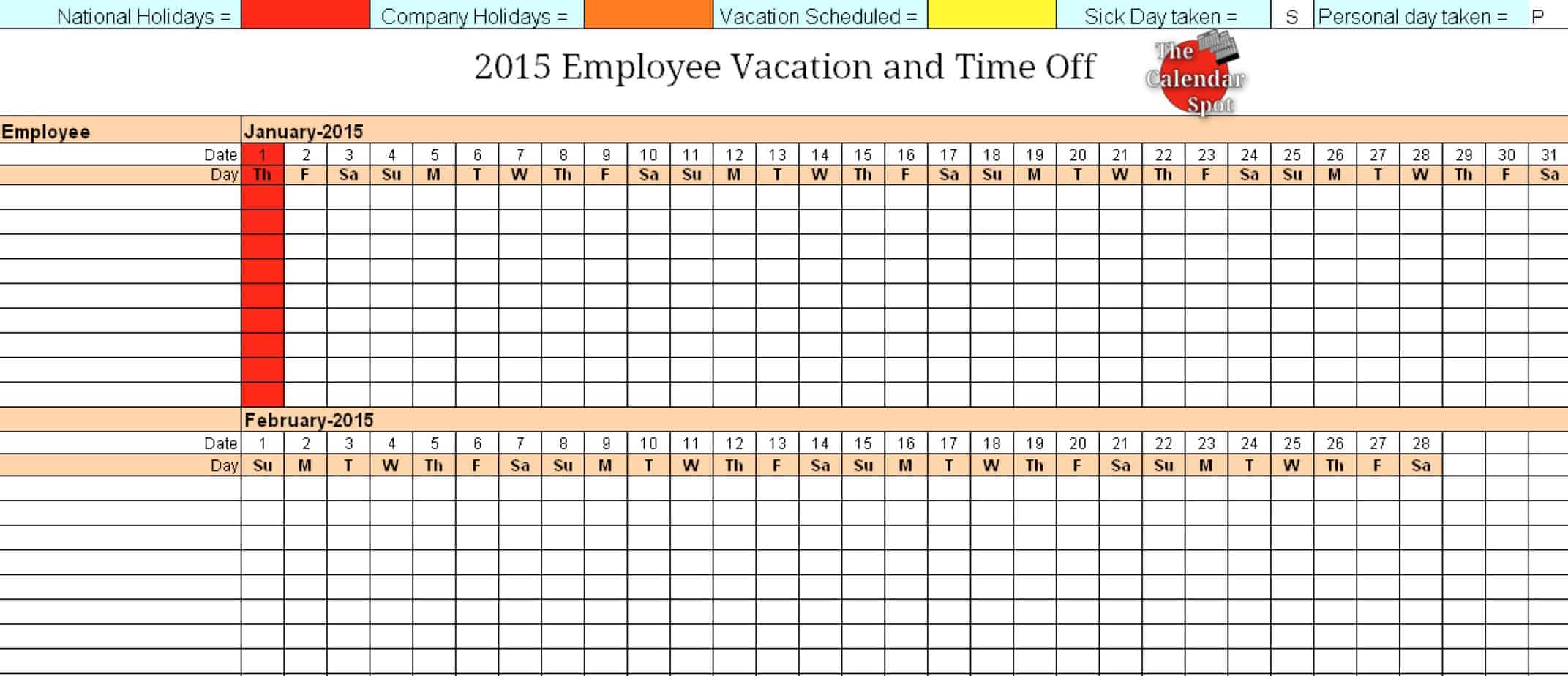
Yearly Vacation Schedule Of Employees
Frequently Asked Questions
What is a vacation schedule used for?
It provides an overview of planned employee leave and helps teams organize coverage. It should reflect the organization’s request and approval process.
Should pending requests appear on the calendar?
They can, provided they are clearly distinguished from approved leave. A reader should not mistake a proposed date for a confirmed absence.
How do I handle overlapping requests?
Identify the coverage issue early and use the organization’s established decision process. Record the agreed dates and the responsibilities that need to be covered.
Is a vacation schedule an attendance record?
No. The schedule summarizes planned or approved absence. Attendance records document recorded activity and should be maintained through the appropriate process.
What personal details should the shared calendar contain?
Include only what colleagues need for availability and coverage planning. Keep unnecessary personal explanations and sensitive supporting information out of the routine shared view.
How often should the schedule be updated?
Update it when approved dates, statuses, or coverage arrangements change. Review it regularly before busy periods and planned handoffs.

You must be logged in to post a comment.