
An inventory list template in Excel provides a starting structure for describing the goods, materials, or supplies you have. A useful list answers simple questions: what is the item, where is it, how is its quantity measured, and when was that quantity checked? The collection below contains different layouts to help you organize this information.
This guide focuses on building a reliable item list rather than designing a complete purchasing or accounting system. Start with a small, consistent set of fields, verify the entries, and expand the workbook only when a new field helps someone make a decision.
Define the purpose of your inventory list
Decide whether the list will support a store, office, workshop, household, or a specific storage area. The purpose determines what belongs in the workbook. A shop may need product variants and selling units, while an office may need supply descriptions and cupboard locations.
Write a scope note at the top of the working file. Include the locations covered and the date of the information. If the list excludes goods awaiting inspection or items held elsewhere, state that clearly. Readers should not have to guess whether a total represents the whole business or one area.
Create a clear item identification system
Assign a stable item code to each distinct item you need to distinguish. Descriptions should be readable, but they may not be unique. Similar products can have different sizes, finishes, or packaging, so include the specifications that prevent mistakes during counting.
A product list template can help establish a consistent master catalogue before quantities are added. Avoid using a shelf position as the only identifier because items may move. If a supplier changes its reference, retain your internal code and update the supplier information separately so the item history remains understandable.
Choose essential columns first
A basic list can include item code, description, category, unit, location, quantity, count date, and notes. Add a responsible person if someone needs to verify or maintain particular sections. Optional fields might include supplier, condition, or a reorder indicator.
Do not add columns simply because another template has them. A field that nobody updates quickly becomes misleading. Write a short definition for any term that could be interpreted differently. For example, “quantity” should specify whether it means physically counted, recorded in another system, or available after reservations.
Keep units consistent and visible
Specify whether each quantity is measured in pieces, boxes, kilograms, litres, or another unit. A number without a unit can cause a purchasing or counting error. If a box contains multiple pieces, record the conversion clearly and decide which unit the main list will use.
Keep the unit in its own column rather than embedding it in the quantity cell. This allows the quantity to remain numeric. Do not add unlike units to produce a meaningless grand total. A summary can show quantities by item or category, but twenty boxes and fifteen kilograms should not be reported as thirty-five units.
Organize locations so people can find items
Use location names that match the actual storage layout. A site, room, aisle, shelf, or bin reference may be useful depending on the size of the operation. Keep the format consistent so people can filter and sort the list without deciphering different naming styles.
If the same item is stored in two places, decide whether you need one row per item and location. That structure usually makes counting clearer than writing several locations and quantities in a single cell. Keep a separate summary if users also need a combined quantity for the item.
Gather an opening count carefully
Choose a suitable time to collect the first quantities. Record movements that happen during the count so receipts and issues do not create unexplained differences. Give counters clear instructions about damaged goods, opened packs, and items stored in unexpected locations.
An inventory count sheet can help collect observations before they are entered into the master list. Record who counted and when. If a quantity is estimated rather than counted, mark it as an estimate and arrange a later check. A complete-looking list should not conceal uncertainty in its starting figures.
Separate usable stock from other conditions
Items awaiting inspection, damaged goods, expired supplies, and customer-owned materials may require separate treatment. Include a condition or status field when that distinction affects how the list is used. Avoid combining all physical items into a figure that appears to be available stock.
Use wording that staff understand and define who can change an item’s status. If damaged goods are moved to a separate location, record the location as well as the condition. This keeps the list connected to what someone will actually find when they visit the storage area.
Decide how the list will stay current
A snapshot list can be checked at intervals and labeled with its count date. A live inventory record needs a process for recording receipts, issues, returns, and adjustments. Be clear about which kind of document you are maintaining.
If you need continuous movement history, pair the list with an inventory tracking spreadsheet. Replacing a quantity manually may be acceptable for a dated snapshot, but it does not explain how the balance changed. Choose an update method that fits the intended use and the time your team can reliably commit.
Work through a small stockroom example
Imagine an office storing printer paper, envelopes, and stationery. The initial list records item codes, descriptions, units, cupboard locations, and counted quantities. Printer paper is measured in reams, while envelopes are measured in boxes with the pack size noted.
During review, two entries appear to describe the same envelope. One uses the supplier’s name and the other uses a size description. The team confirms they are identical, combines the rows under one stable code, and keeps the useful specification in the description. Removing the duplicate prevents future counts from being split between two names.
Use Excel formatting to support accuracy
Keep one record per row, use a single header row, and avoid merged cells inside the main data area. Consistent columns make sorting, filtering, and later analysis easier. Format dates as dates and keep quantities numeric.
Highlight headers and distinguish input cells from calculated fields if the workbook contains formulas. If you use a category or unit list, keep the choices consistent. Check that sorting moves complete rows together. A visually attractive list is less useful if an accidental sort separates an item description from its quantity or location.
Add cost information only when it serves the purpose
An optional unit-cost field can support a rough stock-value review, but define the source and date of that cost. Purchase prices, replacement costs, and selling prices answer different questions. Do not combine them in one column labeled simply “value.”
For products sold by a business, a cost of goods sold worksheet may be useful for a separate cost discussion. An inventory list alone does not establish the correct accounting treatment. Keep operational quantities clear and let the person responsible for financial reporting determine how valuation information should be maintained.
Review duplicates and missing information
Before sharing the list, check for repeated codes, blank units, missing locations, unexplained quantities, and inconsistent descriptions. Ask someone familiar with the inventory to look for items that have been omitted entirely. Spreadsheet completeness checks cannot identify an object that nobody entered.
Filter the workbook by category and location to make gaps easier to notice. Investigate unexpected totals rather than assuming the largest figure is correct. Keep a short issue list for unresolved questions, assign someone to answer them, and avoid presenting provisional entries as verified stock information.
Select and customize a suitable resource
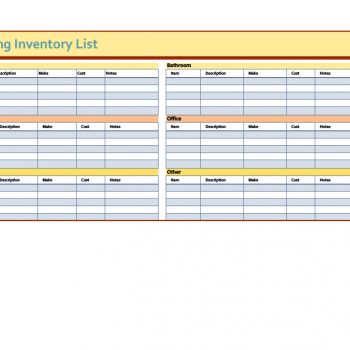
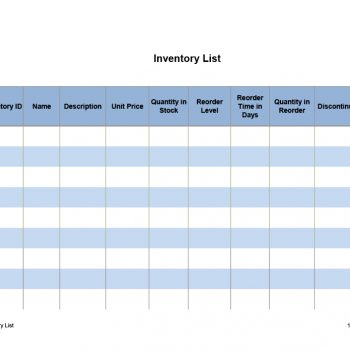
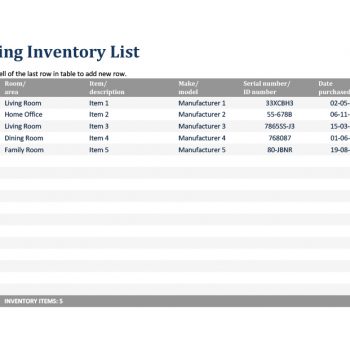
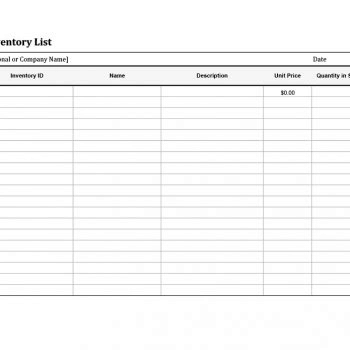
Choose a preview that gives enough space for your descriptions and the number of fields you need. The older collection includes different linked resources, so check the actual format after opening a link. A screenshot shows appearance but does not confirm which formulas or editing features are included.
Save an unchanged original before adapting a file. Replace sample entries with a small, verified group of items and check that new rows behave as expected. Use a filename that identifies the inventory and period. Keep one agreed master list so colleagues can find the current version without comparing several competing copies.
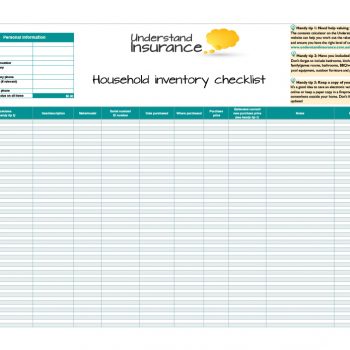
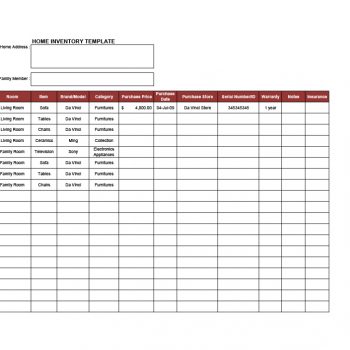
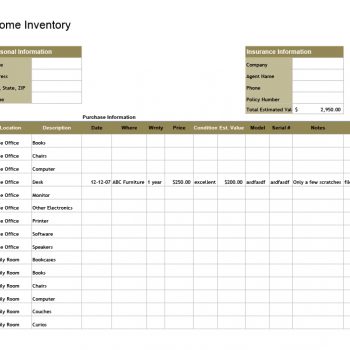
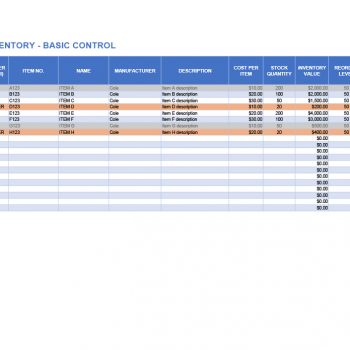
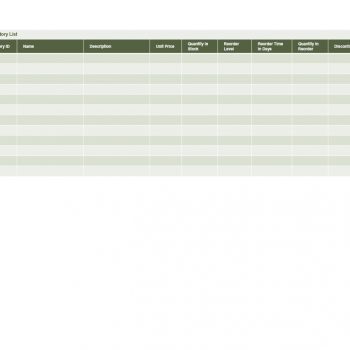
Download Free Inventory List Templates:

Frequently Asked Questions
What is the difference between an inventory list and a stock ledger?
An inventory list identifies items and quantities at a stated time. A stock ledger records movements that explain changes in quantities. The documents can be used together.
Which columns are essential in a basic inventory list?
Start with item code, description, unit, location, quantity, and count date. Add category, condition, supplier, or responsible person when those fields support a practical decision.
Can I use the same list for multiple locations?
Yes. Use clear location codes and consider one row per item and location. A separate summary can combine quantities while preserving the detail needed for counting.
Should I include damaged items?
Record them if they remain within the inventory scope, but label their condition clearly. Keep them separate from quantities that are available for normal use or sale.
How often should an inventory list be updated?
That depends on whether it is a dated snapshot or a live record. Label snapshots clearly, and establish a regular movement-entry and checking routine for live records.
Can I calculate total inventory value in Excel?
You can calculate a working value when quantities and costs are consistently defined. Confirm the cost basis with the person responsible for financial reporting before using it in accounts.

You must be logged in to post a comment.