
A marketing plan budget template helps you organize promotional spending before a campaign begins and compare approved amounts with real expenses later. The downloadable marketing budget templates below offer different layouts for digital channels, products, events, and recurring planning periods. This guide explains how to create a practical budget, choose a suitable Excel worksheet, forecast results, and keep marketing costs under control without losing sight of business outcomes.
Whether you manage a startup, a growing company, or an individual project, start with your goals and available funds. Then work through the cost categories, assumptions, and review steps before adapting one of the downloadable examples. Each template is a starting point rather than a guarantee of performance.
What Is a Marketing Plan Budget?
A marketing plan budget is a financial framework that connects promotional objectives with the money, people, tools, and time needed to achieve them. Rather than listing advertising costs in isolation, it maps each expense to a campaign, channel, target audience, expected outcome, and accountable owner. A useful marketing budget spreadsheet also distinguishes planned spending from actual spending, making it easier to spot overruns before they threaten the rest of the marketing program. Excel templates are especially useful when a small team needs a flexible structure without purchasing complex planning software. You can adjust formulas, add channels, duplicate monthly sheets, and compare the results of alternative plans. The goal is not to predict every cost perfectly; it is to document assumptions so that managers can make better decisions as new evidence arrives.
Why Budget Planning Matters
Marketing spending competes with product development, staffing, inventory, and other operating needs. A documented budget helps decision-makers agree on priorities and prevents a promising campaign from consuming money reserved for essential activities. Budgeting also improves accountability: a channel owner knows the approved amount, expected deliverables, and date when performance will be reviewed. When spending is tracked consistently, a team can compare what it thought would happen with what actually happened. That comparison is more valuable than simply staying under budget. For example, a campaign that exceeds its estimate but produces qualified customers efficiently may justify further investment, while a cheap campaign that attracts irrelevant traffic may not. The spreadsheet should therefore support both financial control and performance learning.
Choose the Right Planning Period
Start by deciding whether you need an annual, quarterly, monthly, or campaign-specific marketing budget. Annual planning establishes the overall limit and helps with cash-flow decisions, while quarterly reviews allow you to respond to seasonal demand and changes in channel performance. Monthly tracking gives the finance and marketing teams a practical rhythm for approvals and reconciliations. A short event or launch may need weekly spending lines instead. Whichever horizon you choose, keep the units consistent across the workbook. If a yearly budget includes a one-time software subscription, note when the payment actually leaves the bank account as well as how you allocate the cost across reporting periods. This distinction is important when budget figures are used to make purchasing decisions.
Build a Realistic Cost Breakdown
Create separate lines for paid search, paid social, content production, design, video, email, events, public relations, partnerships, market research, analytics, and marketing software as relevant. Include production and service fees, not just the price of media placements. For event-heavy programs, coordinate these lines with an event budget template so venue, travel, and production costs are not counted twice. A paid advertising campaign may require landing-page development, copywriting, creative revisions, tracking setup, and outside agency support. Record whether each expense is fixed, variable, recurring, or one-time. Add a brief note explaining how the number was estimated: a supplier quotation, last year’s invoice, a trial campaign, or a management assumption. These notes make it easier to revise forecasts later. Avoid creating so many categories that the workbook becomes difficult to maintain; a smaller number of meaningful lines is better than dozens of ambiguous entries.
Calculate Your Available Budget
Determine what the organization can sustainably allocate before dividing money between channels. The appropriate figure depends on revenue, gross margin, cash availability, growth stage, customer acquisition economics, and commitments already made. Reviewing those assumptions alongside a broader financial plan in Excel can help put campaign spending in the context of cash flow and longer-term priorities. A percentage of revenue can provide a starting reference, but no single percentage fits every company. Separate amounts that are already contracted from discretionary funds that can move between experiments. If sales are seasonal, plan the cash requirement by month rather than dividing the annual total into twelve equal amounts. Include taxes and fees when those charges will actually be payable. Finally, reserve a modest contingency for necessary adjustments, such as an unexpected creative revision or a campaign that needs additional testing.
Allocate Spending by Business Objective
Begin with the outcome you want to influence: awareness, website visits from the right audience, qualified leads, trial registrations, purchases, repeat orders, or customer retention. Then assign suitable channels rather than copying a competitor’s marketing budget allocation. When revenue growth is the objective, compare channel assumptions with the targets in your sales plan. A local service business might prioritize high-intent search traffic and customer reviews, whereas a new consumer brand might need educational content and broader awareness. Give each allocation a clear objective and a measurable indicator. For a lead-generation campaign, you might track qualified leads and cost per qualified lead; for ecommerce, you might track contribution margin from attributed orders alongside revenue. Avoid measuring performance with impressions alone when the business goal is profitable customer acquisition.
Forecast Results Without Overpromising
Marketing budget forecasts should be built from explicit assumptions, not hopeful sales targets. For paid traffic, estimate impressions or clicks, expected conversion rate, lead quality, and the share of leads likely to become customers. Write down the source of each assumption and use a reasonable range when historical data is thin. Build a conservative, base, and optimistic case so decision-makers see uncertainty before committing money. A pro forma budget can help model how those scenarios fit alongside other projected business costs. If a spreadsheet includes return on investment, define what counts as return and whether the calculation uses revenue, gross profit, or contribution margin. Revenue divided by marketing cost is not the same as profit-based return. Track the difference openly to prevent impressive-looking numbers from hiding weak economics.
Set Up the Excel Workbook
Use a summary sheet for total planned spending, actual spending, variance, and remaining funds. A detailed sheet can hold rows for campaign, owner, channel, category, supplier, date, amount, payment status, and performance measure. Keep one row per transaction or planned cost item where possible, because this supports sorting, filtering, and pivot tables. Format monetary fields as currency and date columns as dates. Lock or clearly mark formula cells if multiple people will edit the file. Add a simple explanation of any complex calculation rather than relying on a formula that only one employee understands. Save a clean master copy before making changes and use a consistent filename for every reporting period.
Useful Excel Formulas
A basic variance formula is actual spend minus planned spend. With this convention, positive results indicate overspending and negative results indicate underspending. Remaining budget equals approved budget minus actual spend minus committed costs not yet paid, provided those amounts are not already included in actual spend. Cost per lead is total relevant campaign cost divided by qualified leads generated; check that the definition of a qualified lead is consistent. Conversion rate is conversions divided by the relevant total, usually visits or clicks, multiplied by 100 to express a percentage. Use IFERROR or equivalent checks to avoid misleading divide-by-zero results. Formulas are only as reliable as their inputs, so review source transactions before presenting the summary.
Track Actual Spending and Variances
Update the workbook on a predictable schedule, preferably after invoices and platform charges are reconciled. Compare planned and actual costs at the category and campaign levels, not just the overall total. A favorable total can hide a major overspend in one channel that has been offset by delayed projects elsewhere. Add a reason for significant variances, such as a postponed event, higher ad auction prices, exchange-rate changes, or a supplier discount. Review committed but unpaid expenses separately so they do not disappear from the forecast. If the team changes a budget after approval, retain the original baseline and record a revised budget in another column. That audit trail makes later performance reviews fairer.
Optimize the Budget During the Campaign
Review spending together with results before shifting allocations. A channel that appears expensive after two days may need more time to generate conversions, particularly when purchases involve a long decision cycle. Conversely, a campaign repeatedly attracting irrelevant leads may need a different audience, offer, or landing page before additional money is justified. Change one major factor at a time where practical, and document what was tested. Check whether results are being counted twice across platforms. Budget optimization should consider available inventory, customer service capacity, and profit margins as well as advertising metrics. A sudden influx of unprofitable orders or enquiries that the team cannot handle is not automatically a success.
Common Budgeting Mistakes to Avoid
Avoid treating a template as a substitute for research. Historical costs can help, but an old advertising rate or supplier estimate may no longer be valid. Do not exclude production, agency, subscription, taxes, and transaction fees simply because they are not direct ad spend. Another common mistake is distributing money evenly between channels without considering their objectives or effectiveness. Keep a record of assumptions and avoid presenting uncertain forecasts as guaranteed outcomes. Watch for inconsistent time periods, duplicated invoices, and formulas that stop including rows added later. Most importantly, do not abandon the spreadsheet after the plan is approved; regular reconciliation and decisions based on actual results create its value.
How to Customize the Downloadable Templates
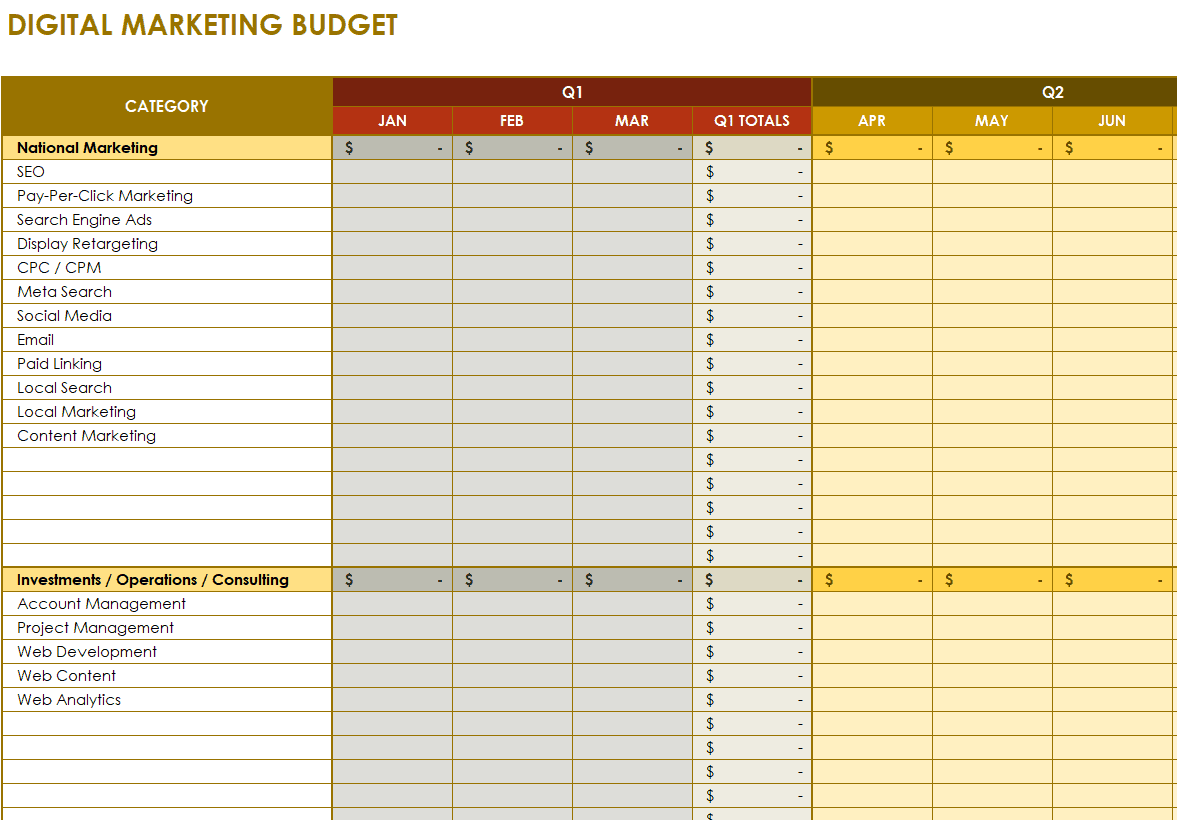
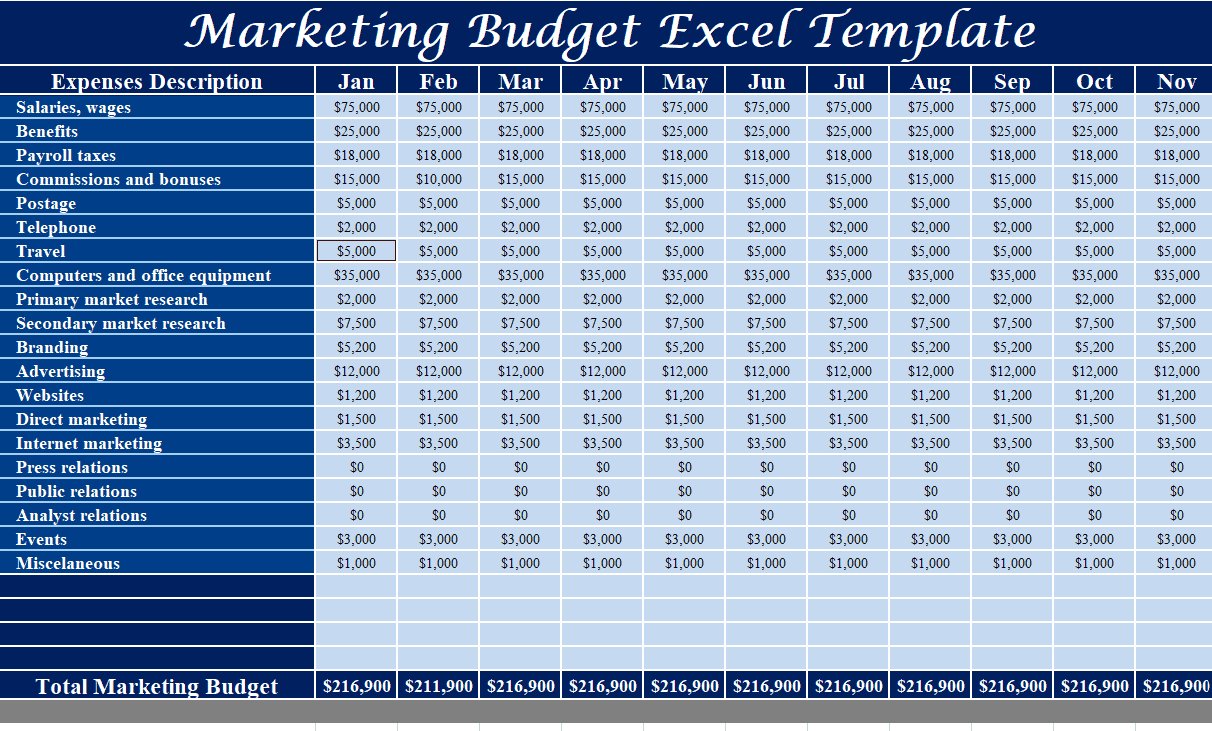
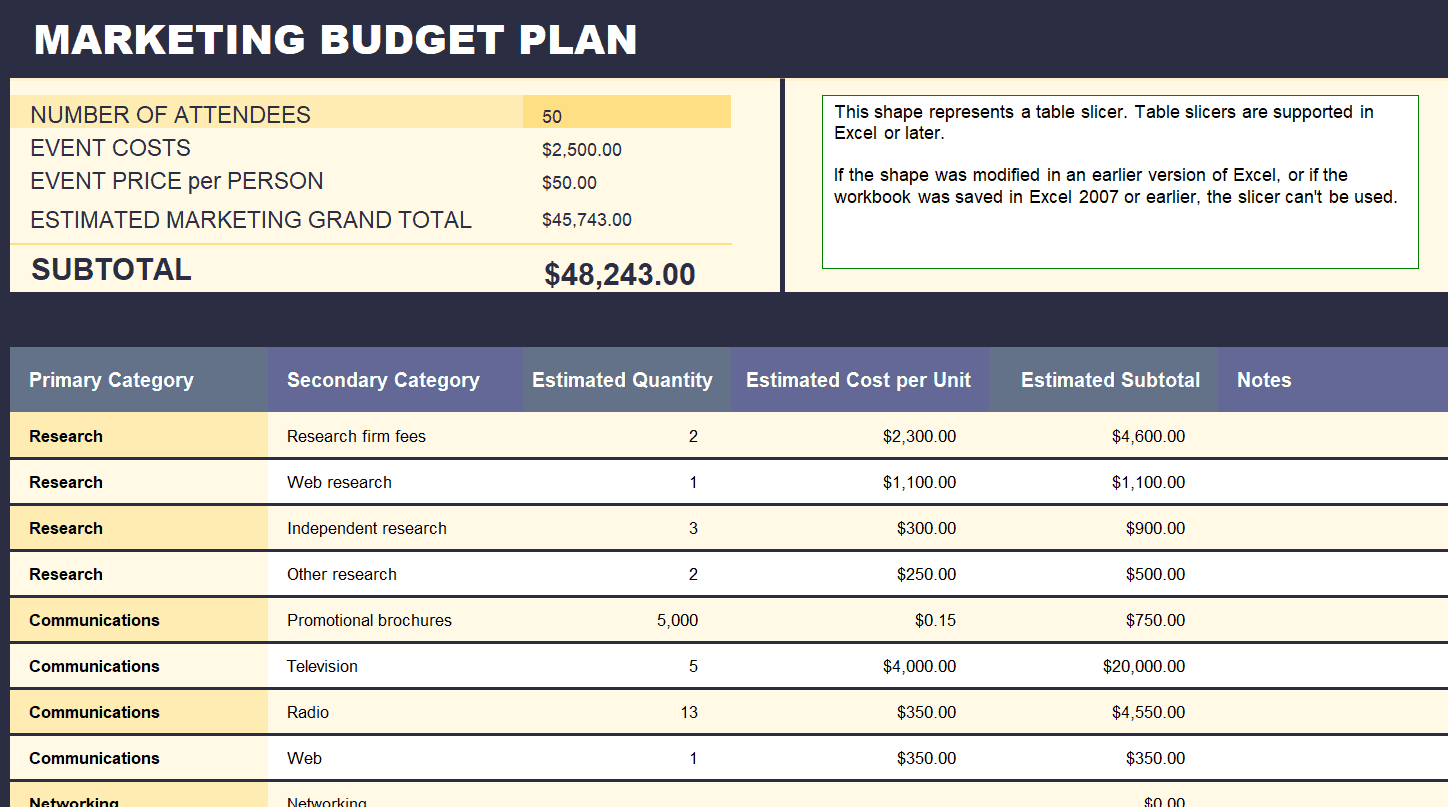
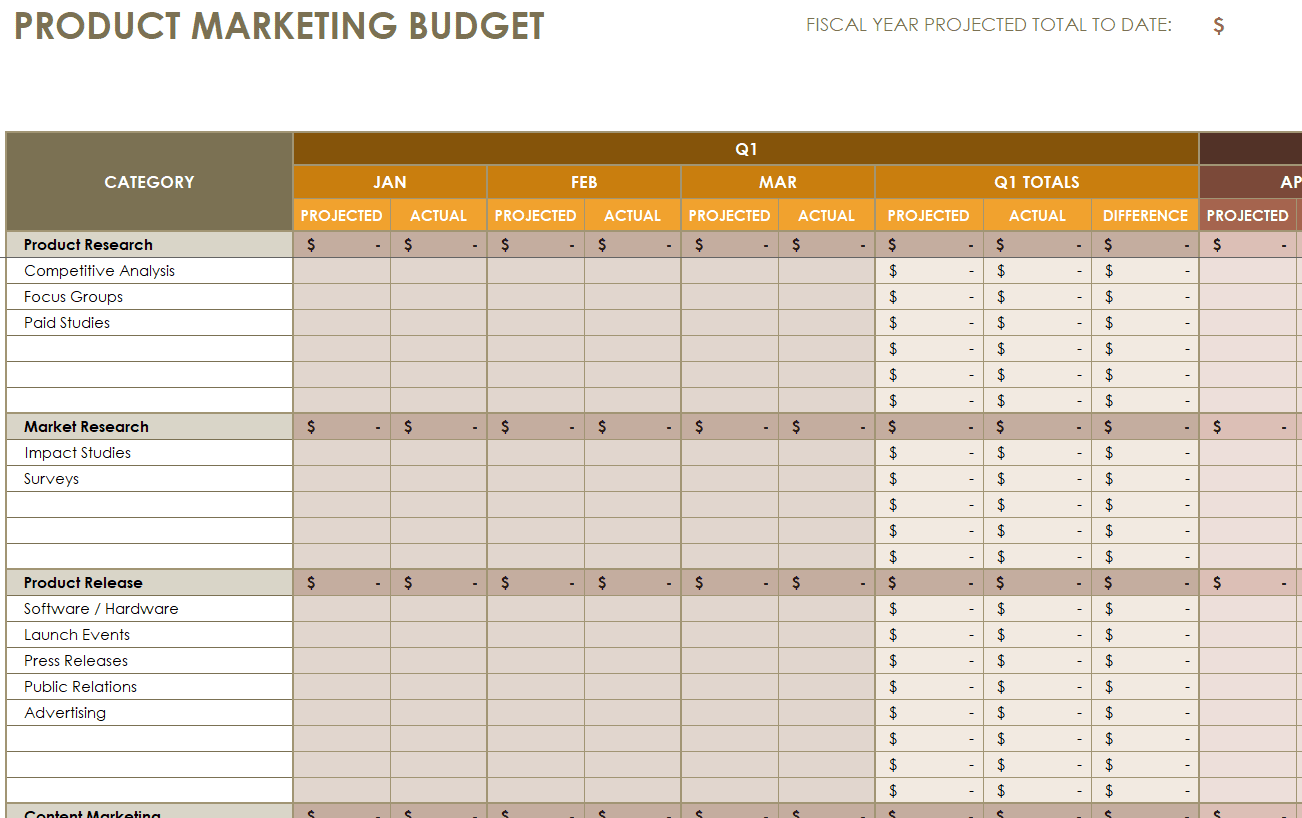
Review the preview images below to select a layout that matches your workflow. A detailed template may suit a team managing multiple campaigns, while a simpler worksheet may be easier for a small business that needs only a handful of categories. After downloading, make a copy and rename the workbook for your organization and reporting period. Replace sample labels and figures with real data, check totals and formulas, and remove fields you do not need. Add columns for approval status or purchase order numbers if your finance process requires them. If the file uses macros or external links, inspect them before enabling anything. Share the finished workbook with the people responsible for approving, recording, and evaluating expenses.
Example of a Simple Monthly Budget
Imagine a small company approves a monthly promotional budget of $5,000. It might initially allocate $2,000 to search advertising, $1,200 to social promotion, $900 to content production, $500 to email tools and creative support, and $400 to testing and contingency. These numbers are illustrative, not recommended allocations for every business. Suppose the team spends $1,750 on search and $1,350 on social while the other categories remain on plan. The total may still fit the cap, but the category variances reveal where adjustments occurred. Add performance figures such as qualified enquiries, purchases, and campaign-driven margin to determine whether the changes produced worthwhile results. Record any unused contingency rather than spending it automatically.
Questions to Review Before Approval
Before approving a marketing budget, ask whether every important business objective has a matching activity and whether the proposed costs reflect realistic supplier prices. Confirm who owns each category and when spending permission is required. Examine whether the business has enough cash at the times payments come due. Consider the consequences if sales or conversions are materially lower than forecast and identify what expenses can be reduced without breaking contractual obligations. Check that reporting definitions match across the marketing and finance teams. Finally, confirm when the budget will next be reviewed. A strong approval process creates agreement on what success means and how decisions will be made when circumstances change.
Get Marketing Plan Budget Templates in EXCEL for FREE
Digital Marketing Plan Budget Template
Detailed Marketing Plan Budget Template
Sample Marketing Budget Plan Template
Product Marketing Plan Budget Template
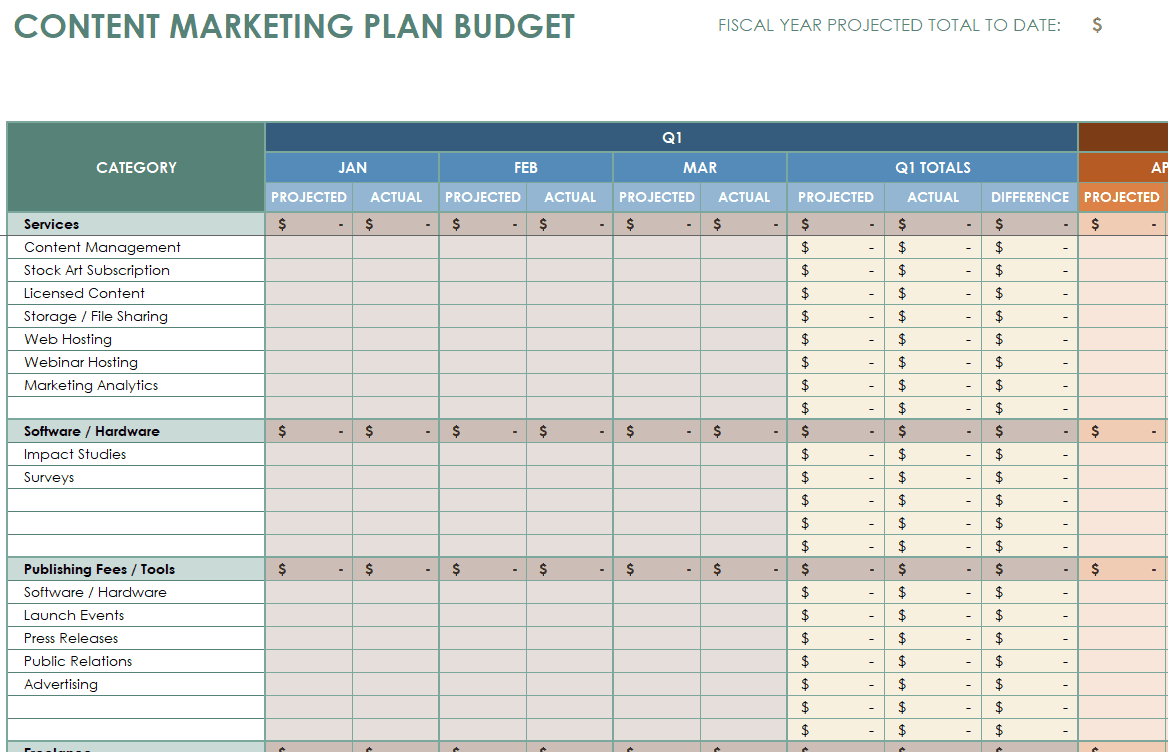
Content Marketing Plan Budget Template
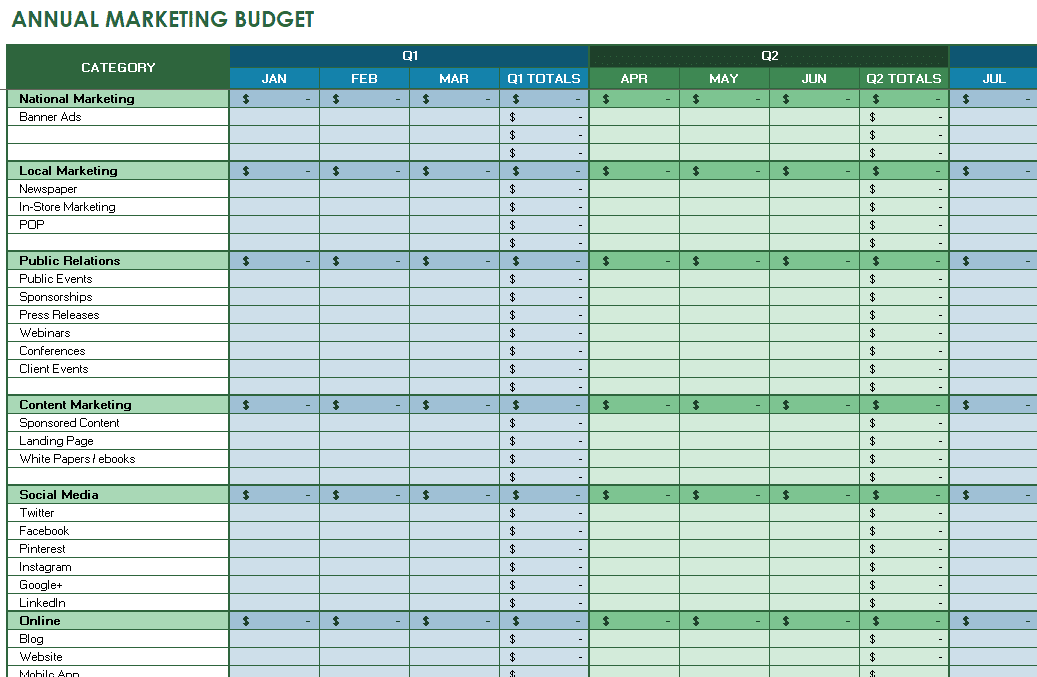
Annual Marketing Plan Budget Template
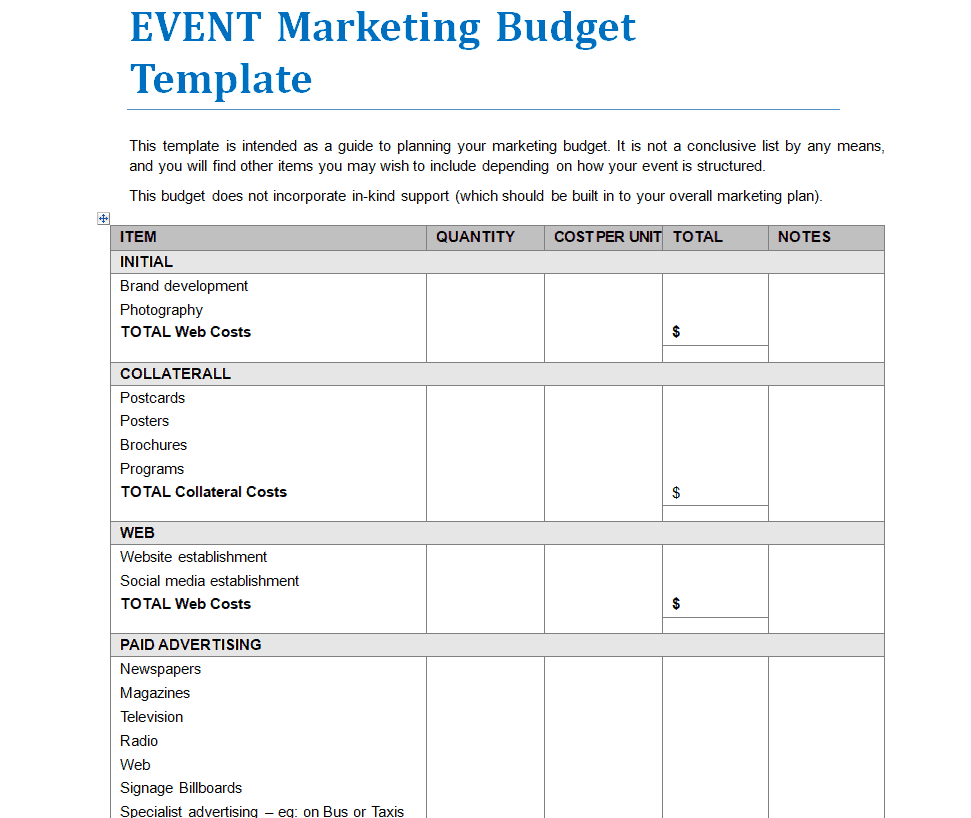
Event Marketing Plan Budget Template WORD Format
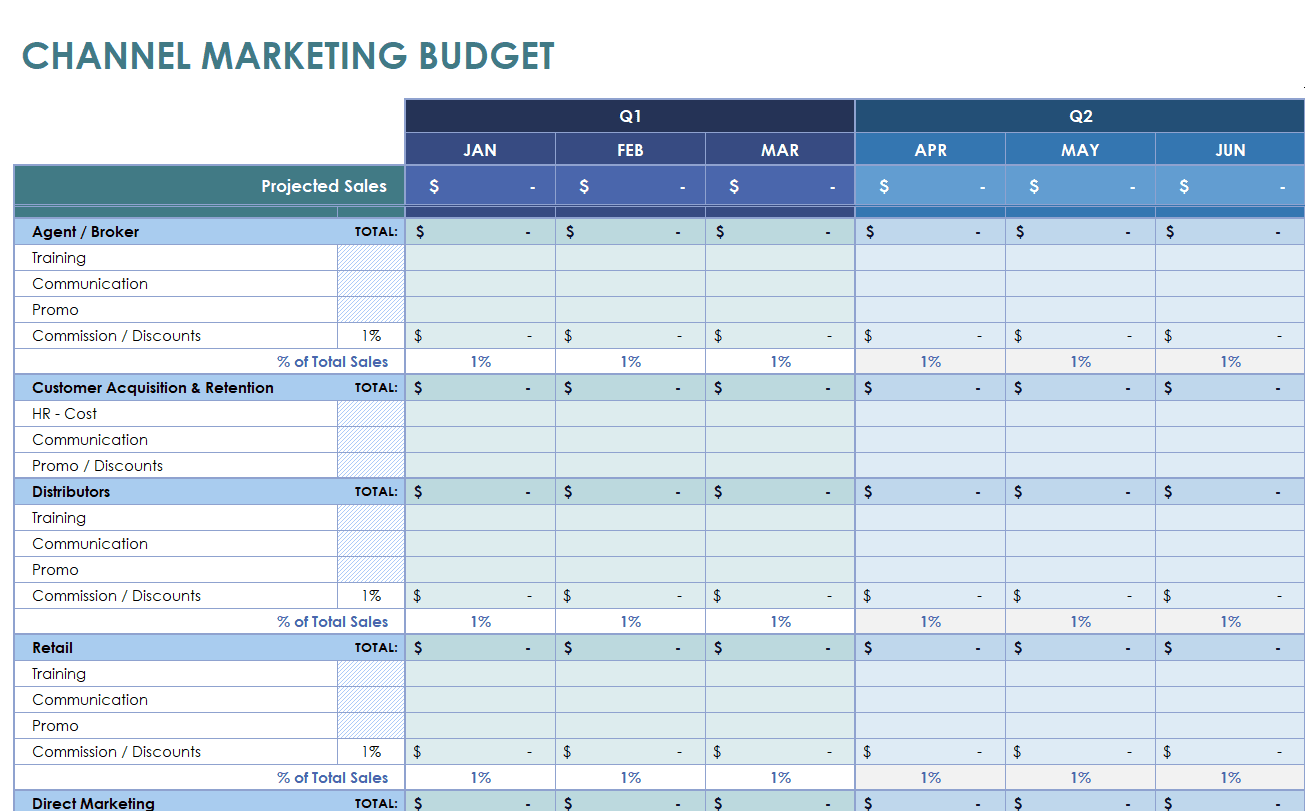
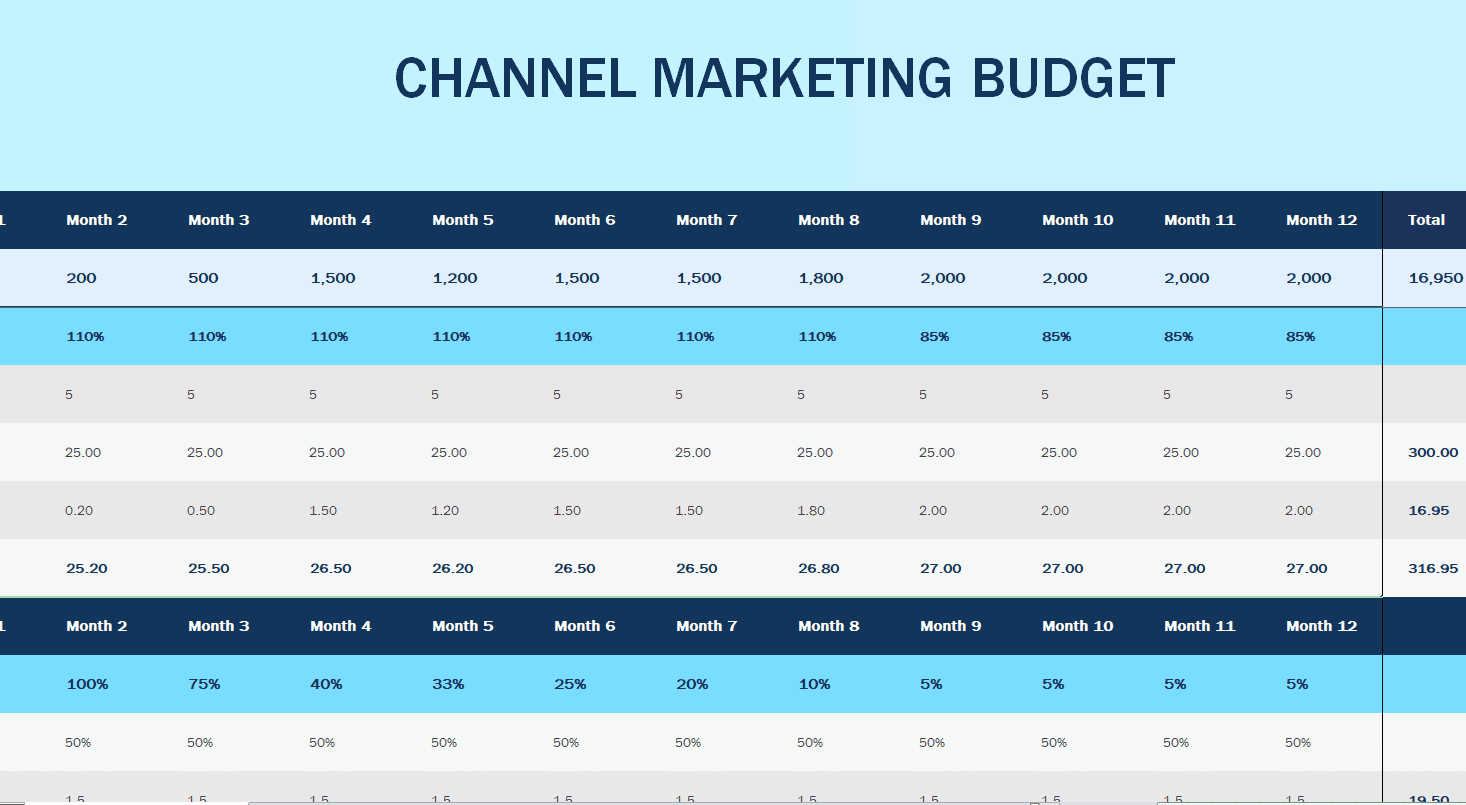
Channel Marketing Plan Budget Template
Social Media Marketing Plan Budget Template
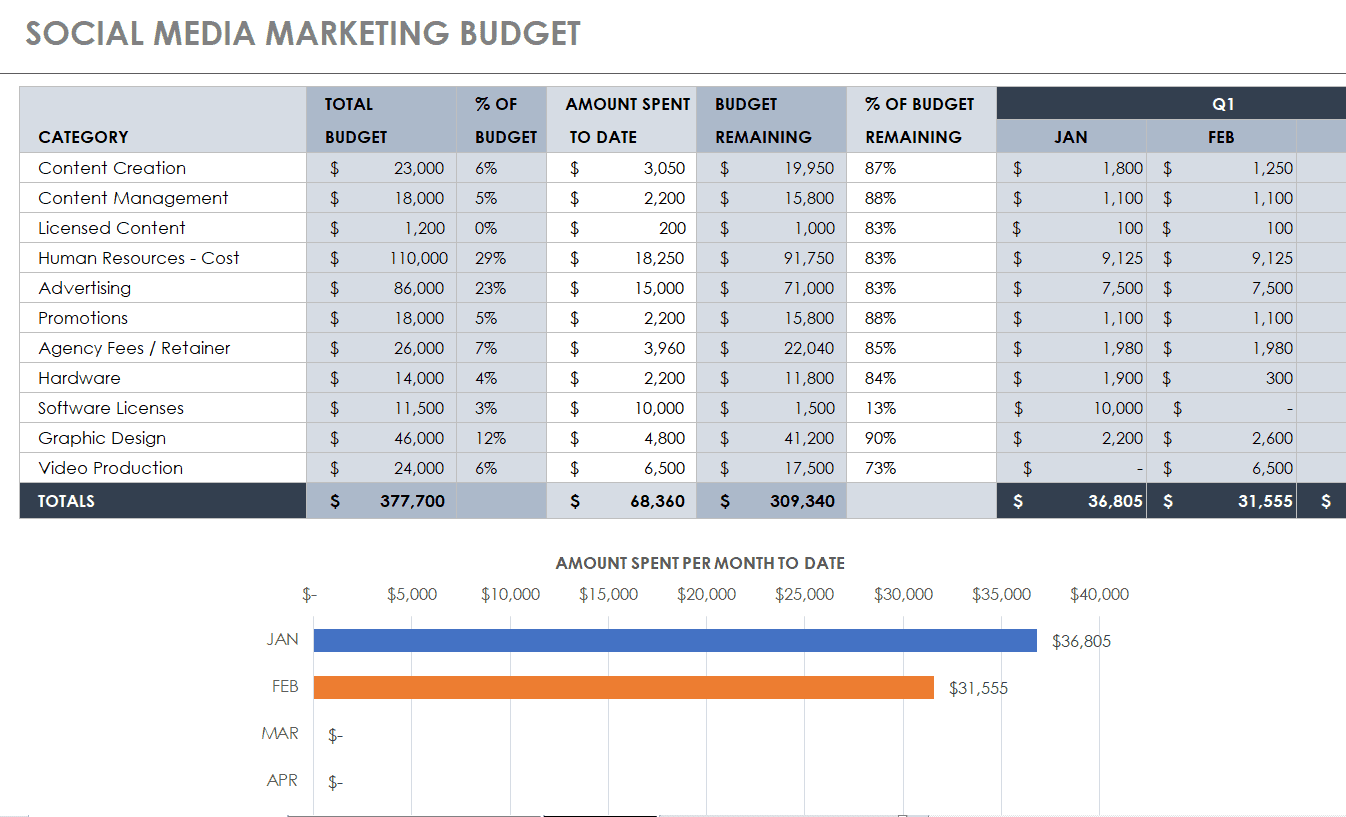
Simple Marketing Plan Budget Template
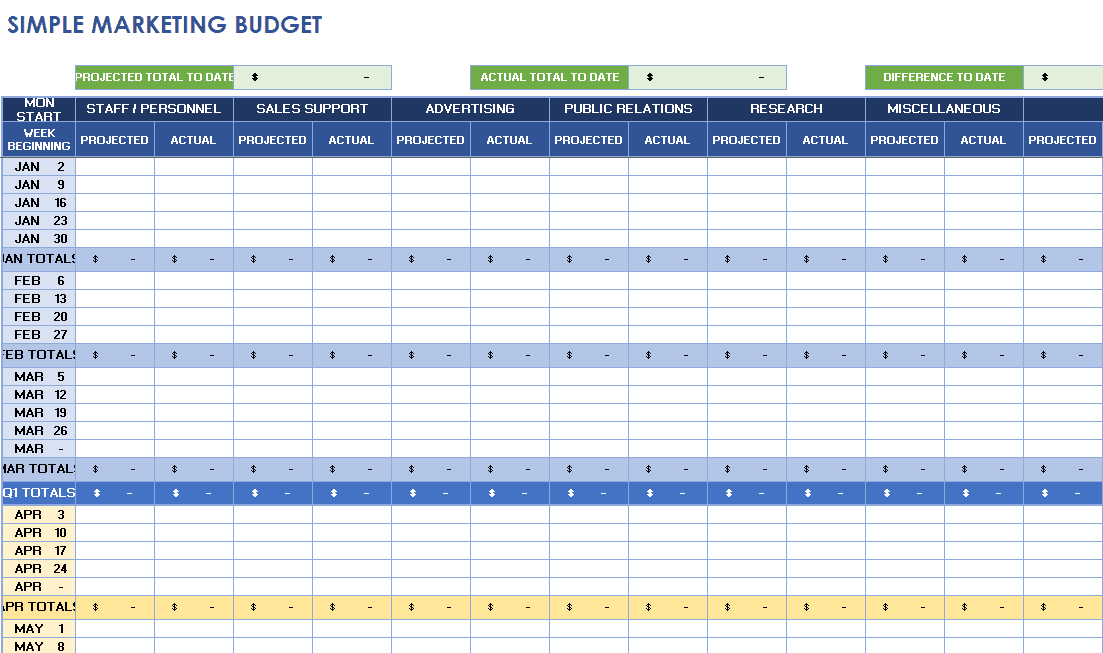
Official Marketing Plan Budget Template
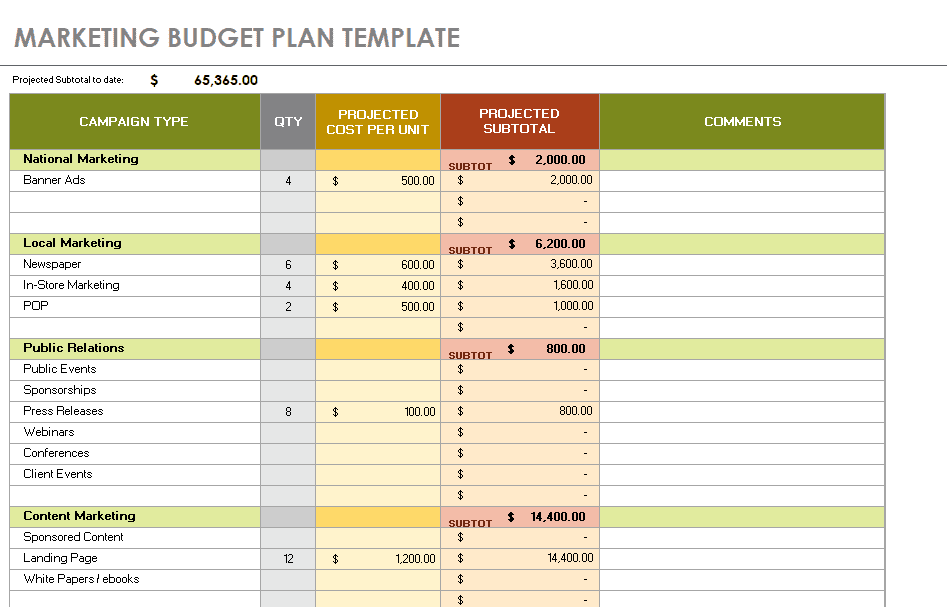
Quarterly Marketing Plan Budget Template
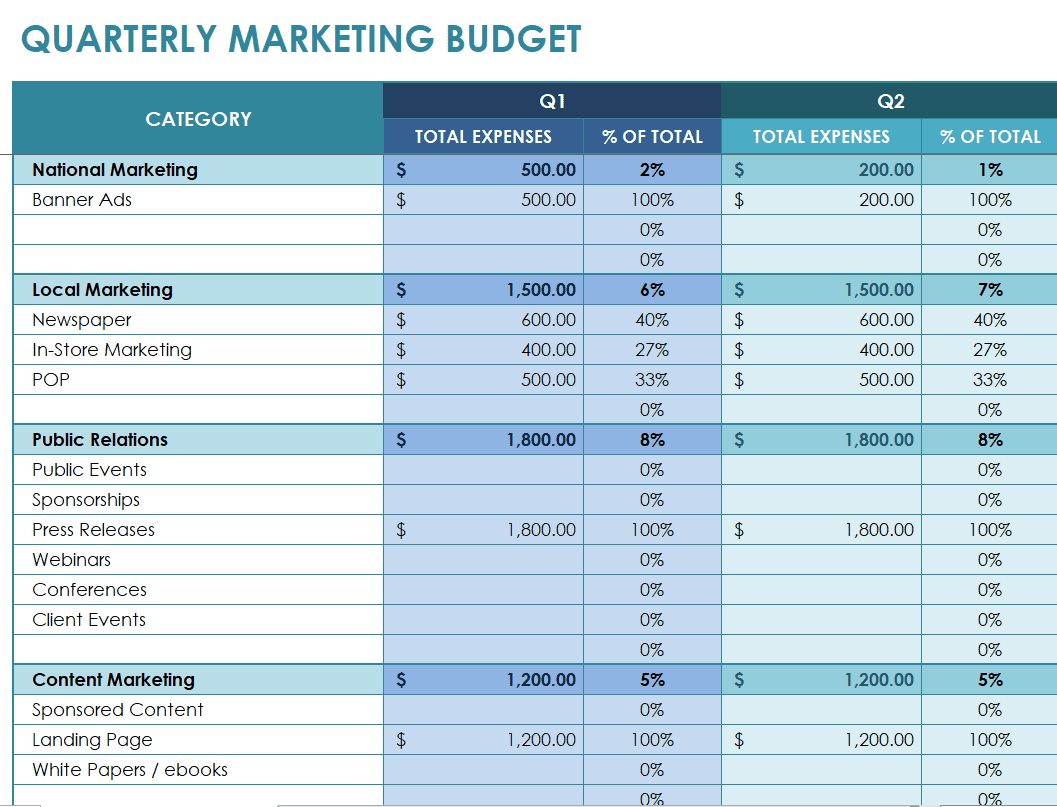
Monthly Channel Marketing Plan Budget Template
Frequently Asked Questions About Marketing Budget Templates
Can I use these marketing budget templates for a small business?
Yes. Remove unnecessary channels, keep the categories relevant to your business, and use a monthly view if annual forecasting would be too speculative.
What is the difference between a marketing plan and a marketing budget?
The marketing plan describes the objectives, audience, positioning, activities, and measures of success. The budget translates those activities into estimated and approved costs.
How often should I update a marketing budget spreadsheet?
Record transactions as they occur and review spending against the plan at least monthly. Fast-moving paid campaigns may need weekly monitoring.
Should I include staff salaries in the budget?
Include internal labor if you need a full picture of campaign cost, but distinguish it from external cash expenditure and avoid counting the same cost twice.
How should I handle unexpected campaign expenses?
Use an approved contingency allocation where appropriate, explain the variance, and obtain authorization before exceeding the agreed total budget.
Do these files work without Microsoft Excel?
Compatibility varies by workbook. Some files can open in other spreadsheet programs, but review formatting and formulas after importing them.
What is the best marketing budget allocation?
There is no universal split. Base allocations on your business objectives, margins, historical performance, available cash, and the quality of evidence for each channel.

You must be logged in to post a comment.