
A profit-and-loss statement covers revenue and expenses over a stated period; it is not a list of bank-account balances. Separate direct costs from operating expenses so gross profit and operating profit can be understood.
Read a profit-and-loss statement as a period report
- Saves preparation time: A ready-made template with formulas already built in is far faster than formatting a new spreadsheet from scratch each period.
- Reduces calculation errors: Built-in formulas automatically total revenue, expenses, and net profit, reducing the risk of manual math mistakes.
- Supports better decision-making: A clear view of income and expenses helps management identify where to cut costs or invest further.
- Simplifies investor and lender reporting: A professional, consistent P&L format makes it easier to share financial performance with banks or investors.
- Covers different reporting periods: With quarterly, monthly, annual, and multi-year formats available, you can match the template to your specific reporting cycle.
- Works across industries: Whether you run a restaurant, a small business, or a larger company, there’s a format here suited to your type of operation.
Worked example: If monthly sales are $20,000, the cost of goods sold is $12,000, and operating expenses are $5,000, gross profit is $8,000 and operating profit is $3,000, before any further items such as interest or tax.
Check before use: Label the accounting period and currency. Cash received is not always revenue for that period, so check whether the worksheet uses cash or accrual accounting before interpreting profitability.
For related guidance and formats, see 10+ BEST Income Statement Excel Templates & Formats and 5 Balance Sheet Formats In Excel.
What’s Included in a Profit and Loss Statement Template
- Revenue section: Total sales or income generated during the reporting period.
- Cost of goods sold: Direct costs associated with producing goods or delivering services.
- Operating expenses: Rent, salaries, utilities, marketing, and other costs of running the business.
- Gross and net profit calculations: Automatically calculated totals showing profitability at different stages.
- Reporting period: A clear time frame, whether monthly, quarterly, or annual, so results can be compared over time.
Who Should Use These Templates?
- Small business owners who need an affordable way to track profitability without hiring outside accounting help.
- Restaurant owners and managers tracking weekly or monthly financial performance in a fast-moving business.
- Accountants and bookkeepers preparing statements for multiple clients using a consistent, reliable format.
- Startups and new businesses preparing their first financial statements for investors or lenders.
How to Start Using a Template in 3 Simple Steps
- Step 1 — Choose the right format: Review the fifteen templates below and pick the one matching your reporting period and business type.
- Step 2 — Enter your figures: Add your revenue, cost of goods sold, and operating expenses into the relevant fields.
- Step 3 — Review the calculated results: Check the automatically calculated gross and net profit, and use it for reporting or decision-making.
Profit and Loss Statement vs. Cash Flow Statement
It’s easy to confuse a profit and loss statement with a cash flow statement, but they answer different questions. A P&L shows whether a business is profitable over a period, based on revenue earned and expenses incurred, regardless of when cash actually changes hands. A cash flow statement, by contrast, tracks the actual movement of cash in and out of the business. A profitable business on paper can still run into cash flow trouble if customers pay late, which is why many businesses track both statements side by side rather than relying on just one.
Customizing the Template for Your Business
These templates are a strong starting point, but every business has its own reporting needs. You might add a line item for a specific expense category unique to your industry, adjust the reporting period, or add a comparison column to show performance against the previous period or budget. Because each template is built in standard Excel, these adjustments take only a few minutes and require no advanced spreadsheet skills.
Common Mistakes to Avoid
- Mixing up revenue and cash received: Revenue should be recorded when earned, not necessarily when payment arrives.
- Leaving out small expenses: Minor recurring costs add up and can meaningfully affect your true profit margin.
- Not separating cost of goods sold from operating expenses: Mixing these together makes it harder to understand gross versus net profit.
- Inconsistent reporting periods: Comparing a monthly statement to an annual one without adjustment leads to misleading conclusions.
- Not reviewing the statement regularly: A P&L prepared only once a year misses trends that could be caught and corrected sooner.
Tips to Get the Most Out of Your Profit and Loss Statement
- Prepare it on a consistent schedule, whether monthly, quarterly, or annually, so trends become easier to spot.
- Compare periods side by side to identify growth, seasonal patterns, or areas of concern.
- Keep supporting records for each figure so the statement can be verified or audited if needed.
- Share it with your accountant periodically to catch errors or optimization opportunities early.
- Use it alongside a budget to see how actual performance compares to your financial plan.
Take a Look at the Given Below Profit And Loss Statement Templates Excel Here
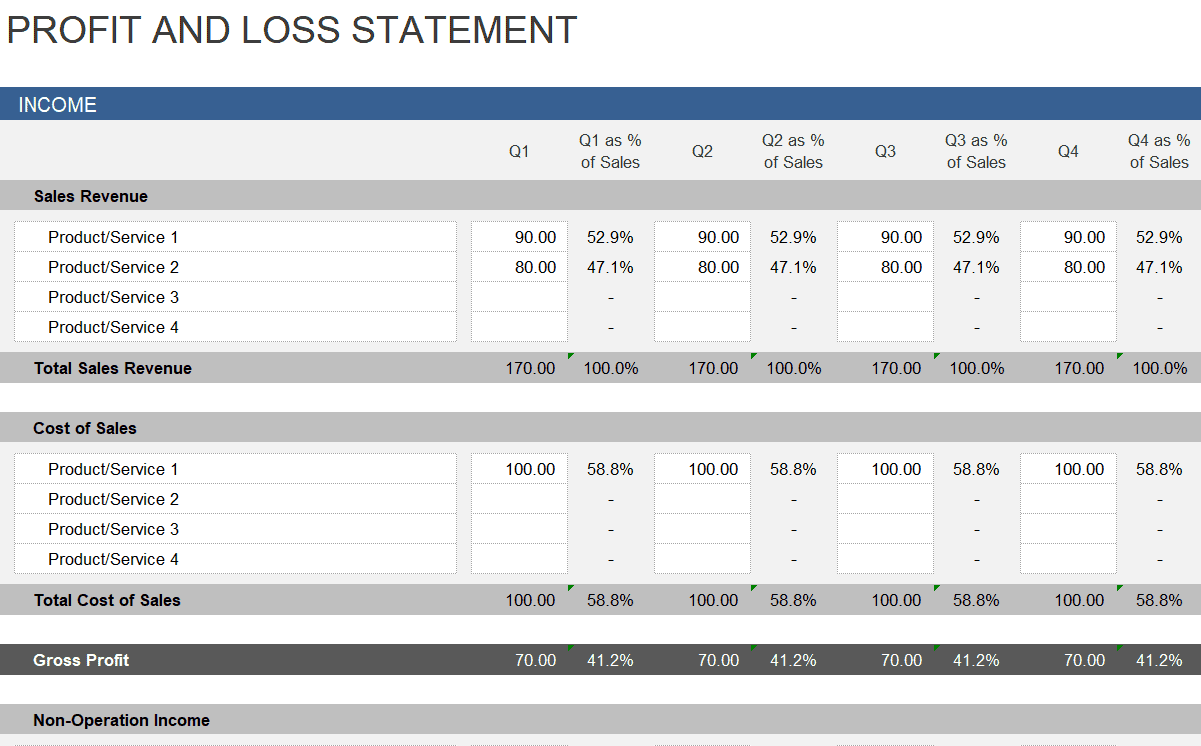
Quarterly Profit and Loss Statement Excel Template
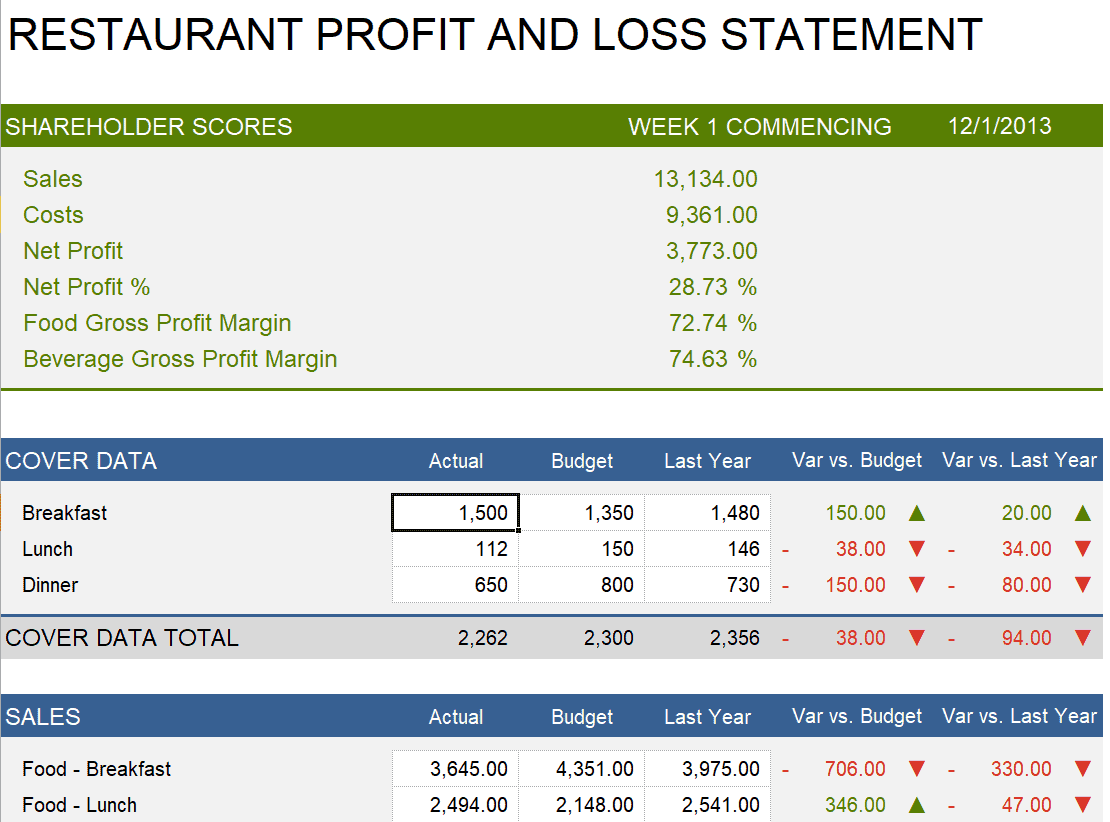
Restaurant Profit and Loss Statement Excel Template
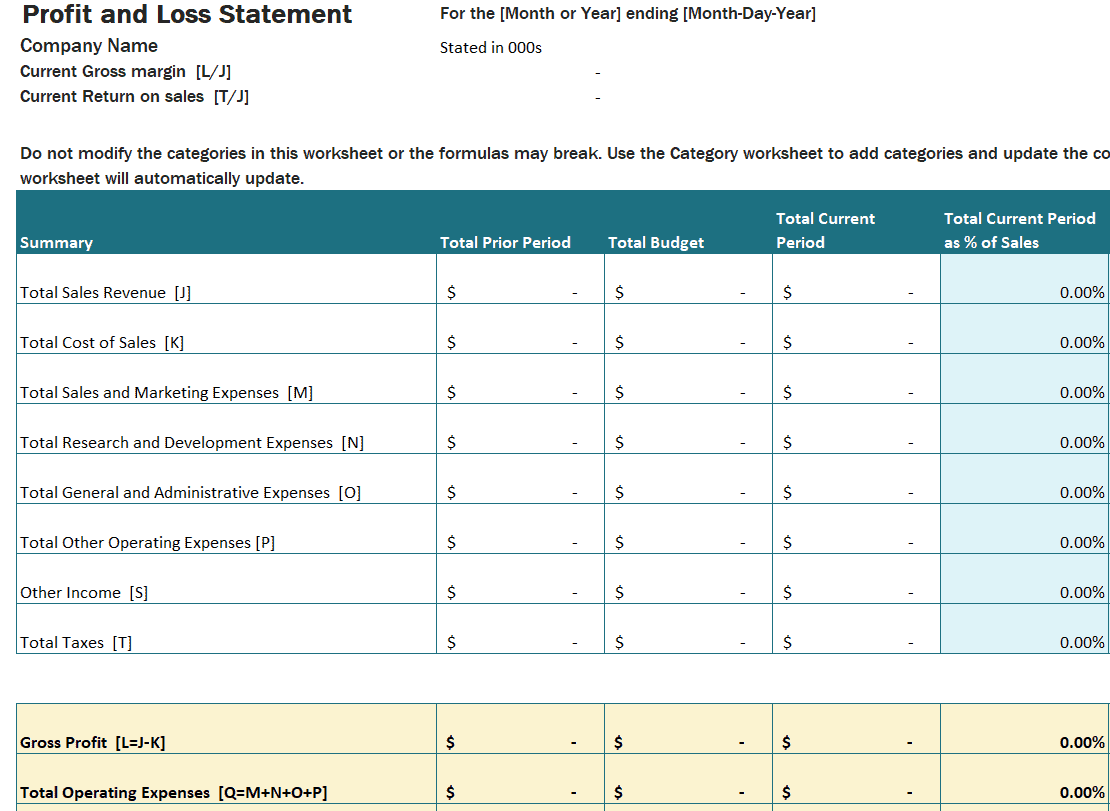
Practical Profit and Loss Statement Excel Template
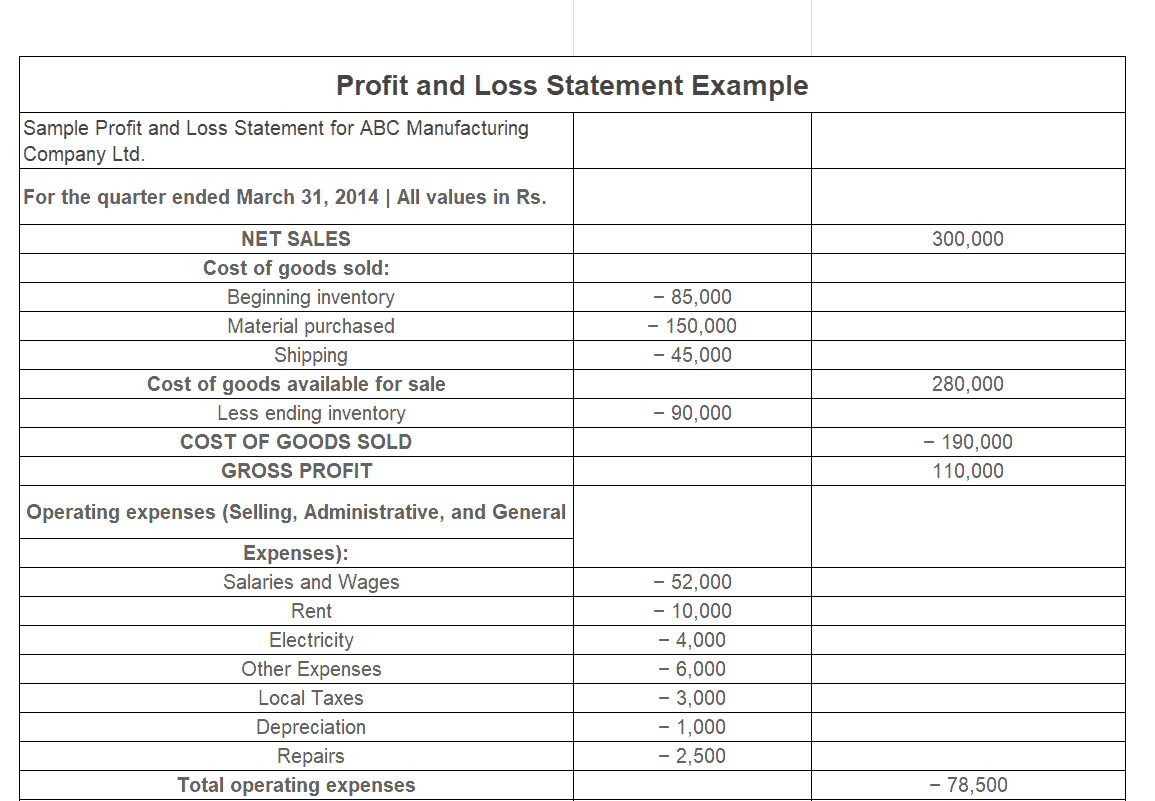
Example Profit and Loss Statement Excel Template
Business Profit and Loss Statement Excel Template
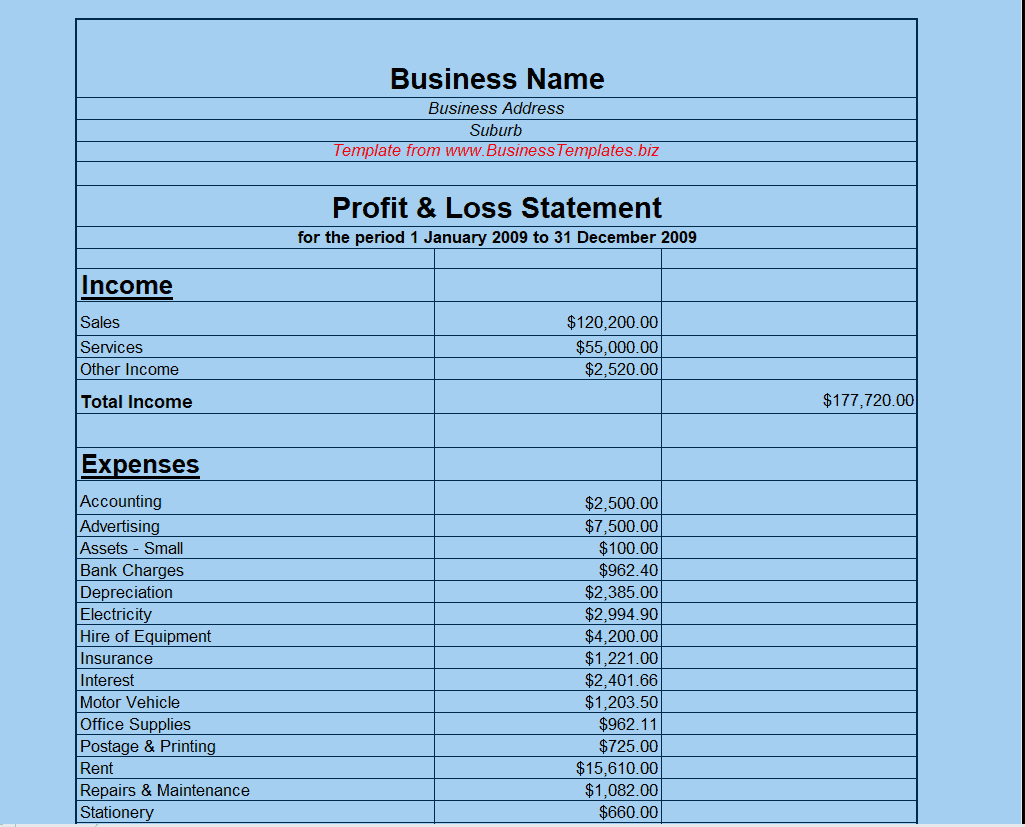
Company’s Profit and Loss Statement Excel Template
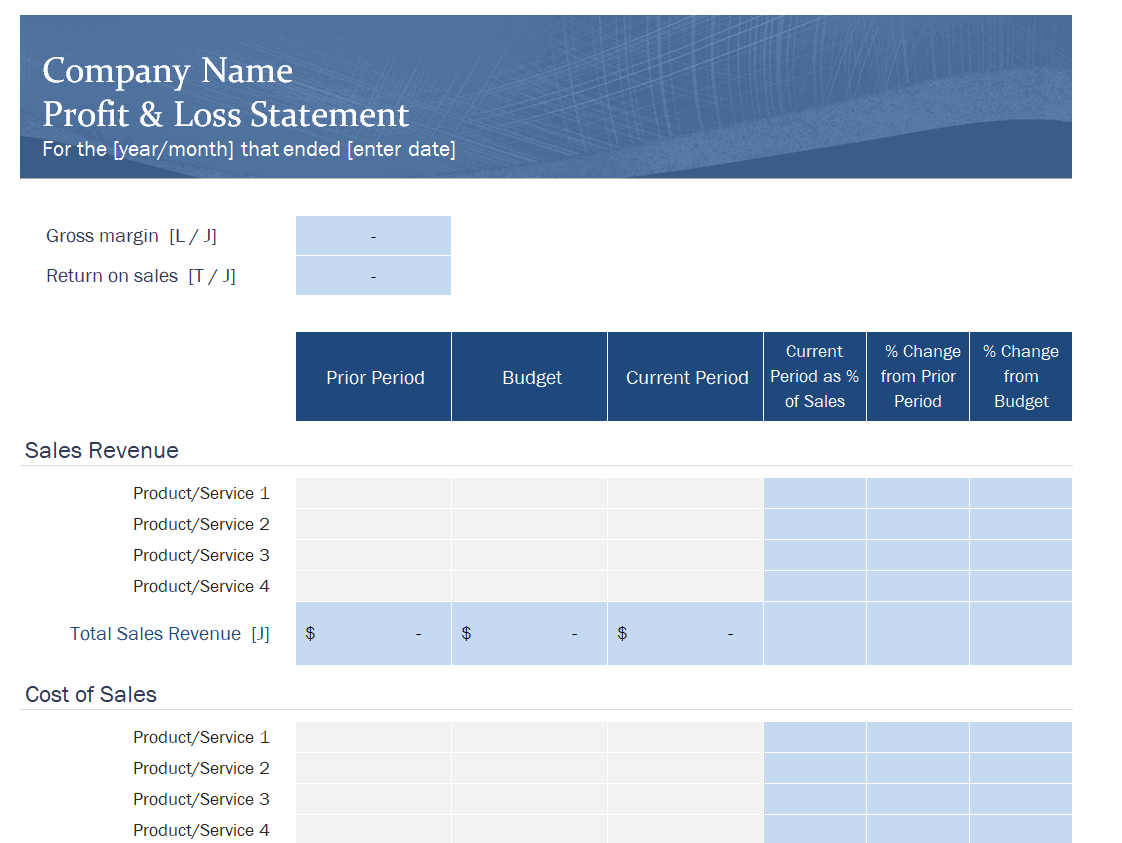
Month Wise Profit and Loss Statement Excel Template
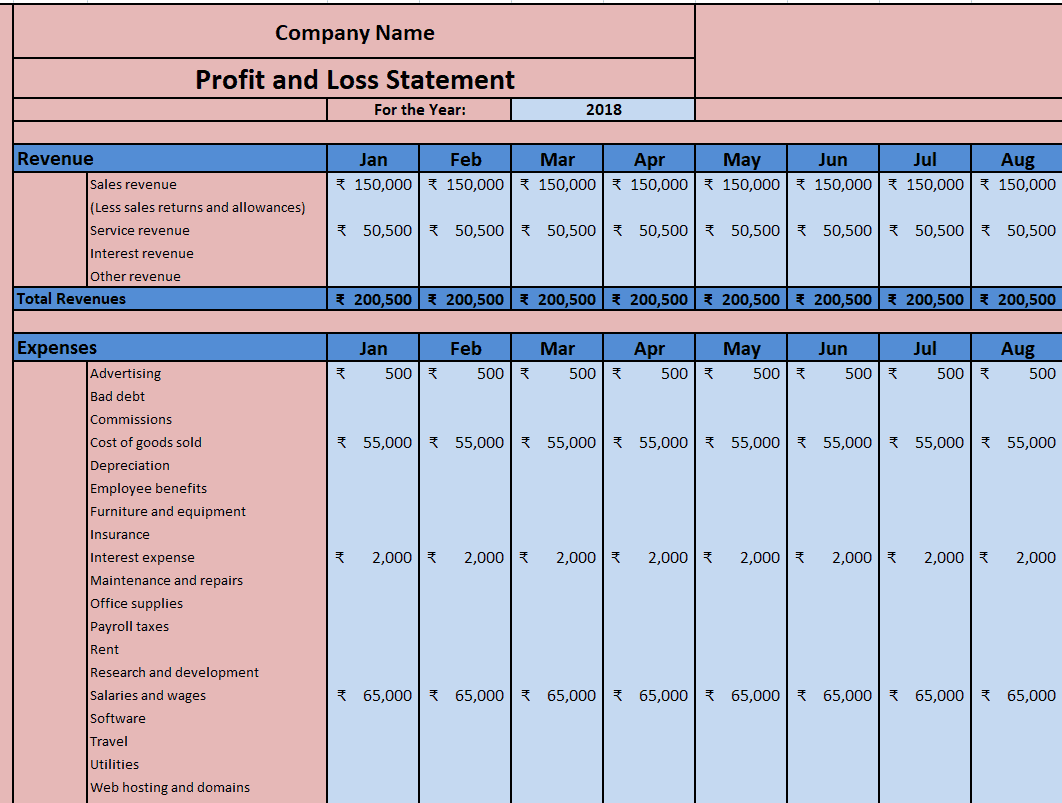
Sample Detailed Profit and Loss Statement Excel Template
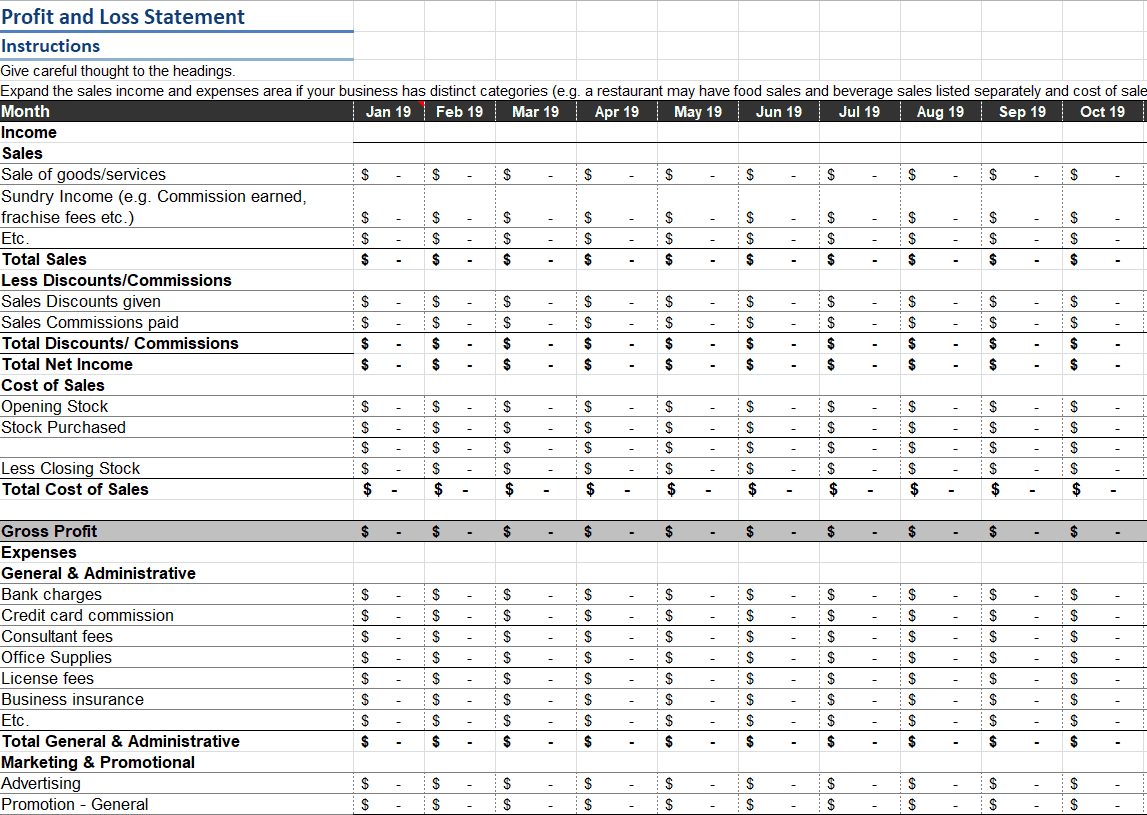
Annual Profit and Loss Statement Excel Template
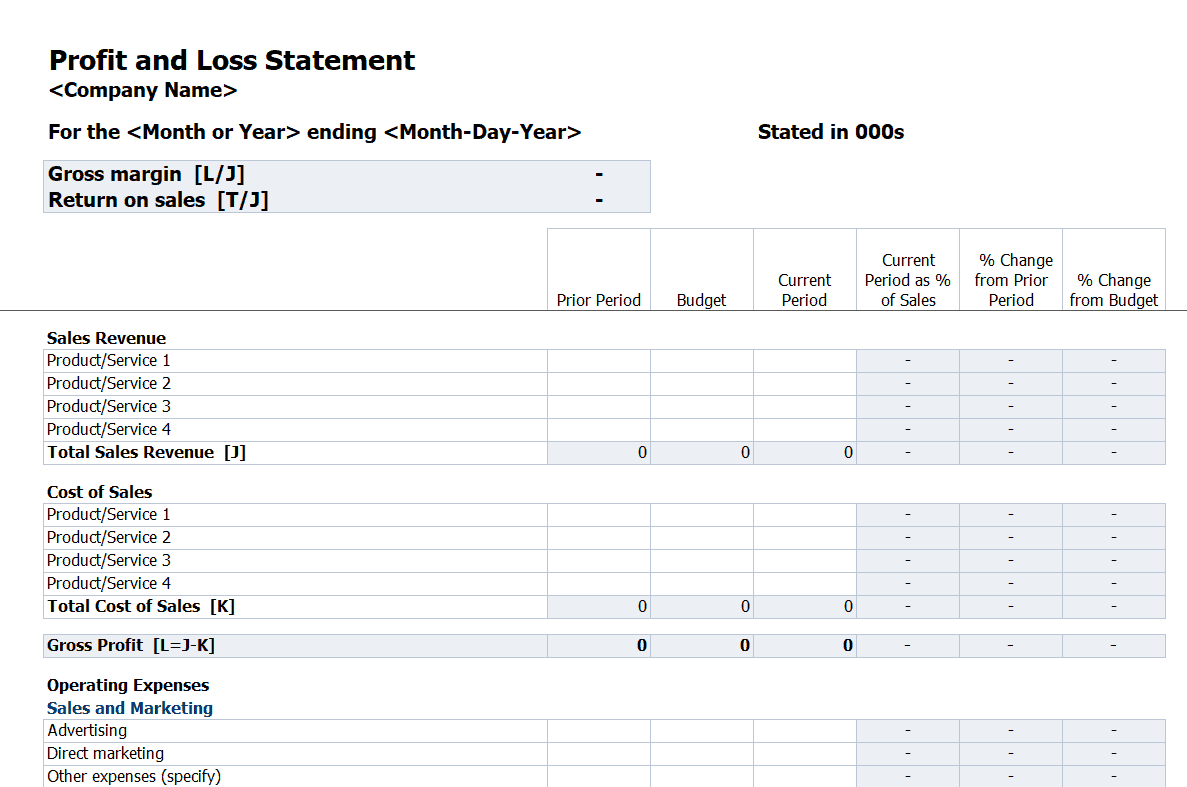
Restaurant’s Weekly Profit and Loss Statement Excel Template
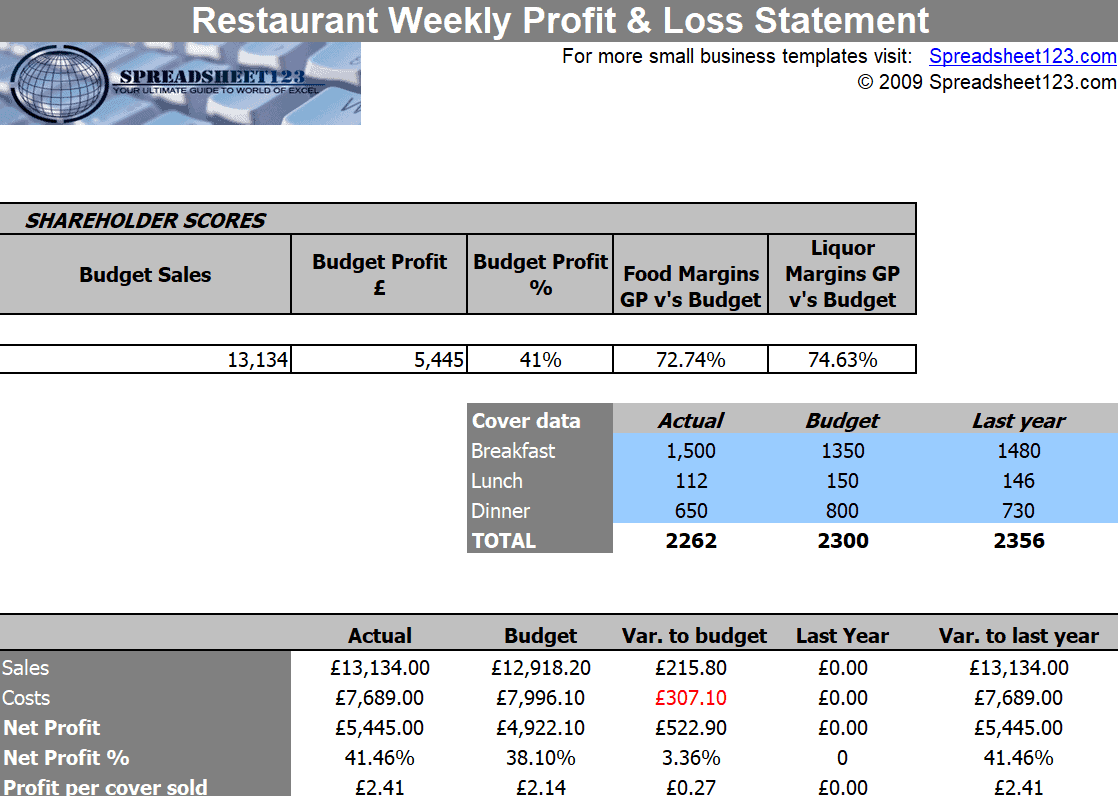
Small Business Profit and Loss Statement Excel Template
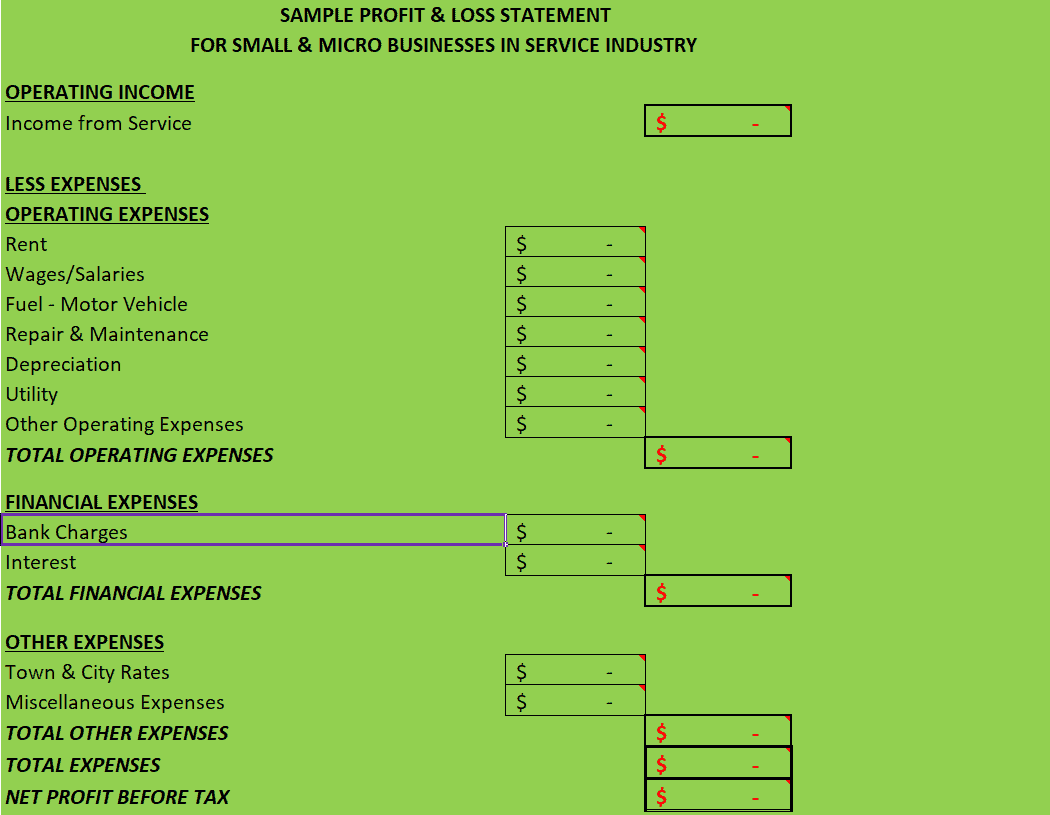
3 Year Profit and Loss Statement Excel Template
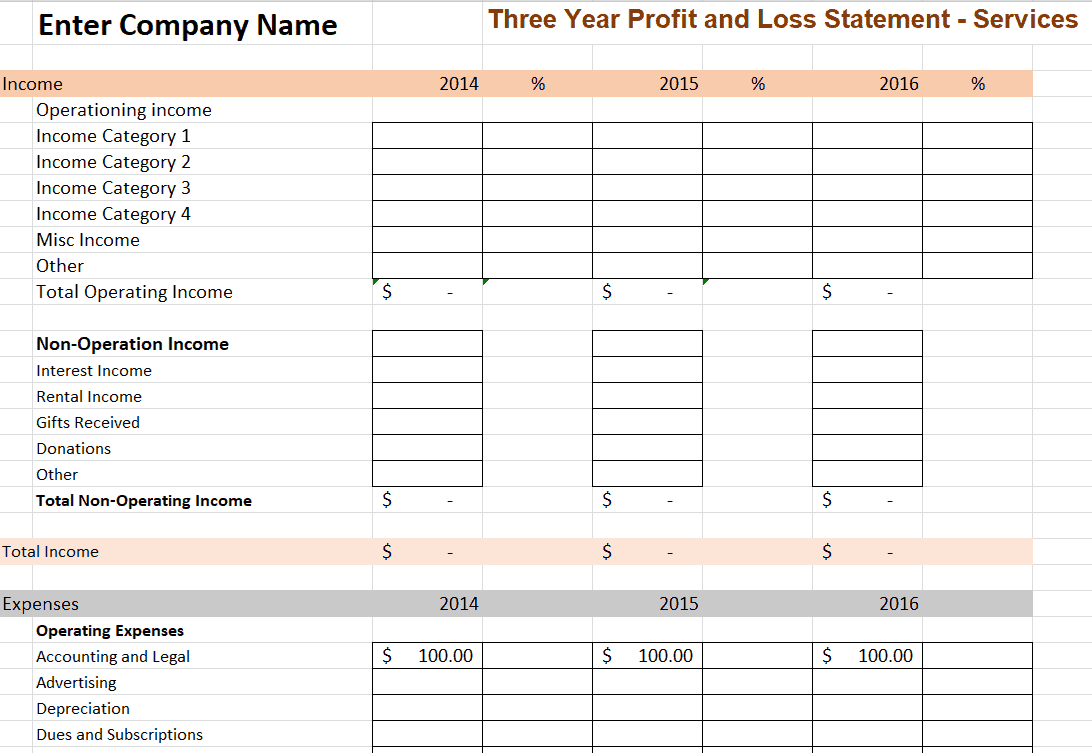
Profit and Loss Statement Excel Format Template
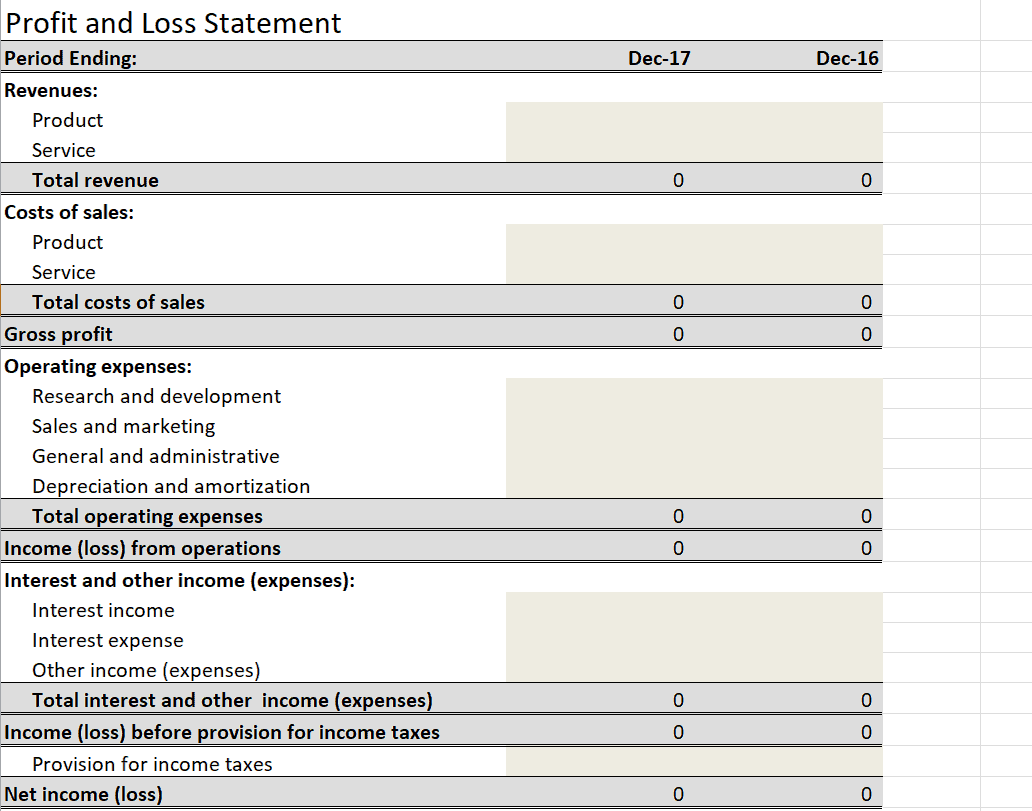
Blank Profit and Loss Statement Excel Template
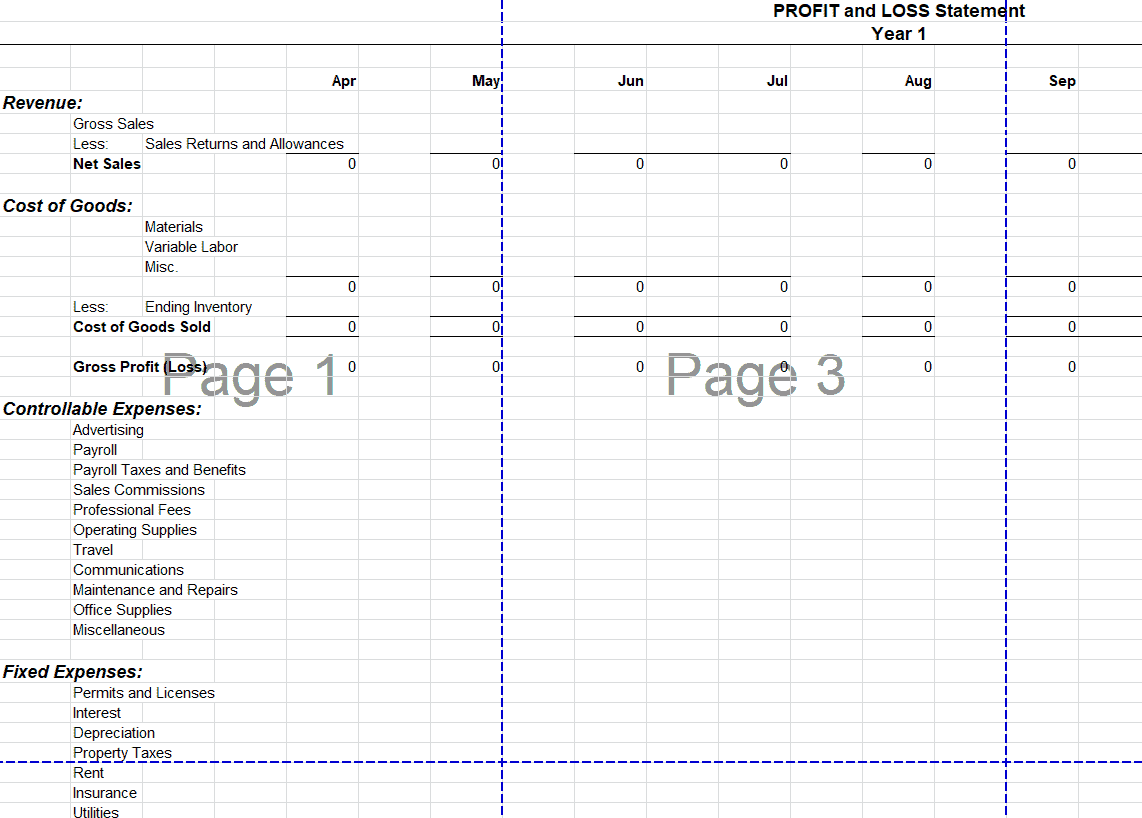
Single Step Profit and Loss Statement Excel Template
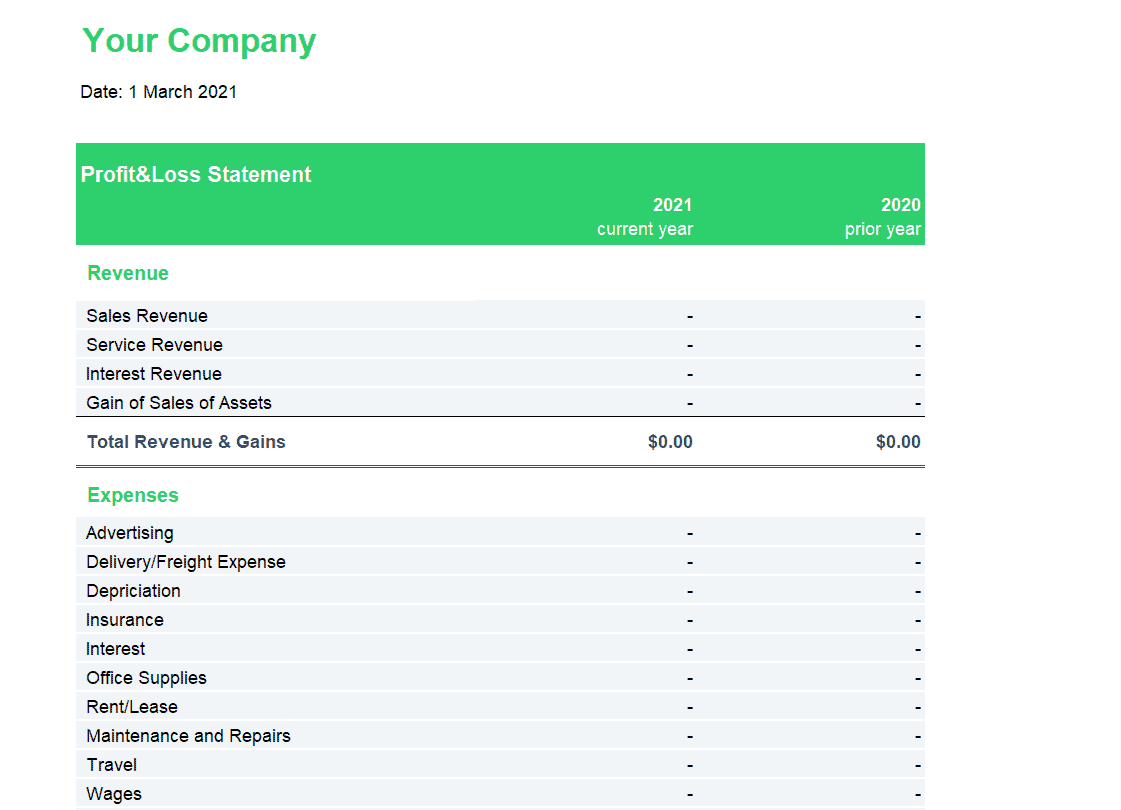
Frequently Asked Questions
Are these profit and loss statement templates free to download?
Yes, all fifteen templates on this page are free to download and use for personal or business financial reporting.
Which format should I choose for my business?
Choose based on your reporting period and industry — for example, the restaurant-specific templates for food service businesses, or the quarterly and annual versions for standard business reporting.
Do I need Microsoft Excel to use these templates?
The templates are built for Excel but also open in free alternatives such as Google Sheets or LibreOffice Calc.
Will the template calculate my profit automatically?
Yes, each template includes built-in formulas that calculate gross and net profit once you enter your revenue and expenses.
Can I use this for a multi-year comparison?
Yes, the 3 Year Profit and Loss Statement Excel Template is specifically designed to compare performance across multiple years.
Is a profit and loss statement the same as a cash flow statement?
No. A P&L shows profitability based on revenue earned and expenses incurred, while a cash flow statement tracks actual cash movement in and out of the business.
How often should I prepare a profit and loss statement?
Most businesses prepare one monthly or quarterly for internal tracking, in addition to an annual statement for formal reporting.

You must be logged in to post a comment.