
A stock management template in Excel helps organize the movement and availability of goods. It can record what arrived, what left, where items are stored, and how much remains available. The previews below provide several layouts that you can adapt to a store, stockroom, warehouse, or small business.
This guide focuses on the operational stock record: clear movement entries, location-level balances, reservations, and practical reconciliation. A spreadsheet can support these activities when the team follows a consistent process and understands what each quantity represents.
Define the stock record’s scope
Identify the locations, products, and transaction types the workbook will cover. Decide whether it includes saleable goods, raw materials, supplies, or another category. Keep different ownership and availability conditions visible where they affect decisions.
Record the date of the opening information and the people responsible for updates. If the workbook is a live operational record, movements need to be entered through a reliable routine. A stock list that is only checked occasionally should be labeled as a dated snapshot rather than presented as a current balance.
Establish stable item and location codes
Give each distinct item a stable identifier and use descriptions that separate similar specifications. Keep the same code across receipts, issues, transfers, and summaries. A changed display name should not create a new item history.
Use a clear location structure, such as site, room, shelf, and bin where needed. A product list template can help maintain the item reference. Avoid storing several locations and quantities inside a single cell. Separate records make it easier to see where stock is actually available.
Use a movement log as the foundation
Record one movement per row with date, item code, type, quantity, source or destination, reference, and responsible person. Common movement types include receipt, issue, transfer, return, and adjustment. Define how each type affects the balance.
A stock tracking spreadsheet can support this transaction history. The current balance should be explainable from the opening position and recorded movements. Replacing the total manually whenever stock changes makes it harder to investigate an error or understand why the balance differs from a physical count.
Record receipts accurately
Enter accepted quantities after checking what arrived. Include the supplier or order reference and the location where goods were placed. Keep ordered quantities separate from received quantities so an outstanding purchase does not look like stock already on hand.
If a delivery is partial, record only the received amount and keep the remaining expectation visible. If goods await inspection, identify that status. A receipt is not fully useful until the team can find the items and understand whether they are available for normal issue.
Record issues with a clear purpose
An issue should explain where the stock went. Use a reference such as a customer order, work order, department, or approved internal request. Record the quantity in the agreed unit and enter the movement close to the time it happens.
A requisition form can support internal requests before goods leave storage. Keep the request reference in the movement row. This helps distinguish authorized use from an unexplained adjustment and gives the reviewer a practical starting point when a balance needs investigation.
Treat transfers as connected movements
A transfer moves stock between locations rather than removing it from the organization altogether. Record both the origin and destination so the location balances remain correct. If the process uses two entries, make sure they share a reference and are reconciled.
Goods in transit may need a separate status or location until the receiving area confirms arrival. Avoid showing the units as available in both places at once. A stock movement register should make the journey understandable, including who sent the items and who confirmed receipt.
Separate on-hand, reserved, and available quantities
Physical stock may already be allocated to a customer or a production job. A record that shows only on-hand quantity can encourage someone to promise units that are committed elsewhere. Use a clearly defined reserved field where reservations matter.
Available stock quantity should follow the process agreed for the operation. State whether damaged, held, or in-transit goods are excluded. Incoming orders can be shown as expected receipts with dates, but they should not be confused with units that can be picked immediately.
Handle returns and damaged stock visibly
Record customer returns separately and identify whether they are accepted as usable goods. A returned item may need checking before it can be added to available stock. Keep the original reference where it helps trace the transaction.
A merchandise return form can support the return record. For damaged stock, note the condition, location, quantity, and next action. Do not quietly remove units from the workbook without a traceable reason. The record should explain what happened and who is responsible for the follow-up decision.
Work through a multi-location example
Imagine a business with a main stockroom and a small retail area. The stockroom begins with fifty units and sends fifteen to the retail area. The combined quantity remains fifty, while the location balances become thirty-five and fifteen.
The retail team then reserves five units for collection. Physical stock in that area is still fifteen, but only ten is unreserved. Showing both location and reservation information prevents the team from treating all fifteen as freely available. A transfer and a reservation answer different questions and should remain distinct.
Check calculations and sign conventions
Write down how receipts, issues, returns, and adjustments enter the formulas. If issue quantities are entered as positive numbers, the formula should subtract them once. Do not combine negative issue entries with another subtraction unless that is deliberately how the model works.
Test the workbook using a few known transactions and calculate the expected result by hand. Include a transfer and an adjustment in the test. Check that formulas include added rows and that summaries use the same units and item codes as the movement log.
Reconcile records with physical stock
Plan counts that suit the activity and importance of the items. Record when the count took place and account for movements happening around it. A difference may result from timing, a unit conversion, an omitted issue, or goods stored elsewhere.
An inventory count sheet can help collect observations independently of the movement balance. Investigate before recording an adjustment and preserve the explanation. Reconciliation is more useful when it improves the underlying routine than when it merely changes the total to match today’s count.
Review operational exceptions
Create a short view of negative balances, unconfirmed transfers, unresolved returns, and stock that is unavailable when required. Assign an owner and next action to important issues. A highlighted cell is only a signal; someone still needs to decide what to do.
Review recurring problems for a process cause. Repeated late receipts may need a receiving change, while unexplained issues may need clearer request references. Keep the exception summary focused so the team can act without searching through every historical movement.
Choose and maintain the template
Compare the previews with your number of locations, item types, and movement volume. Inspect the actual linked resource and its editing options before relying on the layout. Older collections may include external pages as well as files.
Save a clean original and test the adapted workbook with a small group of items. Clearly mark input and formula areas, use consistent dates and units, and agree how shared edits are coordinated. Keep one current working record. Review whether a spreadsheet remains suitable as the operation’s traceability and simultaneous-user needs increase.
Keep operational and financial views distinct
A stock movement record explains physical quantities and availability. Financial reporting may need a particular cost basis, period treatment, and review process. Do not assume that multiplying the operational balance by any available price produces a suitable accounting figure.
If a financial summary is required, identify the source of the cost and the person responsible for confirming its treatment. Keep the operational record understandable so the same movement is not entered differently merely to force a financial total. A clear connection between the records is more useful than an unexplained number in a dashboard.
Stock Management Template
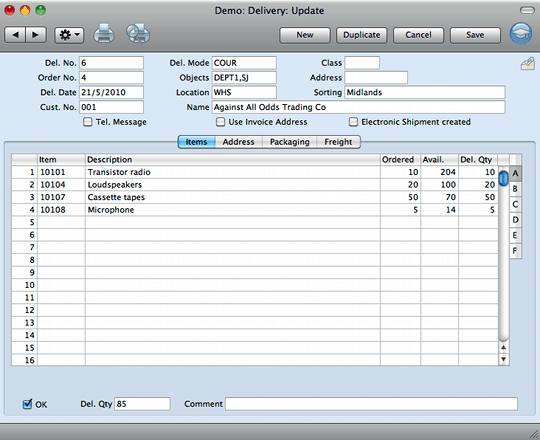

Business Stock Management Example
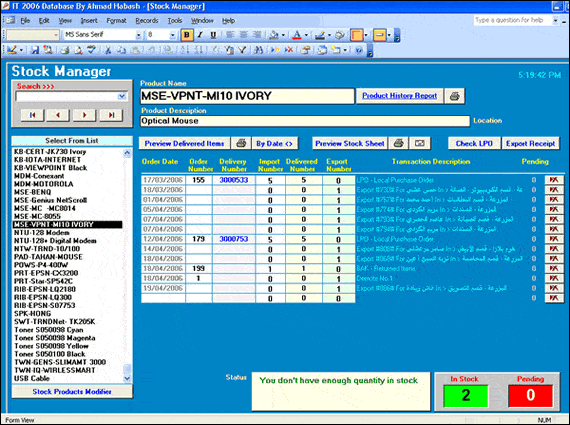
Stock List Management Template in Excel
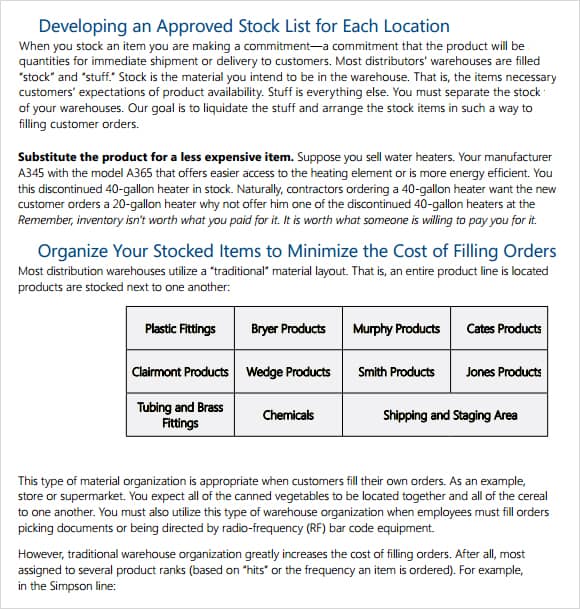
Stock And Inventory Management Sample
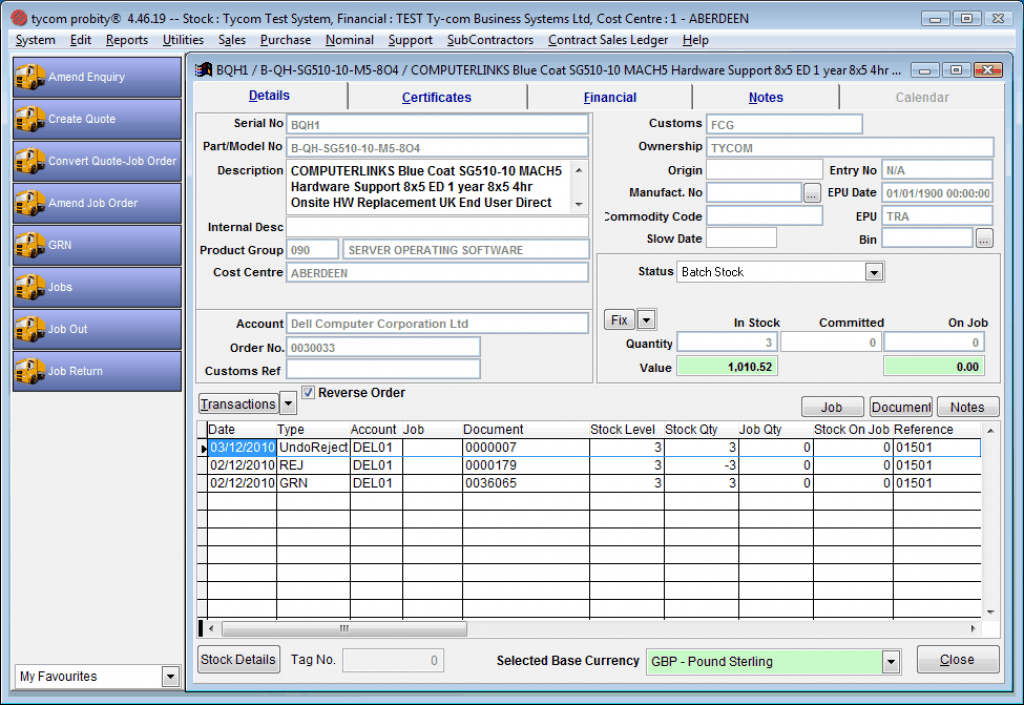
Frequently Asked Questions
What is a stock management template used for?
It helps record movements, locations, and available quantities so a team can understand what is present and what has changed.
How should a stock transfer be recorded?
Show the origin, destination, quantity, date, and shared reference. Confirm receipt and avoid counting the same units as available in both locations.
Is on-hand stock the same as available stock?
Not always. Some units may be reserved, damaged, held, or otherwise unavailable. Define the availability calculation and keep the relevant statuses visible.
Should returned items immediately become available?
Only after they meet the operation’s criteria for usable stock. Record the return and any inspection or condition status before updating availability.
Why should I keep movement references?
References connect entries to receipts, orders, requests, or other evidence. They help explain balances and investigate differences without relying on memory.
How do I handle a count difference?
Check timing, units, duplicate or missing movements, and locations. Preserve the count and explanation, then record an adjustment through the agreed process.
