
Weekly schedule templates give you a view of the commitments and activities spread across seven days. They can help organize work, study, household responsibilities, and personal plans without treating each day as a completely separate problem. The examples below offer several layouts for a weekly overview.
A useful weekly schedule balances fixed commitments with the work you hope to complete. It also leaves room for preparation, rest, and changes. This guide explains how to choose the planning period, distribute tasks realistically, and review the week so unfinished work is handled deliberately.
Decide what the weekly plan covers
Choose whether the schedule will represent one person’s full week, a work role, a household, or a specific project. A page that combines everything can be useful, but only if the labels and level of detail remain understandable.
Write the date range and the people or activities included. Decide whether weekends need the same amount of space as weekdays. A schedule should reflect the actual pattern of the week rather than force every day into identical blocks simply because the template was designed that way.
Place fixed commitments first
Enter appointments, classes, work hours, booked activities, and other commitments with set times. Include the travel or preparation needed around them. This shows how much flexible capacity remains before you assign additional work.
A work schedule can provide the agreed working pattern, while a class schedule can help organize fixed teaching or study sessions. Check for overlaps across these commitments before filling the gaps. Resolving a conflict early is easier than discovering that two responsibilities require your presence at the same time.
Choose the main outcomes for the week
Identify a small number of results that would make the week successful. These might include completing a report draft, preparing for an assessment, organizing a family event, or finishing a stage of a project. Write outcomes that can be recognized.
Keep those outcomes separate from the routine activities that also need time. A week can feel busy without moving an important project forward. The schedule should show where the meaningful work will happen, not simply display the meetings and errands that were easiest to enter.
Break outcomes into practical actions
Translate each larger outcome into actions you can place into the week. “Prepare presentation” may need research, an outline, a first draft, review, and practice. Each stage may depend on the previous one or on information from another person.
For a project with several milestones, a project timeline can hold the larger sequence. Use the weekly schedule for the actions that belong in the current period. This keeps the overview manageable and helps prevent a distant project name from occupying a vague block that never leads to a clear next step.
Estimate the capacity of each day
Look at the remaining time after fixed commitments and normal routines. A day with several appointments may support only short administrative work, while a less interrupted day may suit a larger focused task. Distribute work accordingly.
Do not assume that every open hour can hold demanding work. Include transitions, meals, preparation, and the normal demands of the role or household. If the week’s commitments exceed the available capacity, decide what to move, reduce, delegate, or discuss. The schedule is useful when it reveals this mismatch early.
Use time blocks at a helpful level
Choose a level of detail that supports decisions. Some people need hourly blocks; others need morning, afternoon, and evening sections. A weekly overview can also show daily priorities without specifying exact times for every action.
A weekly time-blocking planner should remain readable. If small blocks become crowded, keep the overview simple and use a separate daily page for detail. The weekly view answers where the work fits across the week; the daily view can guide the next few hours.
Include recurring routines deliberately
Add recurring tasks such as weekly reviews, shopping, preparation, reporting, or household duties. These activities consume capacity even when they are familiar. Recording them helps you avoid planning a major task in time that is already needed for routine work.
Review whether each recurrence still serves a purpose. A copied weekly task can remain on the page long after circumstances change. Keep the schedule current and avoid filling it with automatic entries that nobody actually follows. A small number of maintained routines can make the rest of the week easier to organize.
Leave flexible space for change
Reserve some capacity for unexpected work, delayed tasks, and opportunities that arise during the week. The amount should match the uncertainty in your life or role. A schedule with no room to move becomes fragile as soon as one activity takes longer.
Use flexible blocks for tasks that can shift without affecting others. Keep important dependencies visible so moving one task does not quietly disrupt the next. When a change affects another person, communicate it rather than relying on an updated cell they may not see.
Work through a mixed work-and-study week
Imagine someone working part-time while preparing an assignment. Their fixed work shifts and classes go into the schedule first. They identify two main outcomes: finish the assignment draft and prepare for a group meeting.
The first version places all assignment work on the evening before the deadline. Reviewing the week reveals a longer block earlier and a short period for checking the draft the next day. The plan becomes more reliable by spreading the stages and allowing review, rather than simply adding more late-night hours.
Track tasks that depend on others
Mark work that requires an approval, a reply, or a shared resource. Record the action you can take now and the date you should follow up. A task that is waiting should not repeatedly occupy a block as though it can be completed independently.
If a dependency changes, revise the affected part of the week. Keep a short note explaining what is needed and who owns the next step. This makes the schedule a useful coordination reference rather than a list of results you hope someone else will make possible.
Adapt the schedule for household coordination
Use names or roles when several people share responsibilities. Make the owner of a task clear and confirm the arrangement with that person. A household schedule should reflect agreed commitments rather than assignments that only exist in one person’s planner.
Separate shared events from individual plans if the page becomes crowded. Include practical information such as collection times or the location of an activity only when it helps coordination. Keep one agreed version in a place everyone can access, and decide how last-minute changes will be communicated.
Review the week before carrying work forward
At the end of the planning period, compare the schedule with what happened. Look for tasks that were underestimated, dependencies that were missed, and routines that took more capacity than expected. Keep the review short but specific.
Decide what remains useful and what should be removed or renegotiated. Repeatedly copying an unfinished task without changing the plan can hide an unresolved problem. For study work, a homework planner can help keep deadlines visible while the weekly schedule distributes the actions needed to meet them.
Choose and customize the template
Compare the previews for daily space, time intervals, and the balance between weekdays and weekends. Check the actual resource format and editing options before assuming a file contains formulas or automatic scheduling features. Select the layout that matches the way you plan.
Save a clean original and test one real week before making many copies. Use consistent labels, readable colors, and a clear date range. Print a sample if the schedule will be displayed on paper. Keep the next review date visible so the plan remains connected to the week you are actually living.
Make the weekly view easy to scan
Highlight the few commitments that need immediate attention, but avoid giving every entry the same strong emphasis. A simple legend can distinguish fixed events, flexible work, and items awaiting confirmation. Include text labels so the meaning does not depend only on color.
Check the page on the device or paper size you will use. Long notes can be kept in a task list or supporting document, with a short reference in the schedule. The weekly page should make the shape of the week understandable at a glance, while leaving detailed instructions where they can be read comfortably.
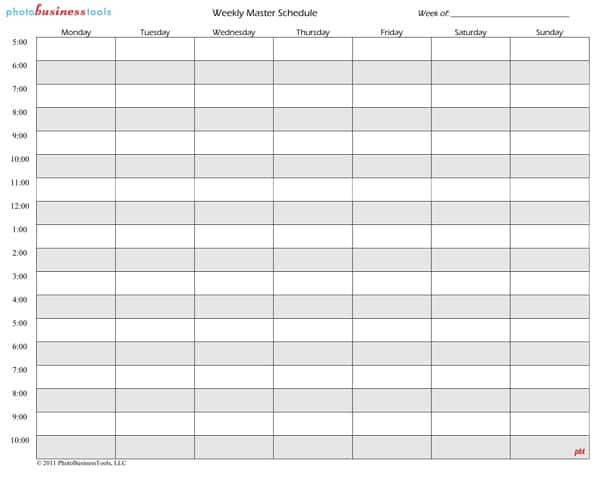
Download Weekly Schedule Templates Here
Weekly Schedule Sample
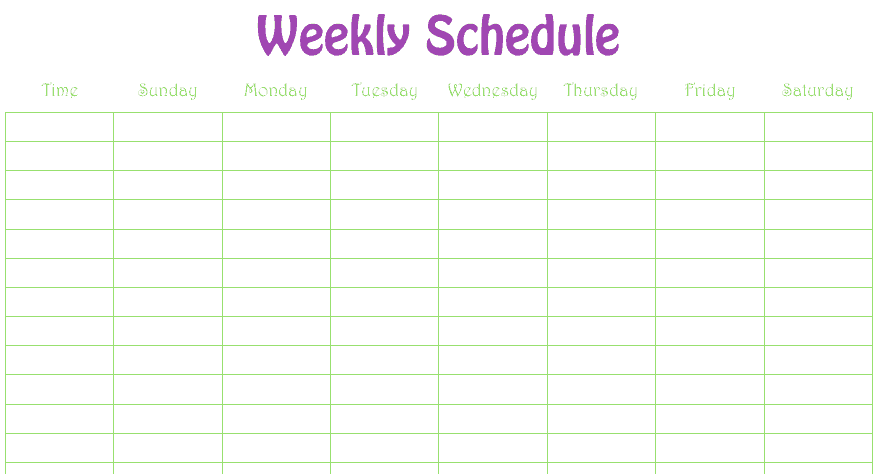

Printable Weekly Schedule For Personal Use
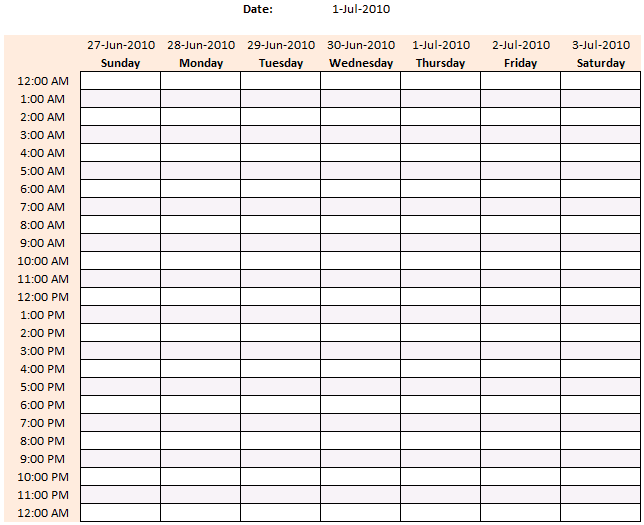
Weekly Schedule PDF
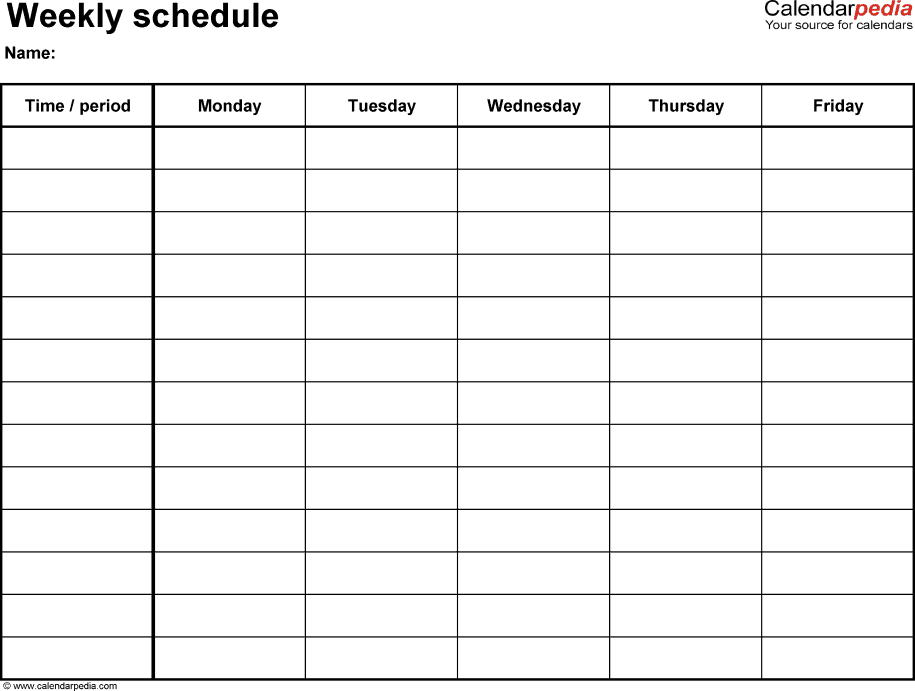
Weekly Schedule Excel
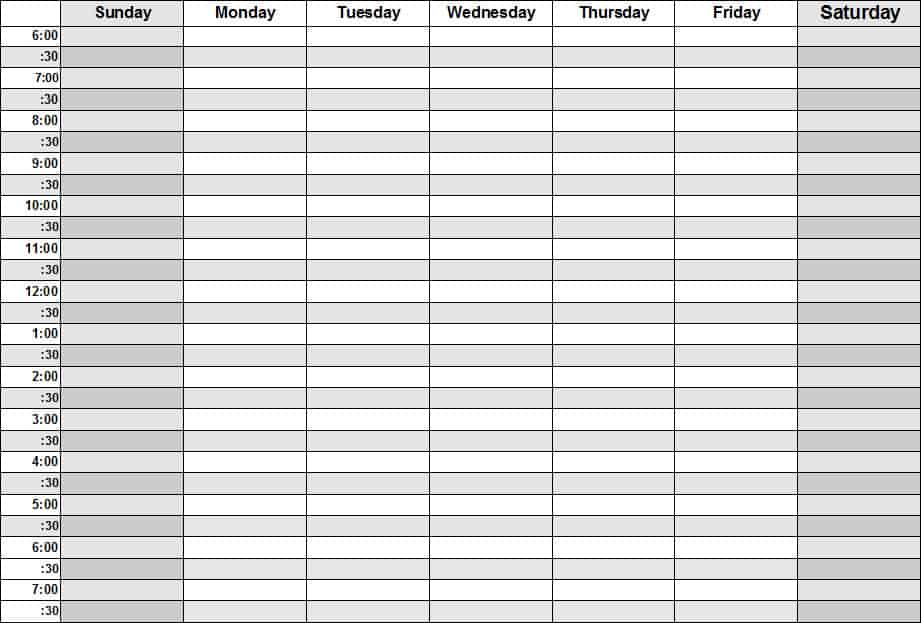
Weekly Class Schedule
Frequently Asked Questions
What should a weekly schedule include?
Include the date range, fixed commitments, priority outcomes, practical task blocks, recurring routines, and flexible capacity. Add owners when several people use the plan.
Should I use hourly blocks?
Use them when they help. A broader morning, afternoon, and evening layout may be easier for some weeks. The right detail depends on how your commitments are organized.
How is a weekly schedule different from a daily planner?
The weekly view distributes work and commitments across several days. A daily planner provides more detail for the immediate working period. They can be used together.
What if the week is already too full?
Identify the mismatch before adding more tasks. Decide what can move, reduce, be delegated, or be discussed with the people relying on the commitment.
Can a weekly template work for a family?
Yes. Label shared events and responsibilities clearly, agree ownership, and keep one current version. Avoid including more personal detail than the shared purpose requires.
How do I handle unfinished tasks?
Review why they remain unfinished and decide the next action. Move them forward only after checking their importance, size, dependencies, and the capacity of the next week.

You must be logged in to post a comment.