
Use monthly attendance sheet templates to record daily attendance consistently across a month with an explained status legend and controlled corrections.
Download Five Editable Monthly Attendance Sheet Templates
Choose the layout that fits your work. Select any preview to see it full size.
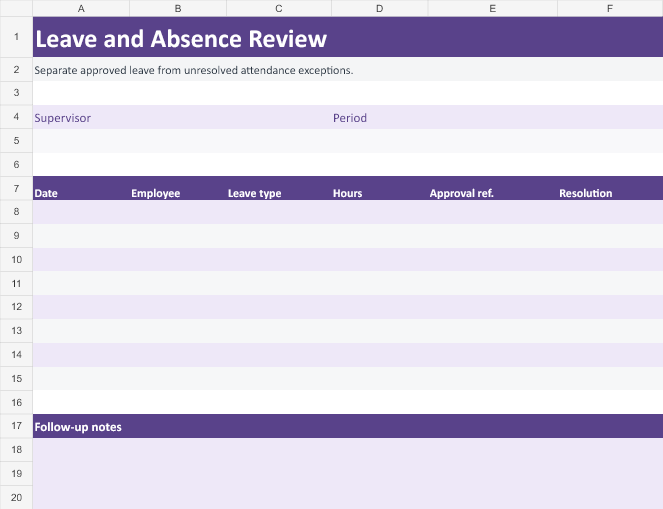
Monthly Attendance Register Template
Enter one row per person and date. Record status and actual attendance times.
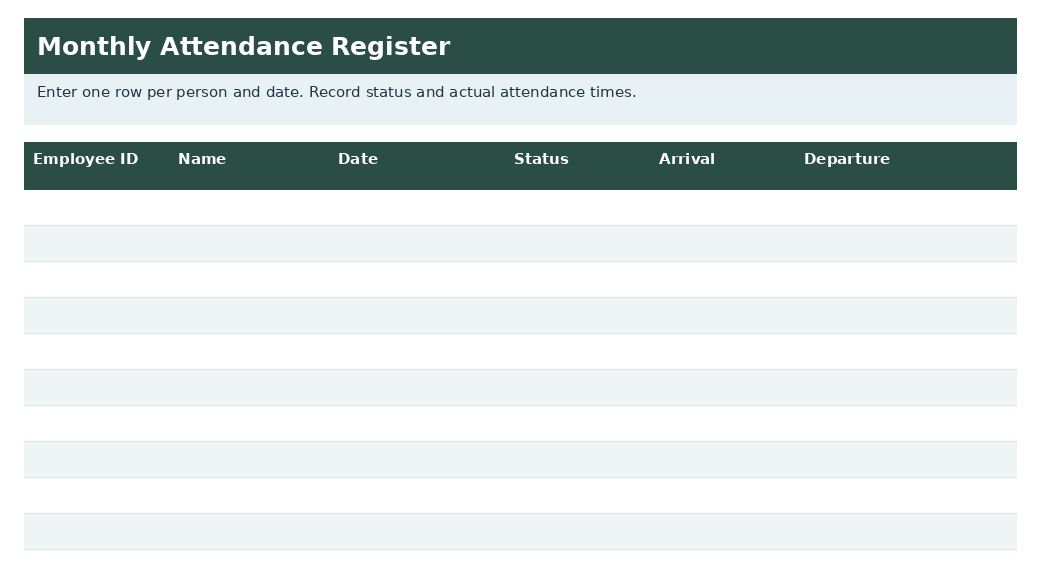
Shift Attendance Register
Capture scheduled and actual shifts for monthly review.
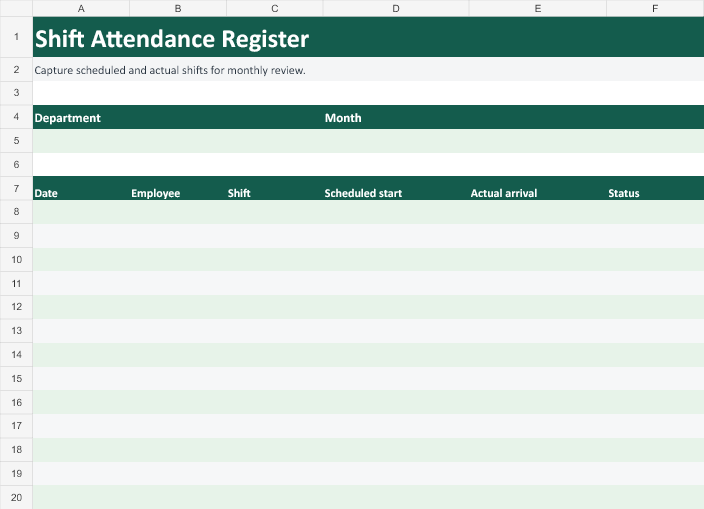
Classroom Roll Call
Track presence, absences, and follow-up by student and session.
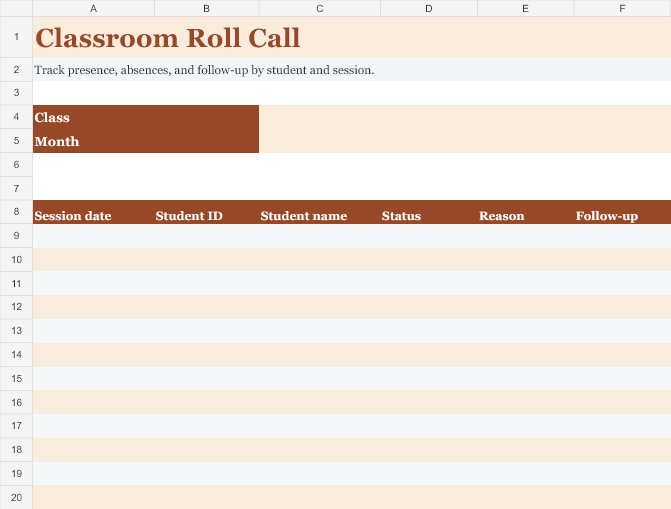
Leave and Absence Review
Separate approved leave from unresolved attendance exceptions.
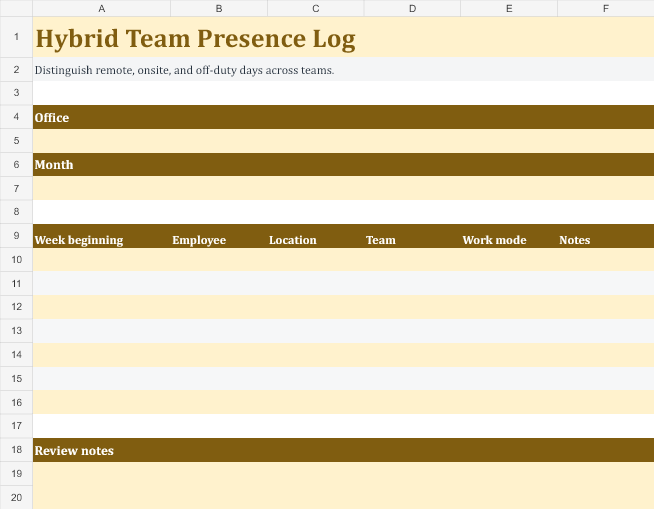
Hybrid Team Presence Log
Distinguish remote, onsite, and off-duty days across teams.
Editable downloads and previews
Use the file links where provided. A preview image alone is not an editable document.
Template previews and source links
Monthly Attendance Sheet Sample
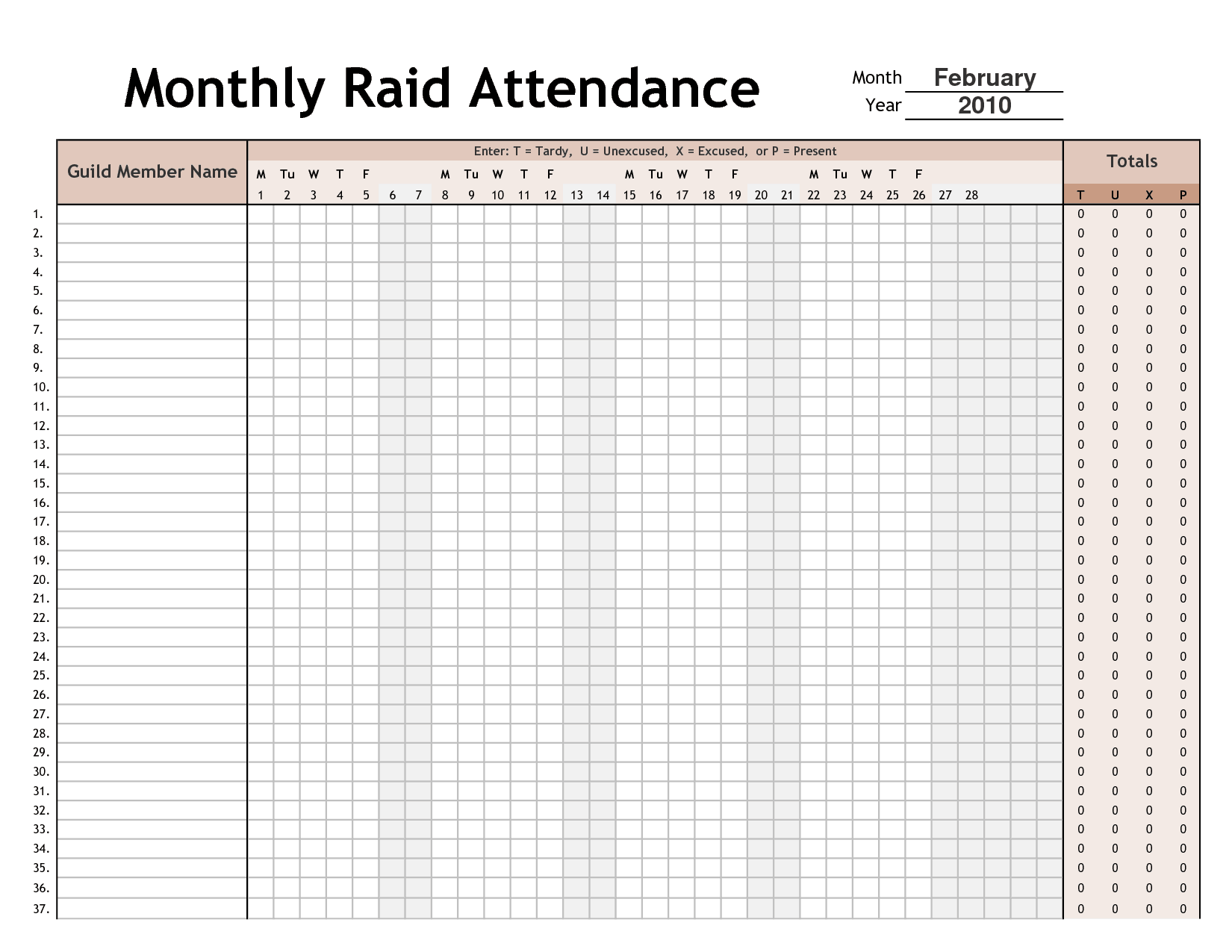 The older external file is unavailable. Its preview is retained for reference.
Monthly Attendance Record of Employees
 The older external file is unavailable. Its preview is retained for reference.
Attendance shows presence or an attendance status. It does not automatically establish hours worked, pay entitlement, or performance. Keep the monthly sheet proportionate to its purpose and protect sensitive reasons for absence from unnecessary disclosure.
Choose a suitable template
Choose a time or attendance layout that matches the recording purpose. Presence, hours worked, project allocation, and payroll classification are related but different records. Define the reporting period and status legend before use. Check that the sheet can accommodate the actual work pattern, including partial days, overnight intervals, or a workweek that crosses a month boundary.
Important details to prepare
Group and month
Identify the team, class, or program and the exact month. Check that the calendar contains the correct number of days. Check the entry against the actual roster or reporting period. A correct value attached to the wrong person or month can still produce an incorrect administrative result.
Roster
Use consistent names or identifiers and record joiners or leavers without silently changing earlier attendance history. Record what happened rather than replacing it with the planned schedule. If the source is unclear, flag the item for review instead of assuming a standard day.
Status legend
Define present, absent, approved leave, late, or other relevant codes. Avoid a code that combines several materially different situations. Use the agreed legend or interval method consistently. A private explanation can remain in a controlled record while the shared sheet uses a proportionate status.
Daily entries
Record attendance promptly using the agreed source. Leave uncertain entries flagged for review rather than guessing. Check calculations using a simple example and keep the relevant units visible. A value written as 7:30 and a decimal value of 7.30 do not mean the same number of hours.
Totals
Count statuses with transparent rules. A late arrival may still be present, so do not double-count or subtract it inconsistently. Retain the daily or interval detail supporting the total. A summary should make review easier without hiding an omission or a duplicate entry.
Review and access
Document corrections and authorized review. Limit access and keep private supporting details in the appropriate separate record. Follow the authorized correction and review process. Approval should confirm the facts and required treatment rather than simply making an incomplete sheet appear finished.
How to complete the template
Record actual facts promptly using the organization’s agreed process. Keep planned schedules separate from recorded activity and resolve missing entries with the appropriate person. Use one time convention consistently and explain the difference between decimal hours and hours-and-minutes notation. Sensitive absence information should use the appropriate private channel rather than a note visible to every colleague using the schedule.
Worked example
A training group uses P for present and A for absent, with a separate late mark that does not change the present count. A participant joins mid-month, so earlier dates are marked not applicable rather than absent. The administrator checks unclear entries with the trainer before finalizing totals.
Check accuracy before use
Review a typical day and an unusual day before relying on the layout. Check interval arithmetic, dates around midnight, break handling, and the relationship between daily and period totals. Make sure allocated project hours do not exceed actual recorded time through duplication. Pay and leave treatment depend on applicable rules and policy; a template’s default formula or label is not authority for a legal conclusion.
Related resources for the next step
Use attendance Excel templates to compare daily recording layouts.
Use attendance register templates to maintain a detailed register.
Use class schedule templates to check the sessions that were actually scheduled.
Record a month of attendance without guessing from blank rows
Set up your Excel workbook with one row per employee and date. Put each person’s identifier beside the display name. If a row is empty, check whether nobody recorded the shift or the person was not scheduled. Those are different results, so use a status that makes the distinction visible before adding the data to a monthly summary.
Set up status values for the record you need
Agree on the exact labels your reviewers will use, such as present, approved leave, or not scheduled. Avoid leaving different spellings for the same status. If you later filter the sheet or use a count formula, inconsistent labels can split what should be one category. Save the accepted values beside the workbook notes.
Review an incomplete time record
If someone’s arrival time is present but their departure time is blank, flag the row for follow-up. Check with the appropriate record owner before completing it. Distinguish a missing time from a zero-length shift, because automatic calculations may show an unexpected value when one side of the time record is absent.
Keep staff who share a name separate
Use a consistent employee ID for filters and totals. A changed surname or spelling can lead to two apparent employees if reports group by name alone. Check names by identifier when importing from another list and keep the active display name consistent with the current source record.
Control what you add to the month-end summary
Count statuses for the reporting period and make sure the denominator matches the intended measure. For example, scheduled days are different from all calendar days. If a person joined partway through the month, record their actual start date or scheduled shifts before calculating any rate.
Check the print layout or shared workbook copy
Before sharing, filter to the month being reviewed and check that the headers are visible. Keep any supporting detail in the appropriate personnel record. If the recipient needs attendance totals only, share the approved summary so the record remains easy to read.

You must be logged in to post a comment.